

A4 envelope address template designs you can edit
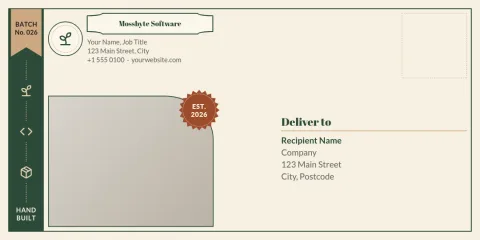
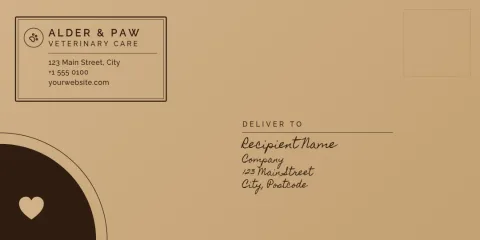
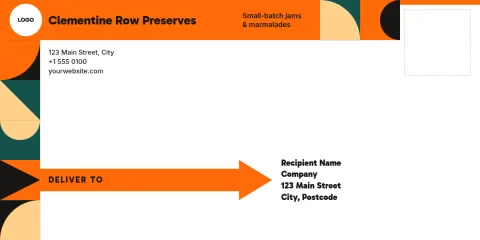
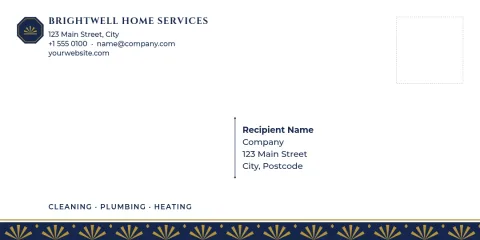
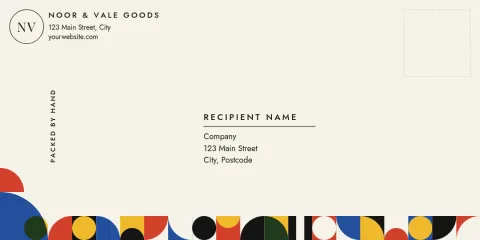
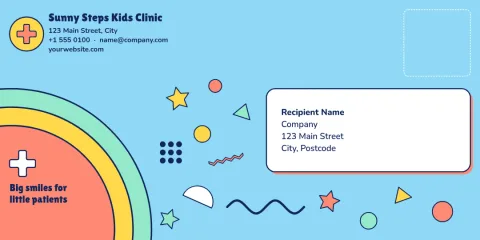
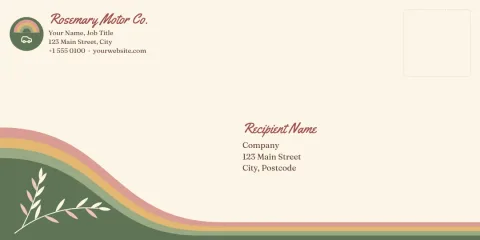
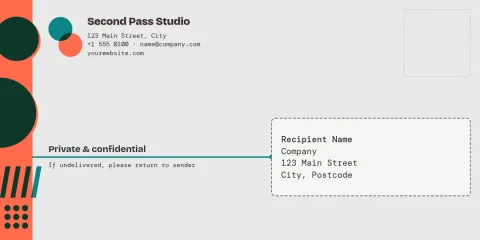
Start with an a4 envelope address template that already has a clear spot for the recipient and a return address. Change the text, fonts and colours in your browser, add your logo, then download a PDF or PNG. Eight layouts below, from plain business to warm and personal.
What these templates give you
Each template sets out a recipient block, a return address and room for a logo or small graphic. The spacing is already worked out, so you only replace the words. Pick a layout that matches your mail, whether that is invoices, client letters or wedding stationery, and adjust it until it looks like your business.
Edit the details in your browser
Nimply Design is a graphic design editor that runs in the browser and is part of every Nimply plan, including Free. Change the text, fonts, colours, photos and layout. If you have a brand kit, it keeps your colours, fonts and logo ready so every envelope matches your other stationery.
Download and check before you print
Download your design as a PDF (standard or vector), PNG, JPG, WebP or SVG. Downloading a template does not use AI credits. Before printing a batch, print one test copy on plain paper and hold it against your envelope to check that the address sits where you want it, especially with window envelopes.
Frequently asked questions
Can I edit the address text?
Yes. Click any text block to change the words, font, size and colour. You can also move blocks, resize them or delete the ones you do not need, such as the logo area or a decorative line.
Which file should I download for printing?
A PDF is usually the best choice for printing, and the vector PDF keeps text and shapes sharp at any size. PNG and JPG work if you plan to place the design inside another document.
Will the address line up with a window envelope?
Window positions differ between envelope makers, so measure yours. Move the recipient block to match, print a test on plain paper, and hold it over the envelope before printing a full batch.
Can I add my logo and brand colours?
Yes. Upload your logo and change the colours by hand, or use a brand kit so your colours, fonts and logo are saved and ready for every new design.
Does downloading a template cost anything extra?
No. Downloading a template does not use AI credits. Credits only apply to AI photo tools such as the background remover and Magic Layers.
Make it yours in minutes
Open any template in Nimply Design, add your brand in one click, and send it straight into a post for approval and scheduling.