

Check envelope template designs you can edit online
Sending payments, refunds or rent? Start from a check envelope template, add your return address and logo, and make it look like it came from a real business. Edit everything in your browser, then download the design as a PDF, PNG or SVG.

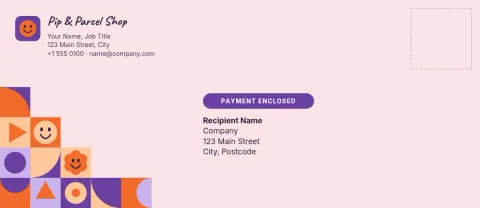
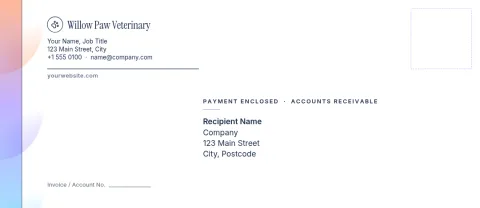
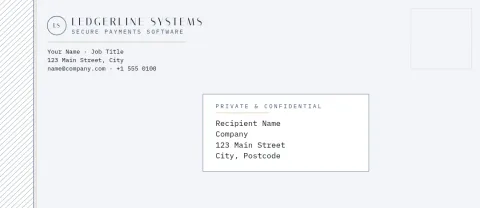
What a check envelope template is for
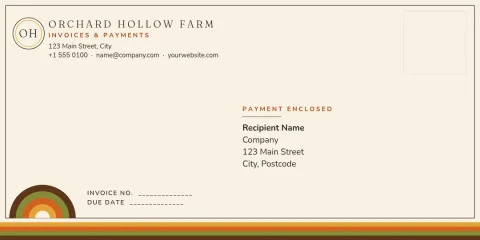
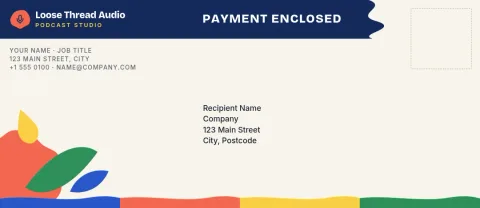
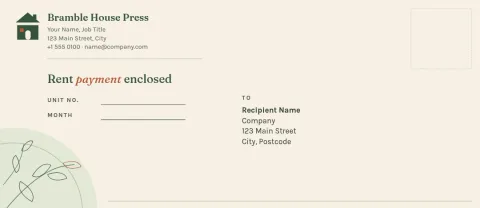
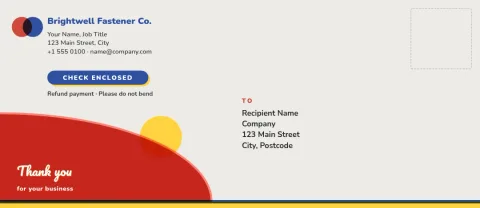
A check envelope is the envelope you use to mail a payment: a vendor bill, a refund, a donation or a monthly rent check. These templates give you a clean layout with a return address, an optional logo and a short line such as Payment enclosed. You change the words and colours to match your business.
Choose a size before you edit
Most checks fit a standard business envelope, so the #10 size is the usual pick. A DL layout is also here for businesses that mail in that size. Choose the size first so your address block and logo sit where you want them, then fill in your details.
Keep your brand on every payment
Add your logo, fonts and colours by hand, or use a brand kit so every envelope matches your invoices and letterheads. Upload your own photos or artwork, or leave them out for a plain, professional look. Check the layout against your own envelopes before you send.
Download and use the design
When the design is ready, download it as a PDF (standard or vector), PNG, JPG, WebP or SVG. Downloading a template does not use AI credits. Those are only used if you choose AI photo tools such as the background remover for a logo.
Frequently asked questions
What size is a check envelope?
Most checks are mailed in a standard #10 business envelope, so that is the usual choice. Nimply also has a DL envelope size. Pick the one that matches the envelopes you actually have, then place your address and logo.
Can I add my own logo and address?
Yes. You can edit the text, fonts, colours and layout, and add your own logo or photos. If you set up a brand kit, it keeps your colours, fonts and logo ready for each new envelope.
What file formats can I download?
You can download PNG, JPG, WebP, PDF (standard or vector) or SVG. Pick the format that suits how you plan to use the design.
Do these templates cost AI credits?
No. Downloading a template does not use AI credits. Credits are only used for AI photo tools like the background remover and Magic Layers. The Design editor is included in every Nimply plan, including Free.
Make it yours in minutes
Open any template in Nimply Design, add your brand in one click, and send it straight into a post for approval and scheduling.