

Wedding buffet menu template designs you can edit online
Pick a wedding buffet menu template, swap in your dishes and stations, and match the colours to your wedding. Each design is ready to edit in your browser, in A4, tall or Instagram sizes. Download it when it looks right.
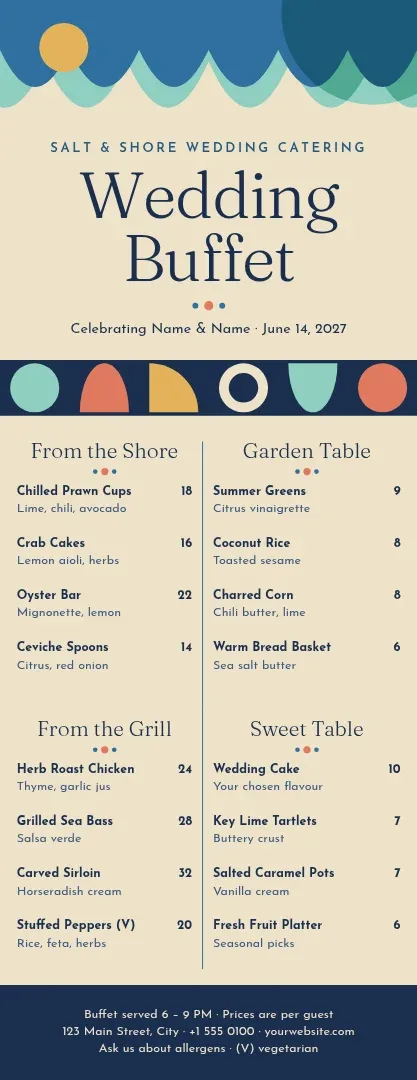
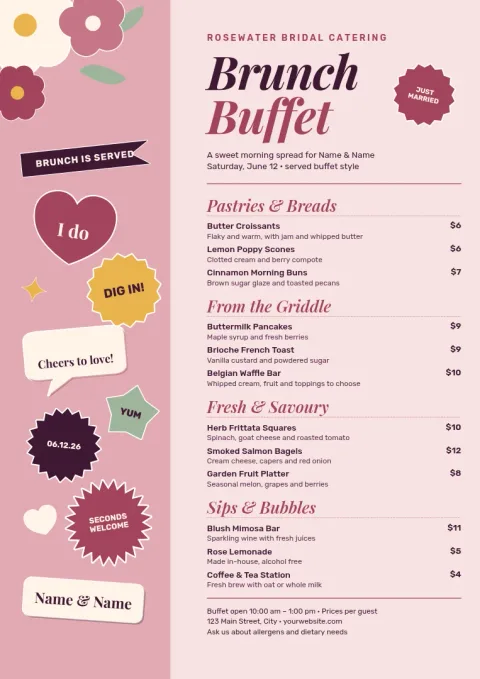
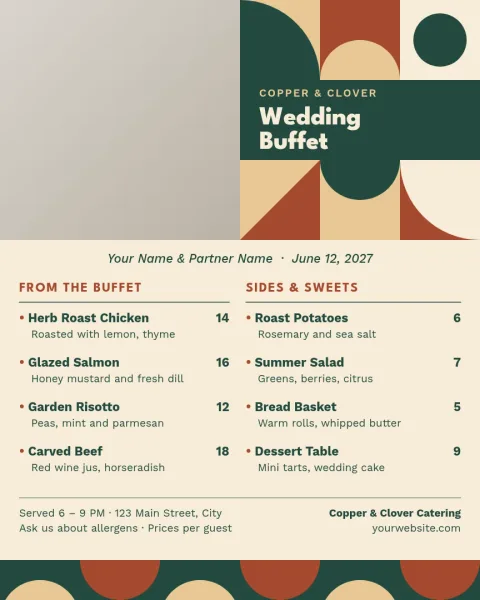
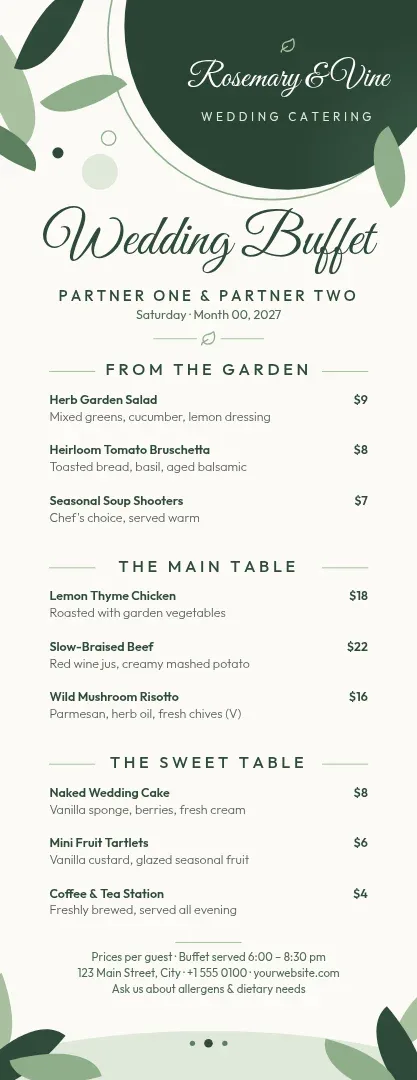
What a buffet menu needs to show
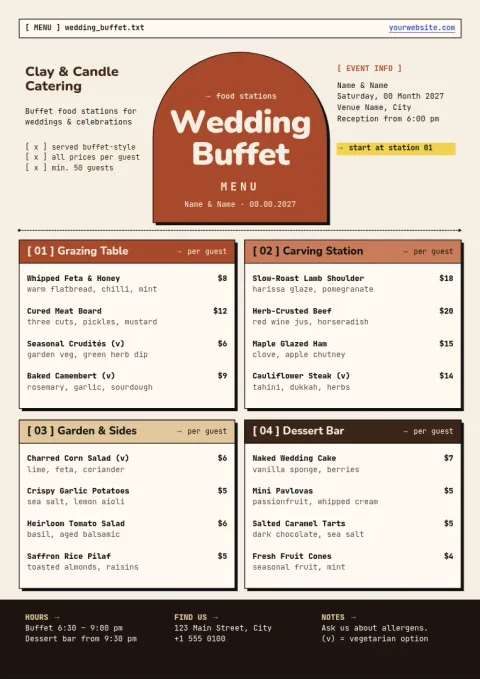
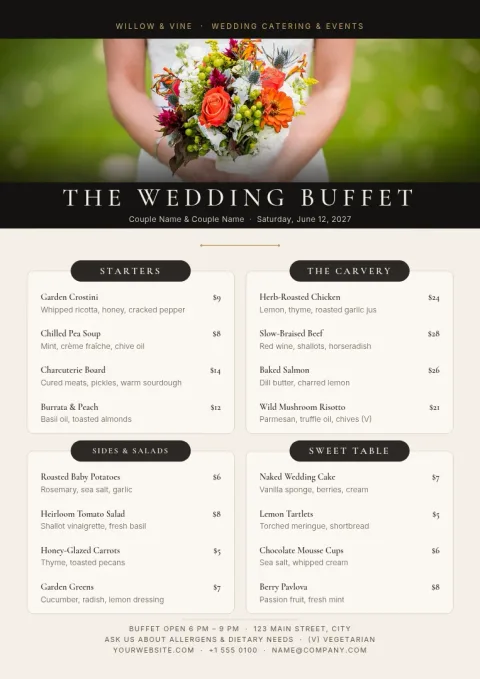
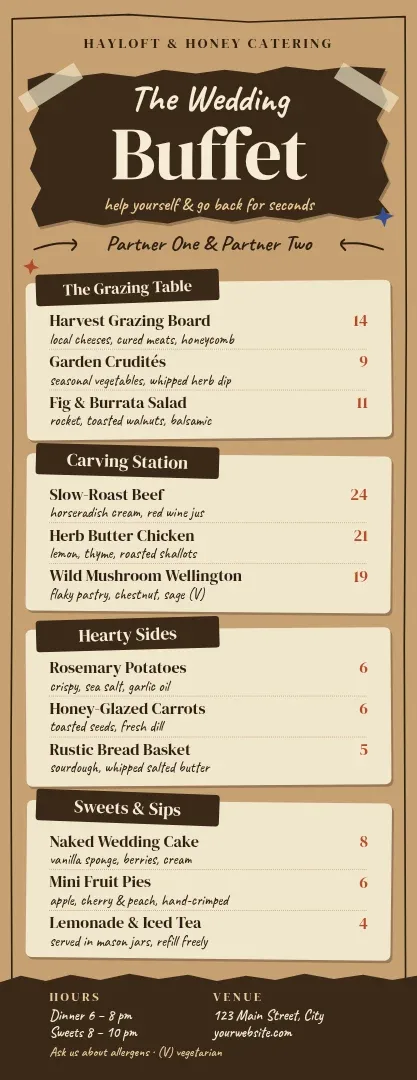
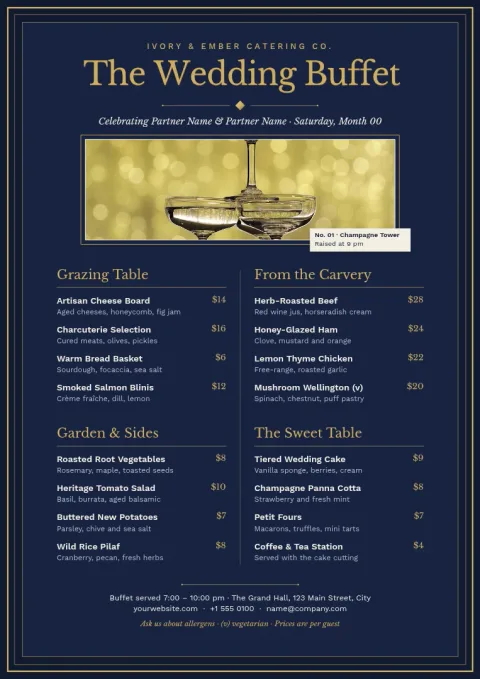
Guests walk up to a buffet and want to know what is on each dish, fast. Group items by station or course, such as mains, sides and desserts. Add short notes for allergens or dietary needs. Every template here leaves room for those groups, so you can fill them in without redrawing the layout.
Change anything in the editor
Open a template in Nimply Design and edit the text, fonts, colours, photos and layout. If you work with a caterer or planner, a brand kit can keep your wedding colours, fonts and logo the same across the menu and the rest of your designs.
Sizes for the table and the screen
Choose A4 for a full menu, a tall format for a narrow card or sign, or an Instagram post size to share the menu with guests ahead of the day. You can download as PNG, JPG, WebP, PDF or SVG. Downloading a template does not use AI credits.
Choosing a style
Match the menu to the venue and the season. Clean ivory suits formal halls, greenery suits gardens, and dark navy suits evening receptions. Keep the dish list short and use one or two fonts so it stays easy to read from a few steps away.
Frequently asked questions
Can I edit the dishes and prices?
Yes. Every text block is editable, so you can change dishes, station names, dietary notes and any prices. You can also change fonts, colours and the layout, and add your own photos.
Which file types can I download?
You can download PNG, JPG, WebP, PDF (standard or vector) or SVG. Pick the one that suits where the menu will be used, for example PDF for a document or PNG for a social post.
Is the editor free?
Nimply Design is part of every Nimply plan, including Free. Downloading a template does not use AI credits. Only the AI photo tools, such as the background remover, do.
Can I keep my wedding colours across designs?
Yes. A brand kit stores your colours, fonts and logo, so the menu, signs and invitations can share the same look.
Can I share the menu on social media?
Yes. Use the Instagram post size, then download it or send the design into a Nimply post for approval and scheduling.
Make it yours in minutes
Open any template in Nimply Design, add your brand in one click, and send it straight into a post for approval and scheduling.