

Salon menu template for services and prices
Choose a salon menu template, swap in your services and prices, and download it when it looks right. Each design is editable in your browser, so you can match your colours, fonts and logo without starting from a blank page.
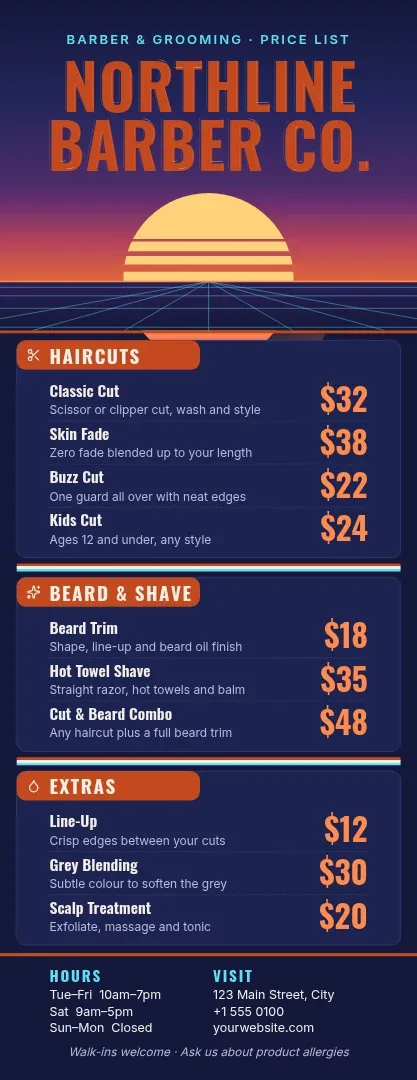
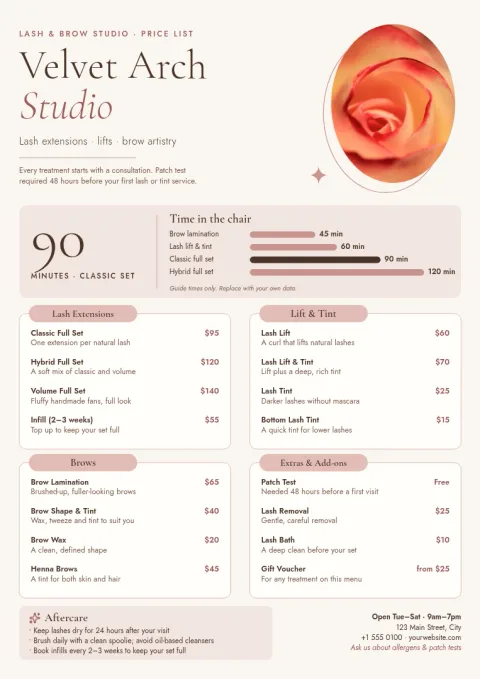
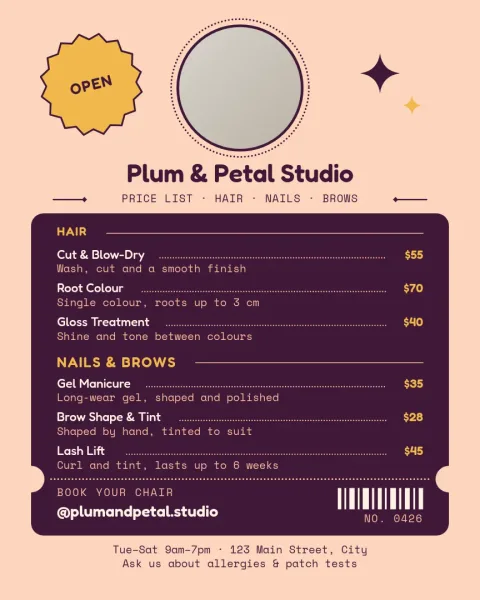
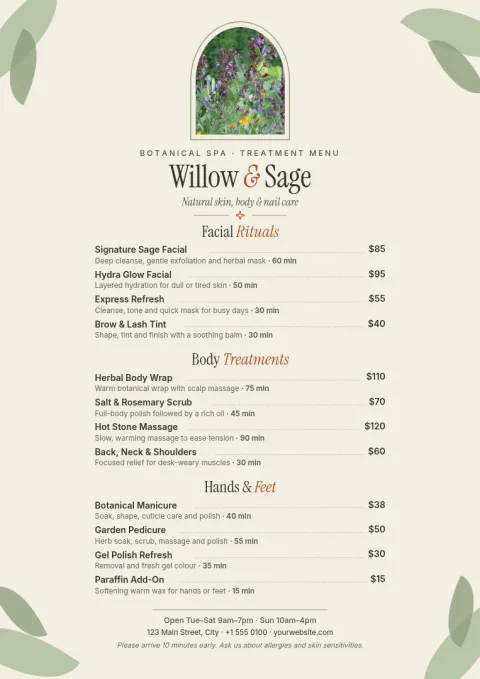
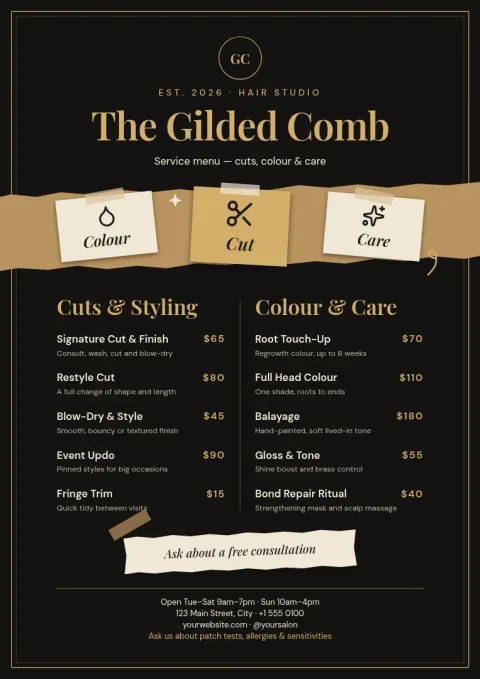
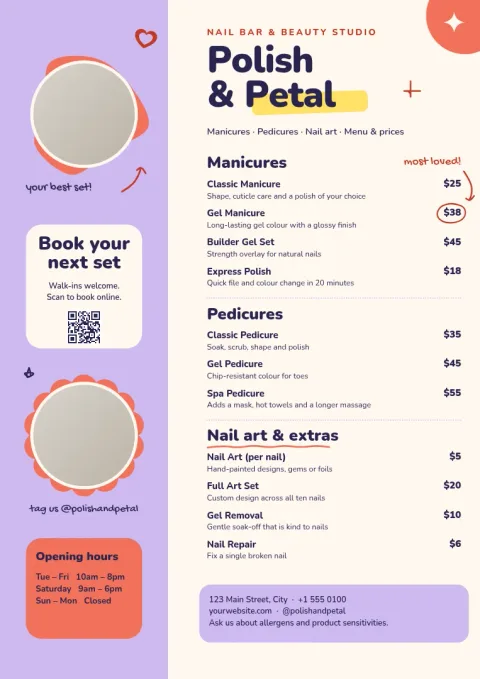
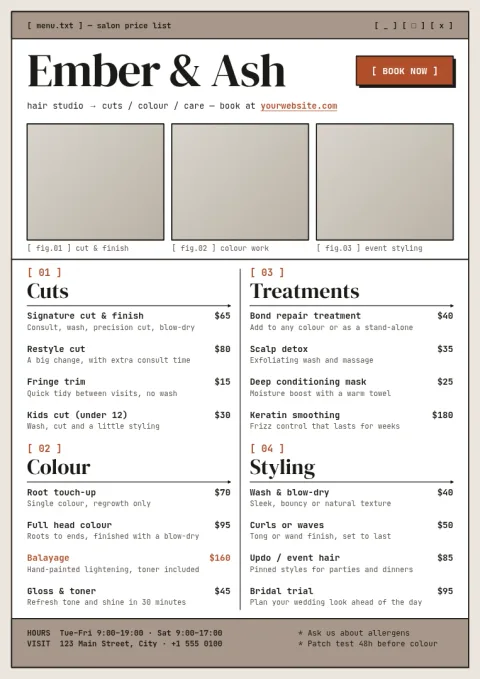
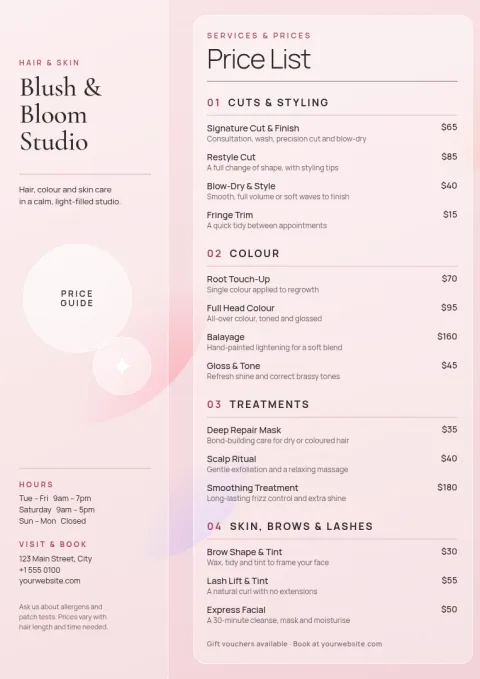
Pick a layout that fits your services
A short list of cuts and colour needs a different layout from a spa with thirty treatments. Start with a single-column list for a small menu, or a two-column grid for a longer one. Every template here uses text, shapes and photo placeholders, so you can add or remove rows as your services change.
Make it look like your salon
Change the text, fonts, colours, photos and layout in the editor. If you set up a brand kit, your colours, fonts and logo stay ready for every new design. That keeps your printed menu, your Instagram post and your booking page looking like they belong together.
Download or share the design
Download your menu as a PDF (standard or vector), PNG, JPG, WebP or SVG. Need it on social media? Send the design straight into a Nimply post for approval and scheduling. Downloading a template does not use AI credits. Only AI photo tools, like the background remover, do.
Keep prices easy to read
Clients scan a menu quickly, so group services under clear headings such as Hair, Nails and Skin. Put prices in a steady column, use one accent colour for highlights, and leave space between sections. A small note about patch tests or deposits fits well at the bottom.
Frequently asked questions
Can I edit the prices and services?
Yes. Every text block is editable, so you can rewrite service names, prices and descriptions. You can also change fonts, colours, photos and layout, and add or remove rows to fit your own menu.
What file types can I download?
You can download PNG, JPG, WebP, PDF (standard or vector) or SVG. PDF is a common choice for a menu you want to keep sharp at any size.
Does Nimply print the menu for me?
No. Nimply is a design editor, so you download the file. You can then take it to the printer of your choice or share it online.
Do I need to pay to use these templates?
Nimply Design is part of every plan, including Free. Downloading a template does not use AI credits. AI photo tools, such as the background remover, do use credits.
Can I share the menu on Instagram?
Yes. Pick the Instagram post size, or send your finished design into a Nimply post for approval and scheduling.
Make it yours in minutes
Open any template in Nimply Design, add your brand in one click, and send it straight into a post for approval and scheduling.