

Menu template blank designs you can edit online
A good menu starts with a clean layout and room for your own dishes. These eight blank menu templates give you the structure, type and spacing. You add the items, prices and photos, then download the file or send it to a post.
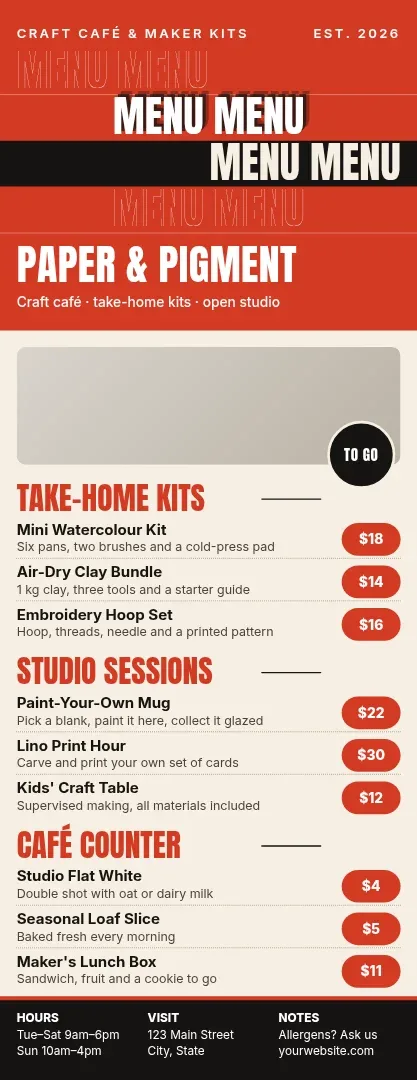 Tall takeaway menu in bold red and cream
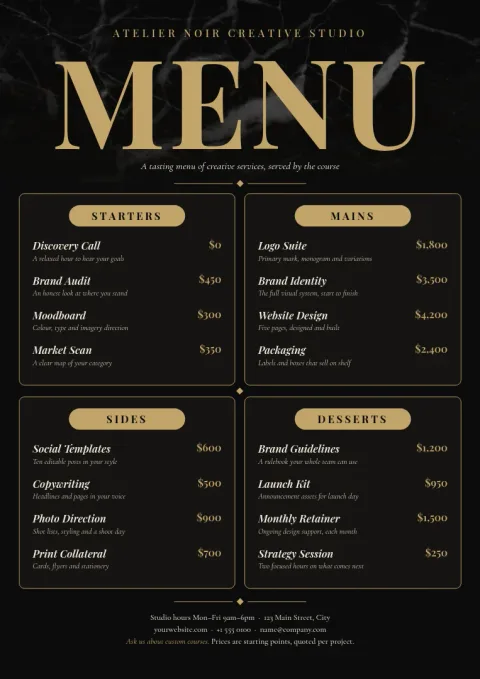 Elegant fine dining menu in black and gold
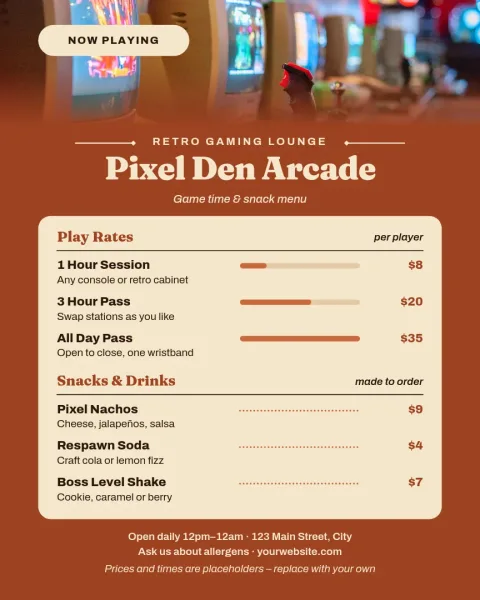 Instagram menu post in warm terracotta
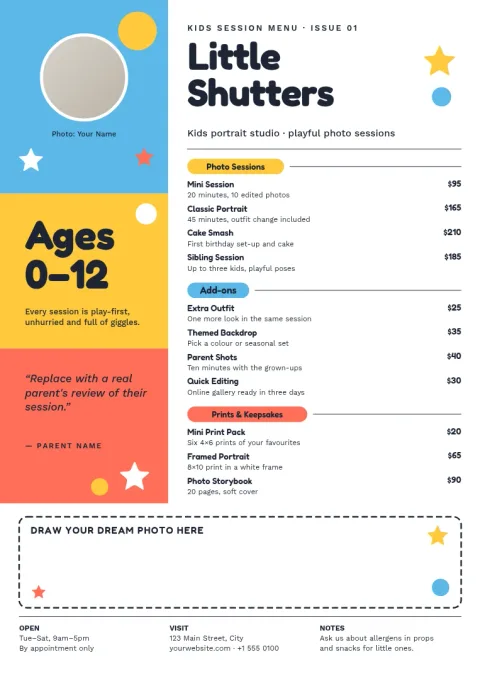 Kids menu with playful colour blocks
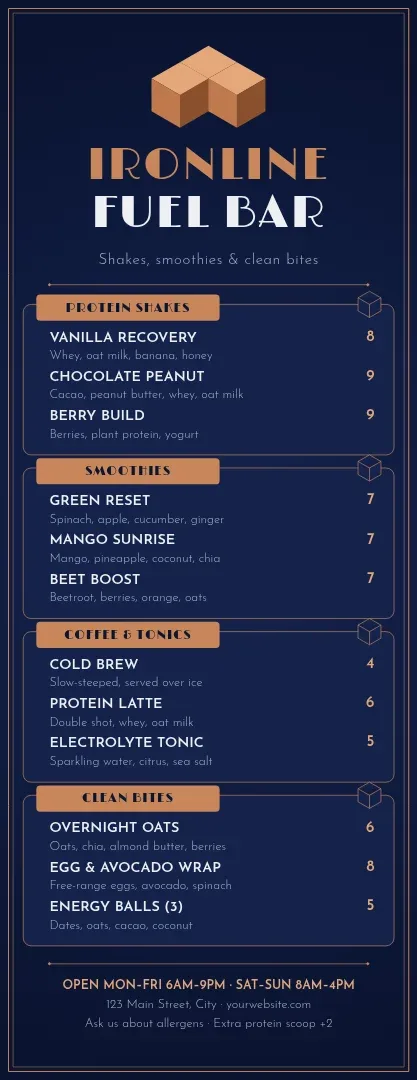 Cocktail bar menu in deep navy and copper
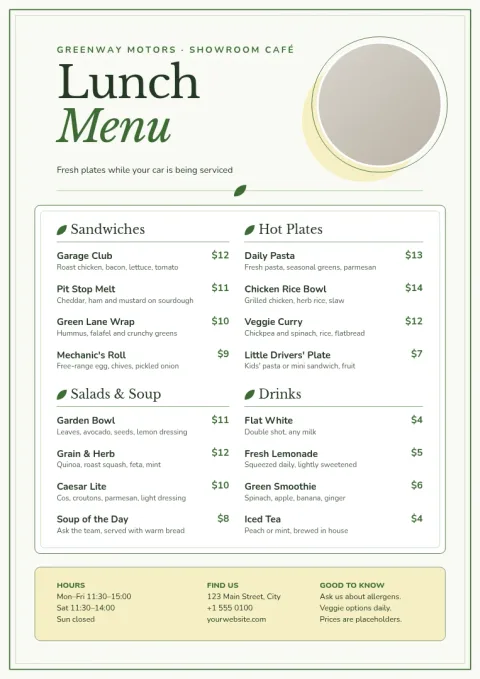 Fresh green lunch menu with photo corner
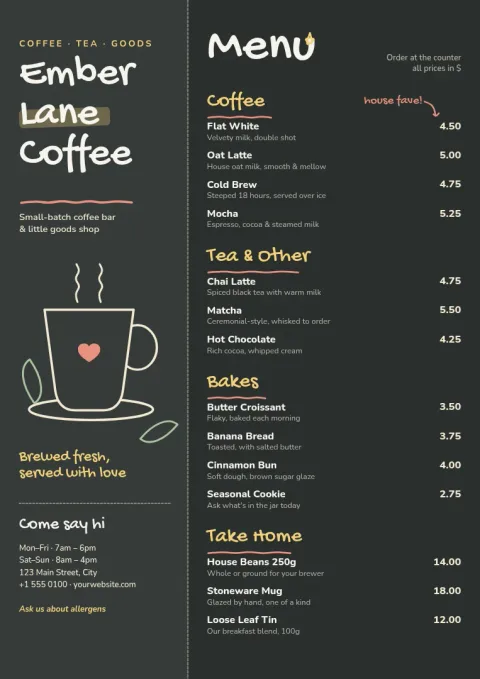 Café chalkboard menu in cream chalk
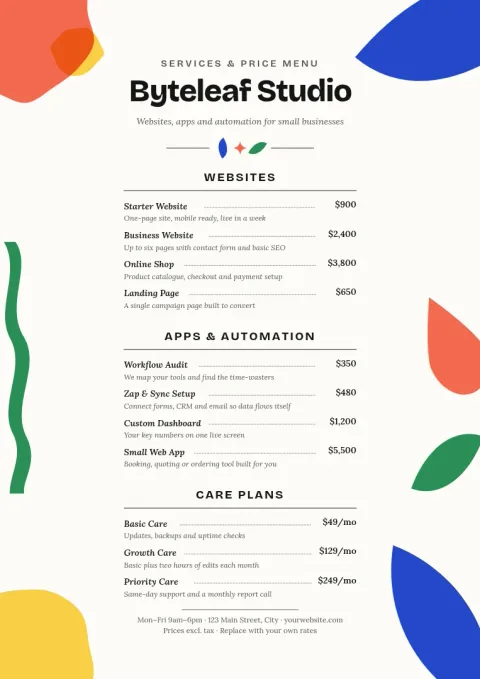 Plain white A4 menu with price lines
What a blank menu template gives you
Each template has sections, headings and price lines already placed, with sample text you replace. You are not starting from an empty page, and you are not fighting a layout that was never meant for food. Swap the placeholder names for your own items, delete the sections you do not need and keep the ones you do.
Make it match your business
Change fonts, colours, photos and layout in the browser editor. If you save a brand kit, your colours, fonts and logo are ready to apply, so the menu looks like the rest of your signage and social posts. Photo placeholders hold your own pictures, so nothing in the layout depends on a particular image.
Pick the size that fits where it will be used
The set covers A4 menus for tables and counters, tall menus for narrow stands and takeaway cards, and 4:5 Instagram posts for sharing a menu or a price update online. Choose the size first, then the style. All of them can be resized by editing the layout if your needs change.
Download or send to a post
Download your finished menu as PDF (standard or vector), PNG, JPG, WebP or SVG. Or send the design straight into a Nimply post for approval and scheduling. Downloading a template does not use AI credits. Those are only used by AI photo tools such as the background remover.
Frequently asked questions
Is a blank menu template really empty?
Not completely. Each one has a finished layout with sample headings, items and prices. Think of it as blank for your content: you replace the sample text and keep the structure, or remove anything you do not need.
Can I change the colours and fonts?
Yes. You can edit text, fonts, colours, photos and layout. With a brand kit saved, your colours, fonts and logo are kept together, so applying them takes a few clicks.
Which file formats can I download?
PNG, JPG, WebP, PDF (standard or vector) and SVG. PDF is usually the easiest choice for a menu you plan to share as a document.
Do I need a paid plan to use these templates?
Nimply Design is part of every plan, including Free. Downloading a template does not use AI credits. Only AI photo tools, like the background remover and Magic Layers, do.
Make it yours in minutes
Open any template in Nimply Design, add your brand in one click, and send it straight into a post for approval and scheduling.