

Thanksgiving dinner menu template for your table
Choose a thanksgiving dinner menu template, swap in your own dishes, and have a menu ready for the table or your guests' phones. Each design below is editable in your browser. Change the text, fonts, colours and photos, then download it as a PDF, PNG or JPG.
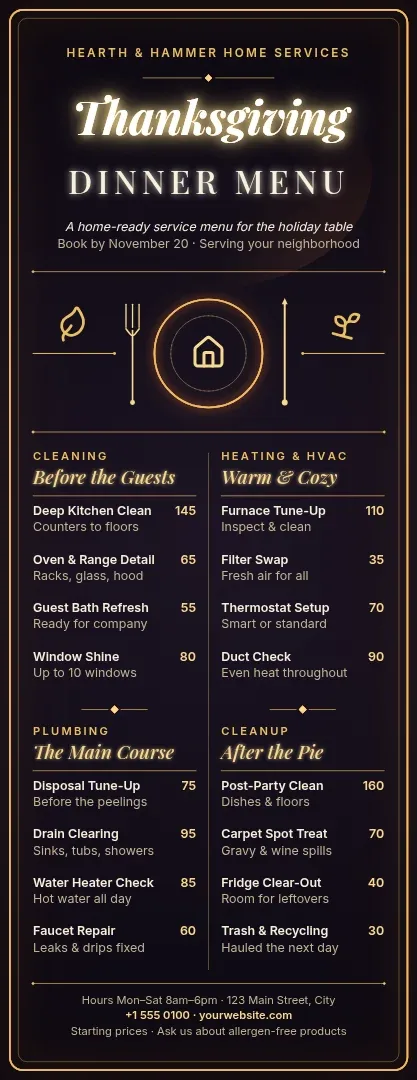
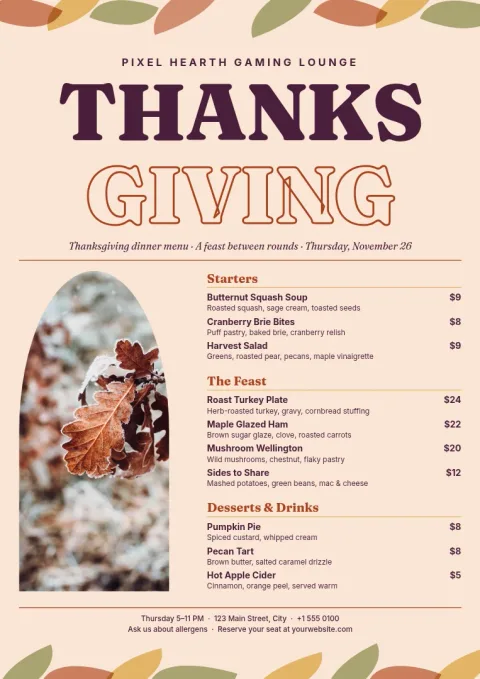
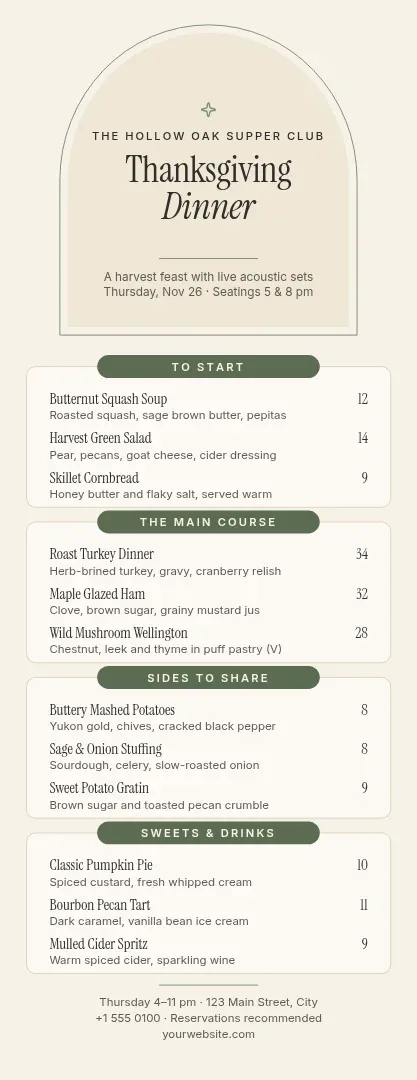
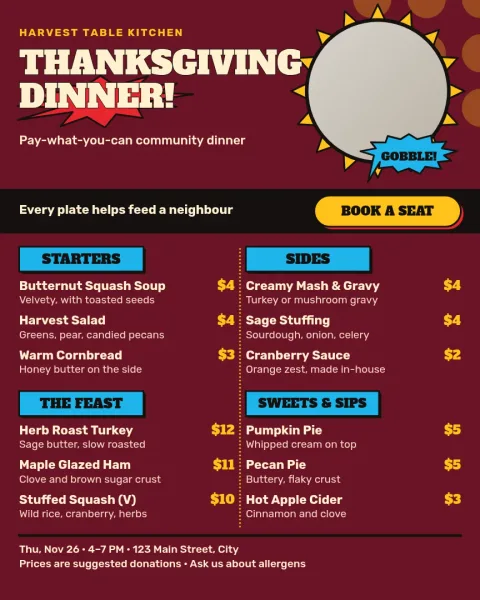
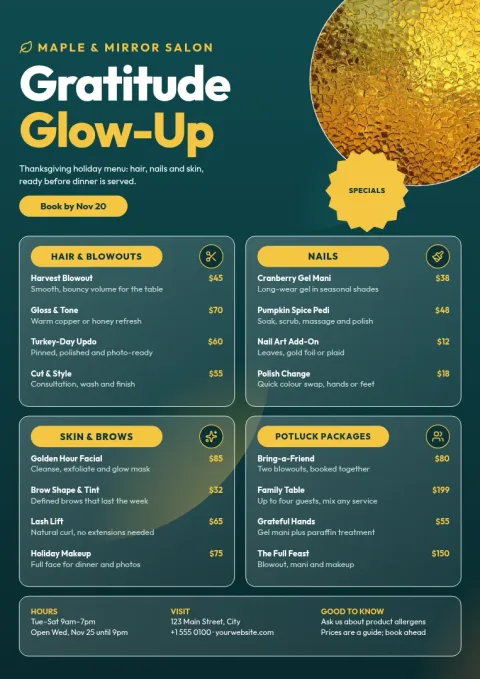
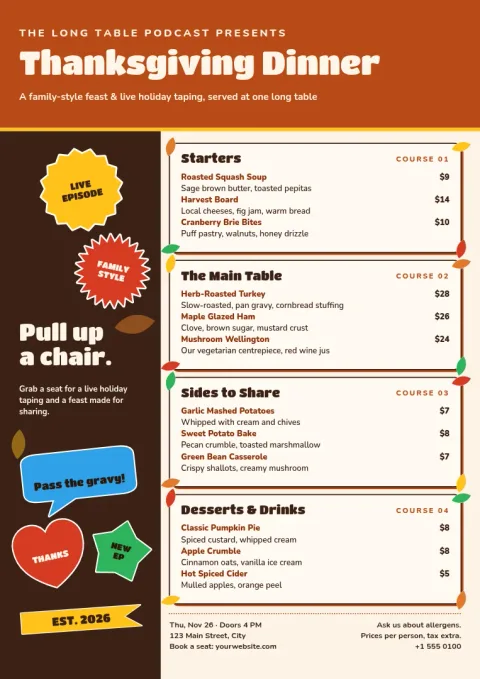
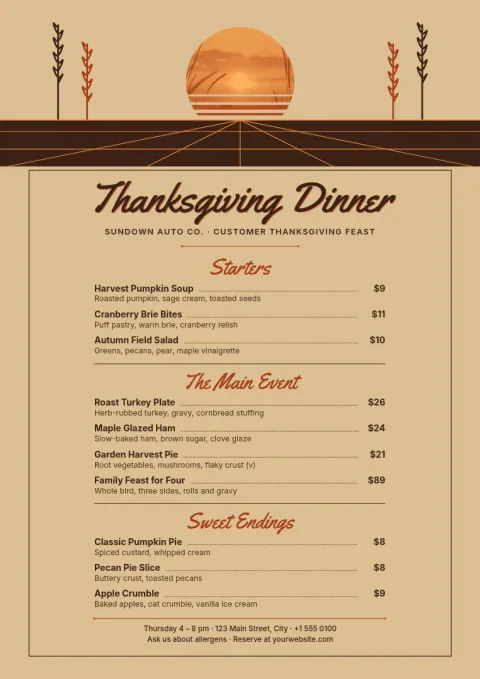
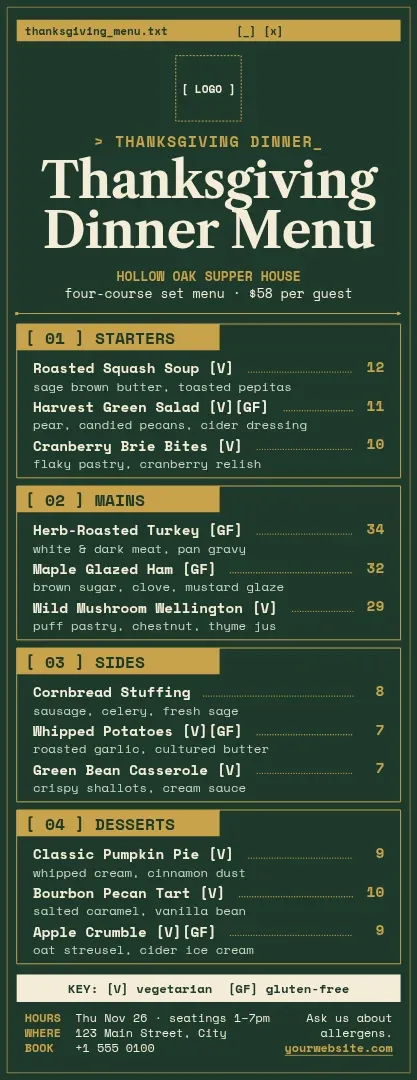
Choose a layout that fits how you serve
A family dinner at home, a set-price restaurant night and a potluck all need different menus. Start with a tall single-card menu for place settings, an A4 page for a framed or handed-out menu, or an Instagram-sized post to announce a holiday special. Every layout is a starting point you can rearrange.
Edit the menu in minutes
Replace the starters, mains, sides and desserts with your own. Change fonts and colours to match your table or your restaurant, and swap the photo placeholders for your own pictures. If you have a brand kit in Nimply, it keeps your colours, fonts and logo ready to apply.
Download or send it to a post
When the menu looks right, download it as PNG, JPG, WebP, PDF (standard or vector) or SVG. Planning to announce a holiday menu online? Send the design straight into a Nimply post for approval and scheduling. Downloading a template does not use AI credits.
Frequently asked questions
Can I edit the dishes and prices?
Yes. Every text block is editable, so you can rewrite the courses, add dietary notes or enter prices. You can also change fonts, colours, photos and layout. Delete any section you do not need, such as prices for a home dinner.
What file formats can I download?
You can download PNG, JPG, WebP, PDF (standard or vector) or SVG. PDF suits a menu you want to share as a document. PNG or JPG works well for texting guests or posting online.
Which menu size should I pick?
Use the tall menu for a narrow card at each place setting, A4 for a full page menu, and the Instagram 4:5 post for sharing a holiday special on social media.
Does using a template cost AI credits?
No. Downloading a template does not use AI credits. Credits are only used by AI photo tools such as the background remover and Magic Layers, if you choose to use them.
Make it yours in minutes
Open any template in Nimply Design, add your brand in one click, and send it straight into a post for approval and scheduling.