

Create menu template designs you can edit in minutes
Pick a menu layout, swap in your dishes and prices, and make it match your brand. Every template opens in the Nimply design editor, so you can change text, fonts, colours, photos and layout, then download it or send it into a Nimply post.
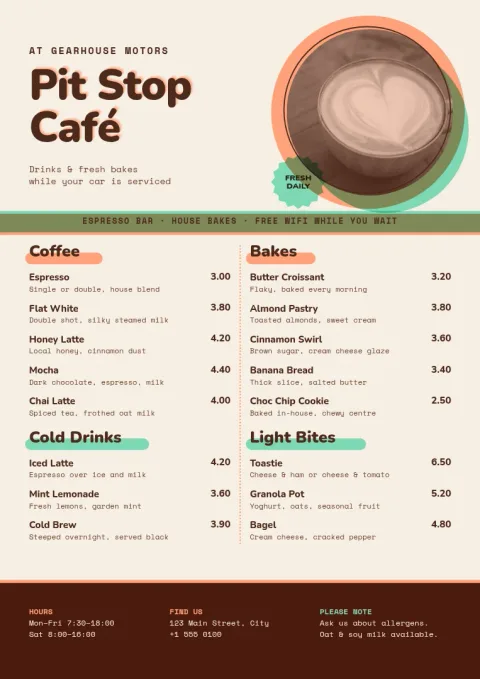
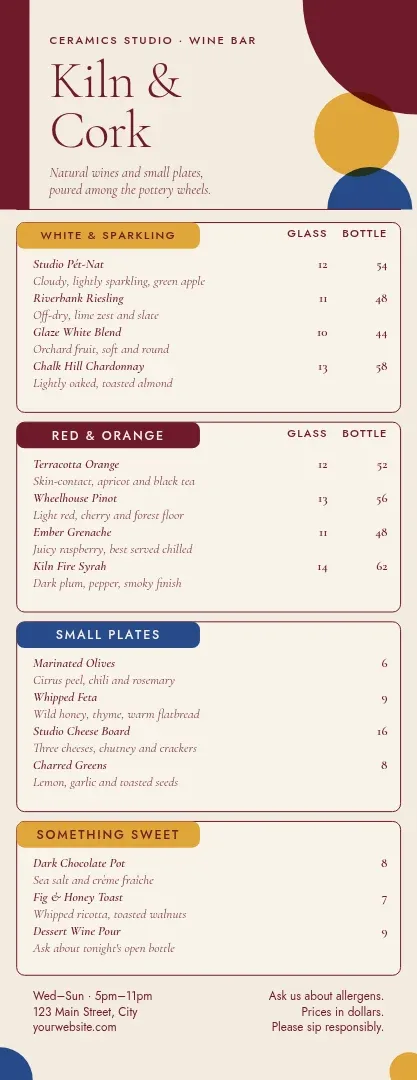
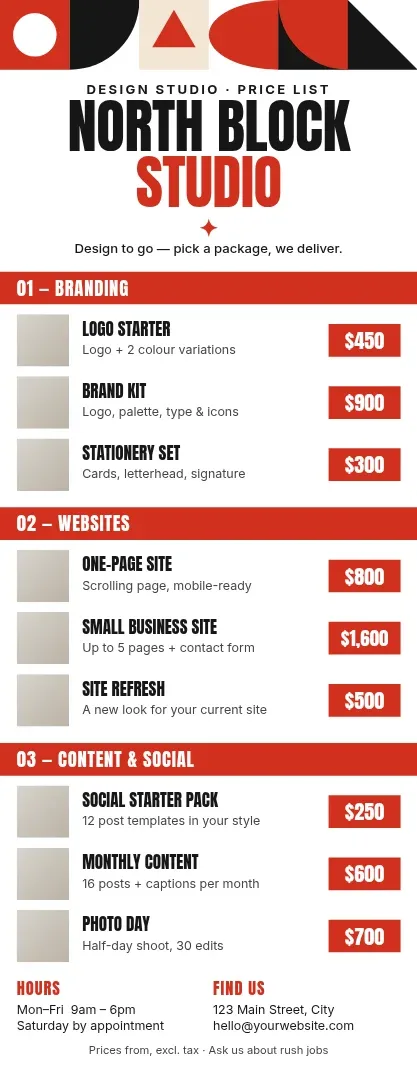
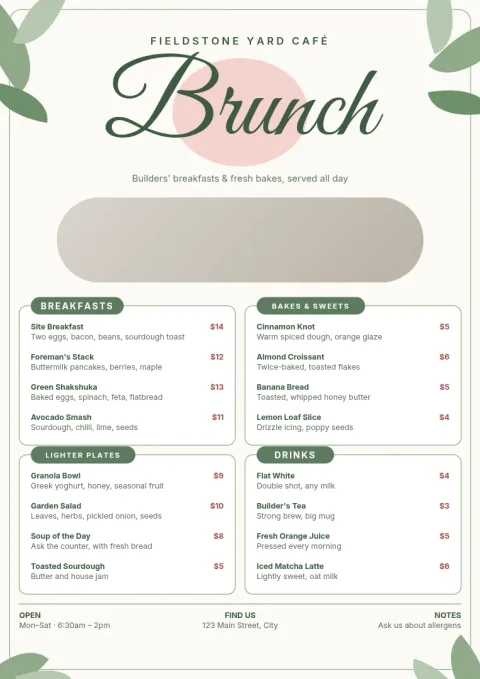
Start from a layout that fits your food
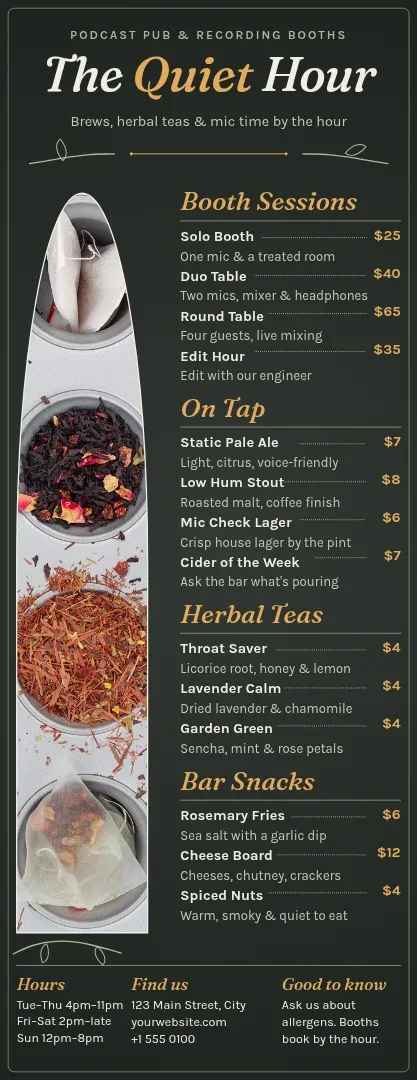
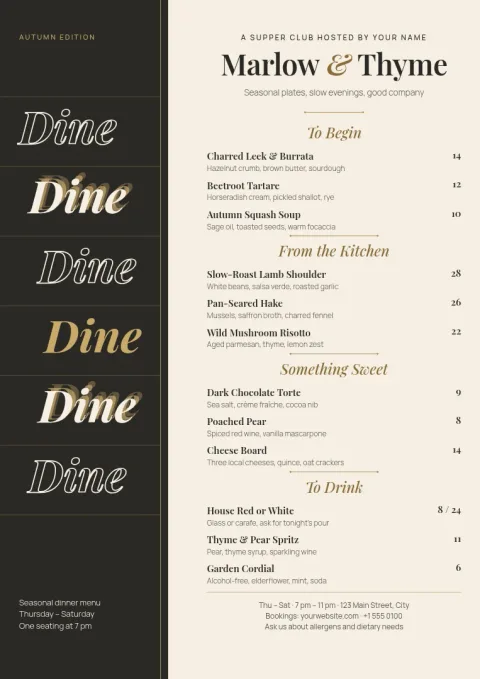
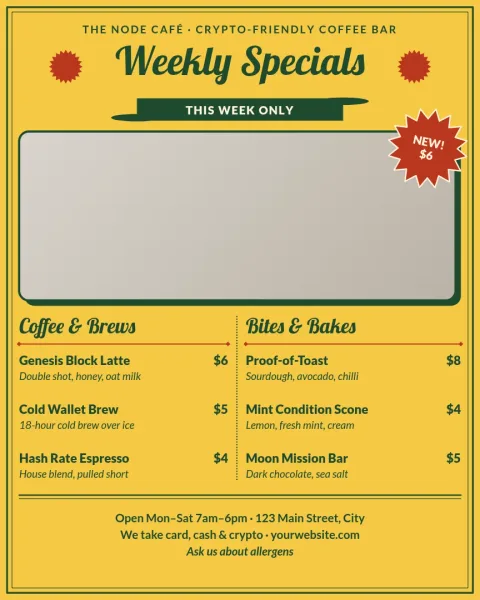
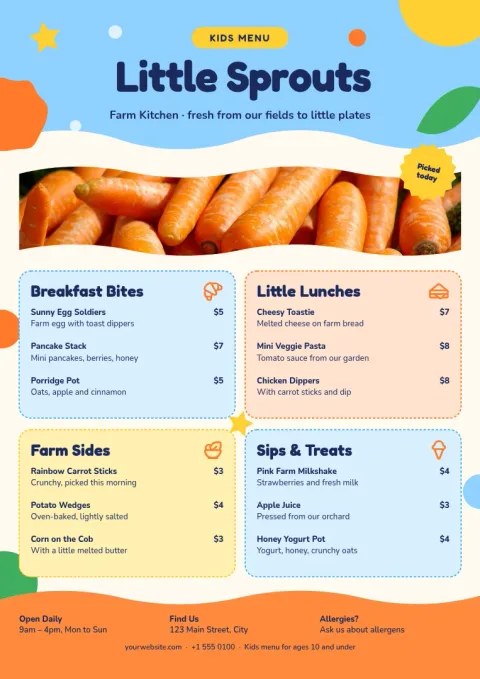
A café menu, a dinner menu and a takeaway menu need different structures. These eight templates cover single-page A4 menus, tall folded-style menus and portrait Instagram menus. Choose the one closest to how your customers read, then replace the placeholder dishes, descriptions and prices with your own.
Make it look like your business
Change fonts, colours and layout to suit your place. Save your colours, fonts and logo in a brand kit, and your menus stay consistent each time you update them. Photo placeholders let you drop in your own food pictures, and you can remove a photo background with AI photo tools, which use AI credits.
Download or share it
When the menu is ready, download it as PNG, JPG, WebP, PDF (standard or vector) or SVG. You can also send the design straight into a Nimply post for approval and scheduling, which helps when you want to announce a new menu or seasonal prices. Downloading a template does not use AI credits.
Keep prices easy to update
Menus change often. Because each template is fully editable, you can open it, change a price or remove a sold-out dish, and download a fresh copy. Keep a copy of your last version so seasonal menus are quick to rebuild.
Frequently asked questions
Can I create a menu template for free?
Yes. Nimply Design is part of every Nimply plan, including Free. You can open a template, edit it and download it. Downloading a template does not use AI credits. Only AI photo tools, such as the background remover, use credits.
What sizes are the menu templates?
The templates come in A4 menu, tall menu and Instagram 4:5 post sizes. Use A4 or tall for a printed-style page or PDF, and the Instagram size for sharing your menu on social media.
Can I use my own colours, fonts and logo?
Yes. You can edit text, fonts, colours, photos and layout in the editor. A brand kit saves your colours, fonts and logo so new menus match your existing ones.
What file types can I download?
You can download PNG, JPG, WebP, PDF (standard or vector) or SVG. You can also send the design into a Nimply post for approval and scheduling.
Do you print the menus?
No. Nimply gives you the design file to download. You can take the PDF to a printer of your choice.
Make it yours in minutes
Open any template in Nimply Design, add your brand in one click, and send it straight into a post for approval and scheduling.