

Wedding invitation flyer template free to edit and download
Pick a wedding invitation flyer, swap in your names, date and venue, and have a finished invite the same day. These eight templates cover floral, minimal, rustic, boho and evening styles. Edit everything in your browser with Nimply Design, which is included in the Free plan.
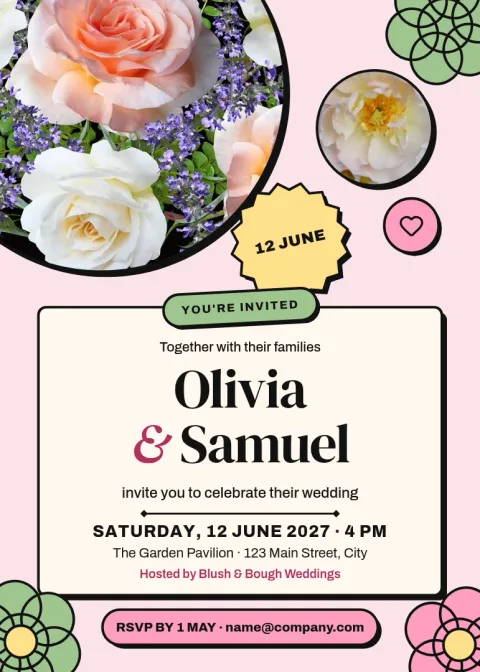
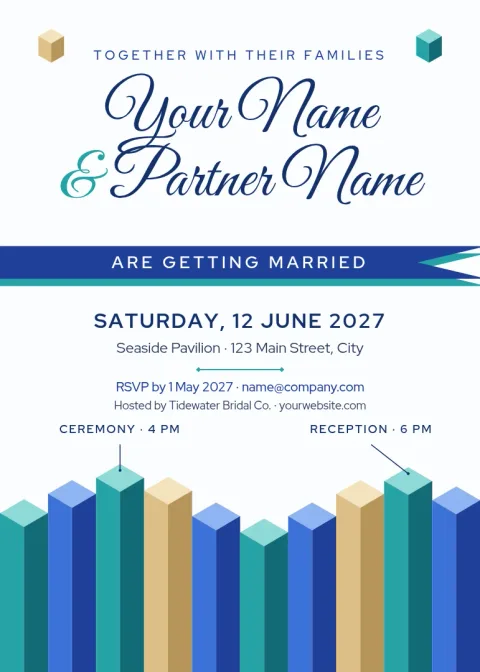
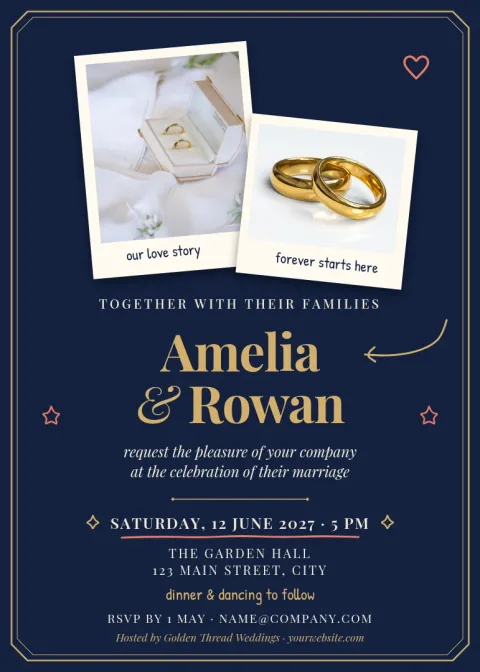
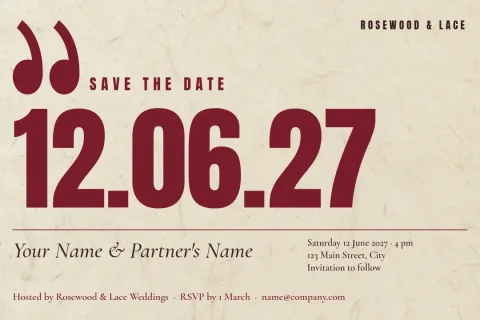
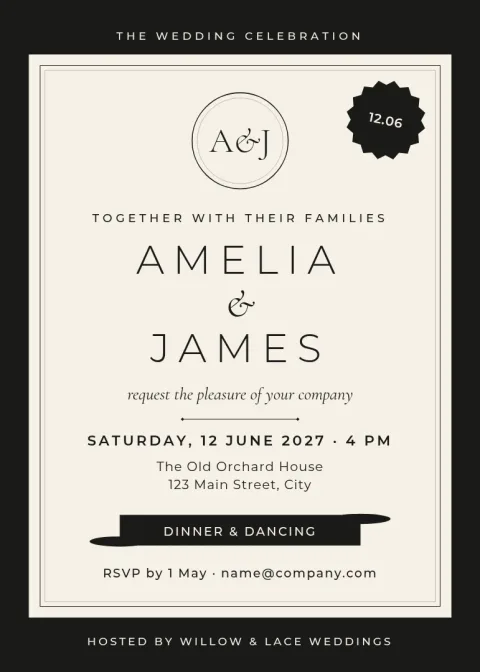
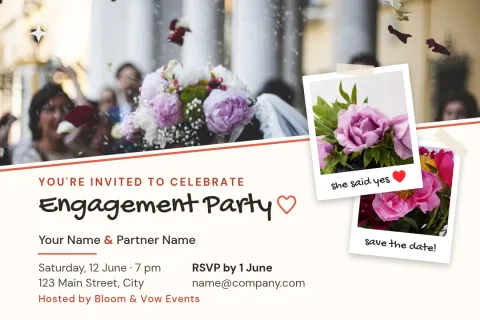
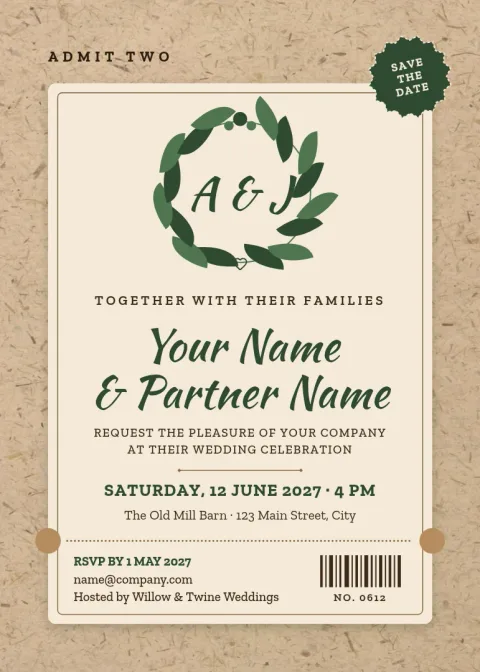
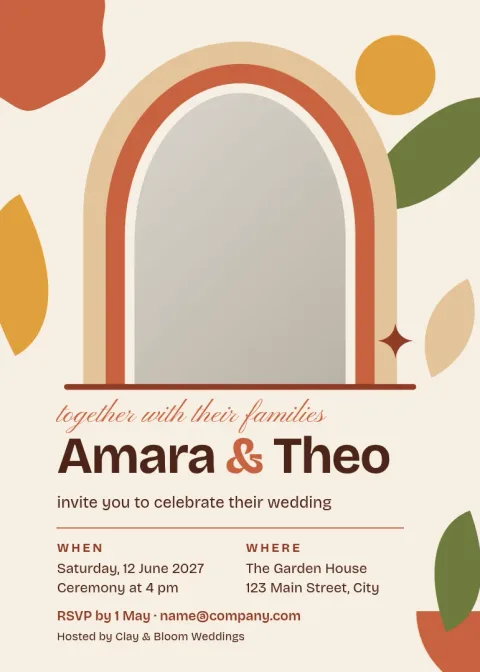
What to put on a wedding invitation flyer
Keep the essentials easy to find: the couple's names, the date, the time, the venue with its address, and how guests should reply. Add a dress code or a website line only if guests need it. Each template here has a clear order for this text, so you can type over the placeholders and see at once whether everything fits.
Change the design to match your day
Every template can be edited. Change the wording, fonts, colours, photos and layout until it suits your wedding. If you plan to reuse your colours and fonts for a save the date, a thank-you card or a social post, a brand kit keeps them in one place, so each piece looks like it belongs with the others.
Download or share your invitation
When the design is ready, download it as a PNG, JPG, WebP, PDF (standard or vector) or SVG. You can also send it straight into a Nimply post for approval and scheduling, which helps if you want to share the invitation on social media. Downloading a template does not use AI credits.
Frequently asked questions
Is the wedding invitation flyer template free to use?
Nimply Design is part of every Nimply plan, including Free, so you can open a template, edit it and download it without paying. AI photo tools such as the background remover use AI credits, but downloading a template does not.
Can I change the names, date and colours?
Yes. You can edit all the text, fonts, colours, photos and layout. Replace the placeholder names and details with your own, then adjust the palette until it matches your wedding.
Which file formats can I download?
You can download PNG, JPG, WebP, PDF (standard or vector) or SVG. Choose the format that suits where you will share or use the invitation.
What sizes are these templates?
They use two sizes: the 5x7 invitation size and a postcard size. Pick the 5x7 for a classic invite, or the postcard for a lighter flyer-style card or save the date.
Can I add my own photos?
Yes. Each template has a photo placeholder or space for one. Replace it with your own engagement or venue photo and adjust the crop and layout.
Make it yours in minutes
Open any template in Nimply Design, add your brand in one click, and send it straight into a post for approval and scheduling.