

Hair salon menu template designs you can edit online
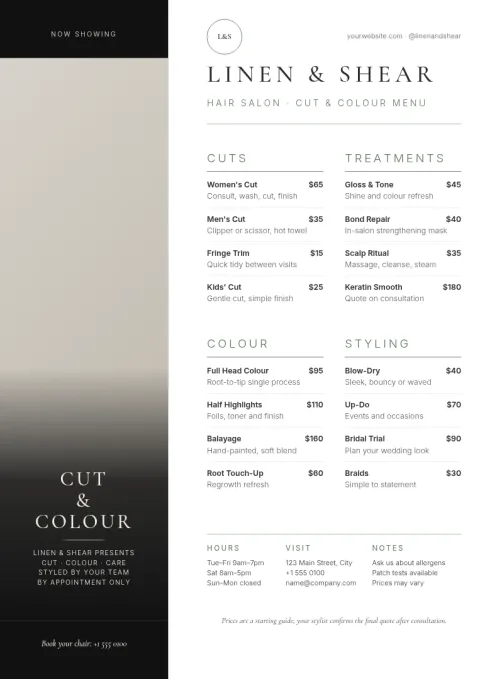
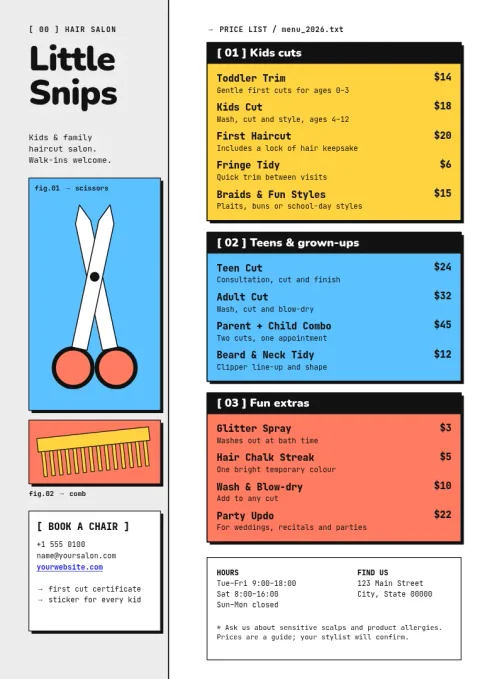
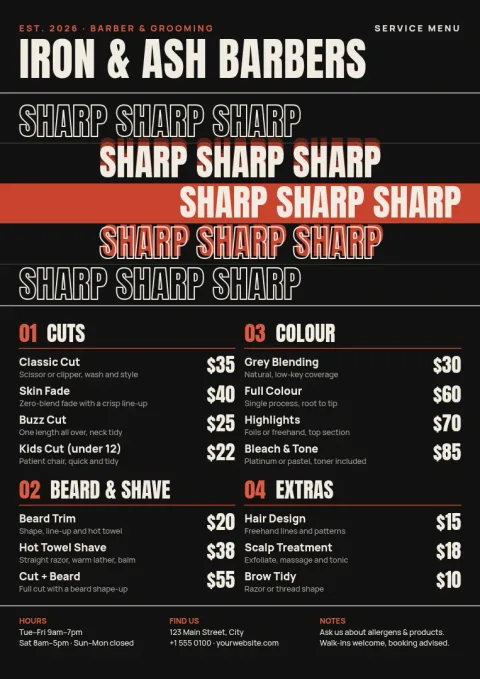
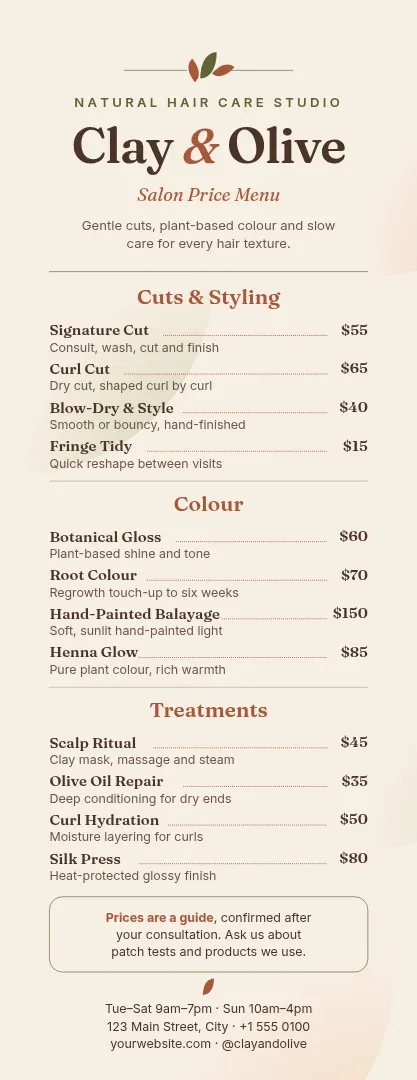
Choose a hair salon menu template, swap in your own services and prices, and make it match your brand. Each design below is built for cuts, colour, styling and treatments. Edit it in your browser, then download it or send it to a Nimply post.
What a good salon menu does
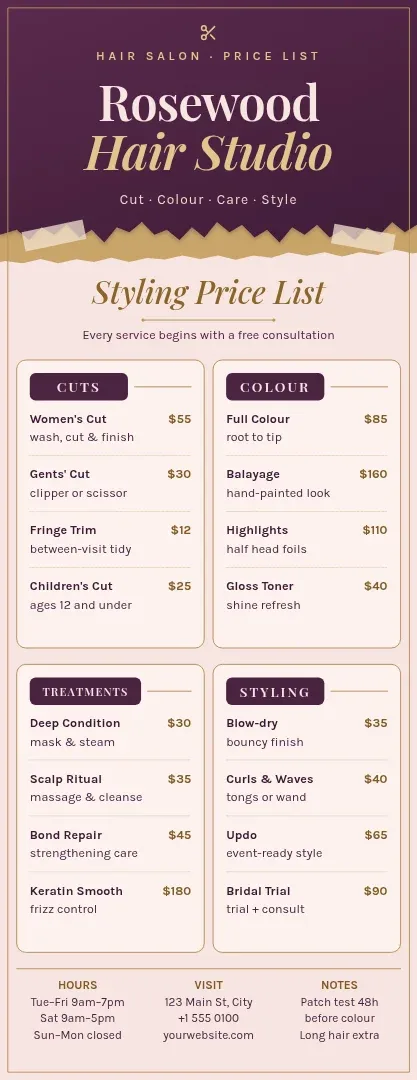
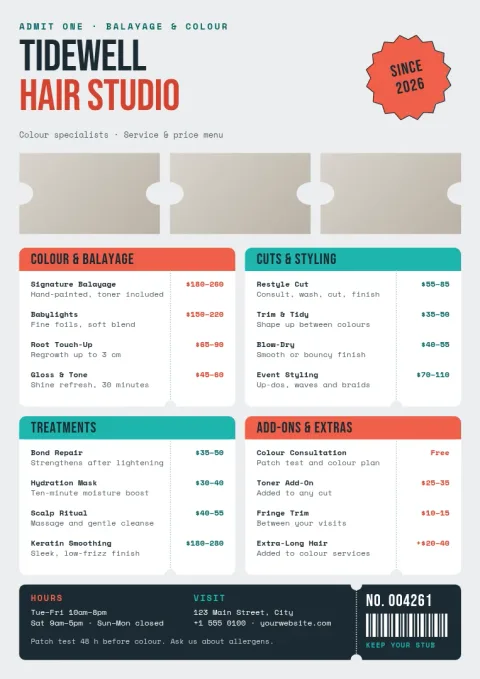
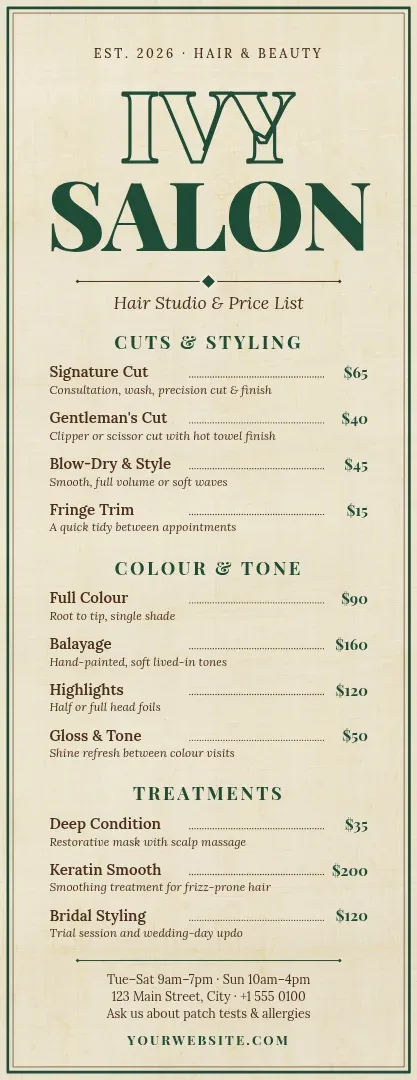
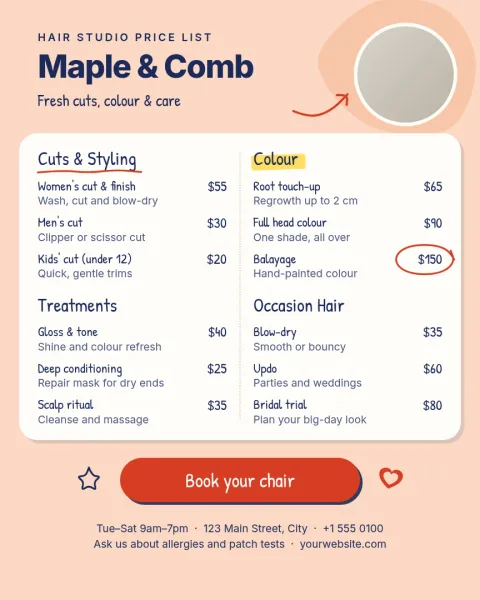
A salon menu helps clients choose without asking at the desk. Group services into clear blocks such as cuts, colour, styling and treatments, and put the price next to each one. Keep descriptions short. If a service has a range, such as short to long hair, say so in a few words.
Make the template yours
Change the text, fonts, colours, photos and layout to suit your salon. If you use a brand kit, your colours, fonts and logo stay consistent from one design to the next. Replace the photo placeholders with your own work, and move sections around until the menu reads easily.
Pick a size for where it will be seen
The A4 menu suits a counter or a clipboard. The tall menu fits a narrow stand or a mirror. The Instagram 4:5 size works for sharing your prices online. You can download as PNG, JPG, WebP, PDF or SVG, or send the design into a Nimply post for approval and scheduling.
Frequently asked questions
Can I change the prices and services?
Yes. Every text block is editable, so you can rename services, update prices, add lines or delete sections you do not offer. You can also change fonts and colours to match your salon.
What file types can I download?
You can download PNG, JPG, WebP, PDF (standard or vector) or SVG. Downloading a template does not use AI credits.
Can I use my own photos and logo?
Yes. Replace the photo placeholders with your own images and add your logo. A brand kit can keep your logo, colours and fonts ready for every design.
Can I share the menu on Instagram?
Yes. The Instagram 4:5 size is made for that. You can download the image, or send the design straight into a Nimply post for approval and scheduling.
Make it yours in minutes
Open any template in Nimply Design, add your brand in one click, and send it straight into a post for approval and scheduling.