

Spring Email Signature Generator and Templates
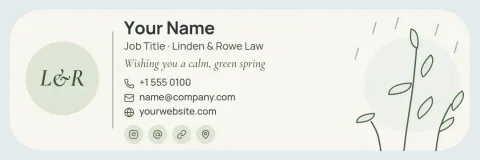
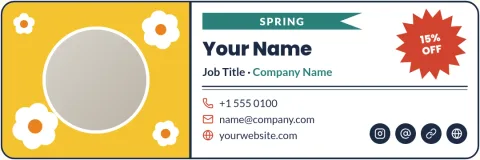
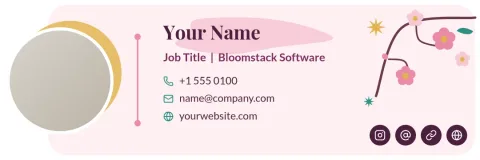
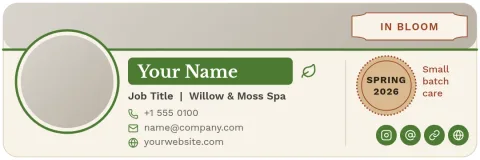
Give your emails a fresh seasonal look without starting from a blank page. Choose one of the eight spring signature templates below, type in your name, role and contact details, change the colours to match your brand, and download it. It takes a few minutes and works on the free plan.


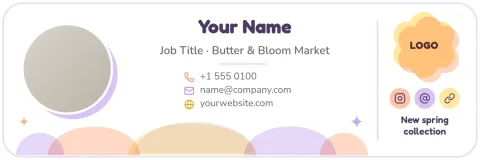
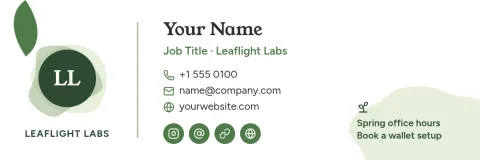
How the spring signature generator works
Open a template in the Nimply Design editor in your browser. Replace the sample name, job title, phone number and website with your own. Swap fonts, colours and the photo or logo, then move things around until it looks right. Brand kits can keep your colours, fonts and logo ready, so each new signature starts on brand.
What you can change
Every template is fully editable: text, fonts, colours, photos and layout. Use a headshot placeholder for a personal signature or a logo for a shop or team. Spring touches such as blossoms, leaf lines and soft colour bands are simple shapes, so you can keep them, recolour them or remove them.
Saving and using your signature
Download your design as a PNG, JPG, WebP, PDF or SVG. PNG is usually the easiest choice for a signature image. Then add the file in your email app's signature settings, where each app has its own steps. Downloading a template does not use AI credits.
Frequently asked questions
Is the spring email signature generator free?
Nimply Design is part of every plan, including Free, so you can open a template, edit it and download it without paying. AI photo tools such as the background remover use AI credits, but downloading a template does not.
Can I use my own colours and logo?
Yes. You can change every colour, font and photo, and add your logo. If you set up a brand kit, your colours, fonts and logo are kept so you can reuse them across signatures and other designs.
Which file format should I download?
PNG is a good default for a signature image. You can also download JPG, WebP, PDF (standard or vector) or SVG. Check your email app's signature settings for the file types it accepts.
Can I change the signature after spring ends?
Yes. Open the design again, change the colours or remove the seasonal shapes, and download a new version. You can also start from a different template for summer or autumn.
Make it yours in minutes
Open any template in Nimply Design, add your brand in one click, and send it straight into a post for approval and scheduling.