

Email signature template Outlook designs you can edit
Choose a signature layout, swap in your name, role, contact details and logo, and download it as an image. Then add it to Outlook in your signature settings. These eight designs cover minimal, corporate, creative and friendly styles, so you can find one that fits how you work.

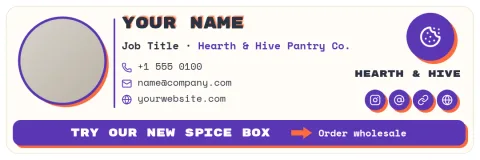

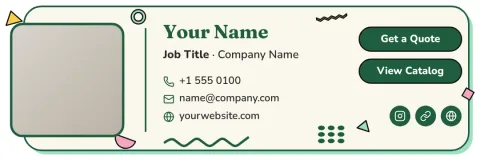
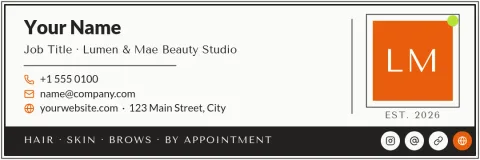
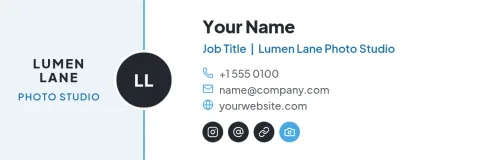


How to use a signature template in Outlook
Open a template in Nimply Design and edit the text, fonts, colours and photo. Download it as a PNG or JPG. In Outlook, open your signature settings, create a new signature and insert the image. You can add a link to your website or booking page on the image. Check how it looks in a test email first.
Keep your signature easy to read
A signature works best when it is short: name, role, one or two ways to get in touch and a logo. Use a clear font and enough contrast so it stays readable on small screens. Some inboxes block images, so consider keeping your name and phone number as plain text too.
Match your brand
If you set up a brand kit in Nimply Design, your colours, fonts and logo are ready to use on every template. That keeps signatures consistent across your team. Change one template per person, then download each as an image, so everyone's emails look like they come from the same business.
Frequently asked questions
Can I edit these templates for free?
Yes. Nimply Design is part of every Nimply plan, including Free. You can edit text, fonts, colours, photos and layout in your browser. Downloading a template does not use AI credits. AI photo tools such as the background remover do use credits.
How do I add the signature to Outlook?
Download your design as a PNG or JPG. In Outlook, go to the signature settings, create a new signature and insert the image. Save it and set it as the default for new emails or replies. Send yourself a test to check it.
Which file format should I download?
PNG is a good choice for logos and sharp text. JPG gives a smaller file for designs with photos. Nimply Design also exports WebP, PDF and SVG, but PNG or JPG is the simplest for adding to an email signature.
Can I use my own logo and colours?
Yes. Upload your logo and change any colour or font in the editor. With a brand kit, your colours, fonts and logo are saved so you can apply them to each template quickly.
Will the signature show in every inbox?
Not always. Some email apps block images until the reader allows them. To be safe, keep your name, role and phone number short and clear, and consider adding them as plain text too.
Make it yours in minutes
Open any template in Nimply Design, add your brand in one click, and send it straight into a post for approval and scheduling.