

Email Signature Block Template Designs You Can Edit
A good signature block tells people who you are and how to reach you, without clutter. Choose one of these eight layouts, swap in your name, role, links and colours, and download it. Nimply Design runs in your browser and is included in every plan, including Free.
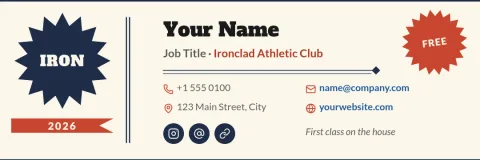
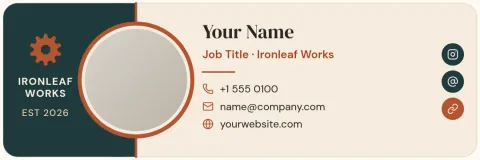
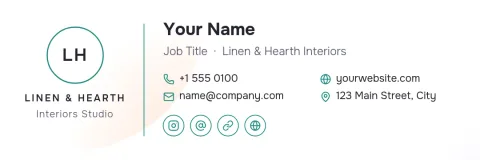
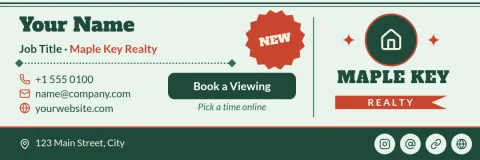

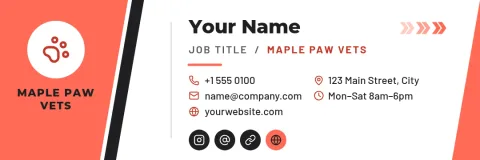
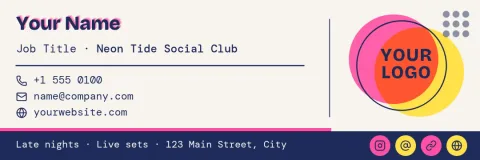
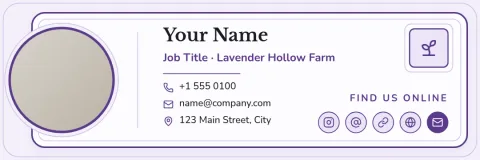
What goes in a signature block
Keep it short. Your name, role, company and one or two ways to reach you are enough for most emails. Add a website or booking link if people often ask for it. A logo or small photo helps people recognise you, but too many icons, quotes and links make the block harder to read.
Edit it to match your brand
Each template opens in the Nimply Design editor. Change the text, fonts, colours, photo and layout until it looks like your business. If you set up a brand kit, your colours, fonts and logo stay at hand, so every team member's signature can look consistent.
Download and use it
Download your finished design as PNG, JPG, WebP, PDF or SVG. Then add it to your email app's signature settings the way that app allows. Downloading a template does not use AI credits. Only AI photo tools, such as the background remover, do.
Frequently asked questions
What is an email signature block?
It is the short section at the end of an email with your name, role, company and contact details. Many people add a logo, photo or link to their website or booking page.
Is the email signature block template free?
Nimply Design is part of every Nimply plan, including Free, so you can open a template, edit it and download it. AI photo tools use AI credits, but downloading a template does not.
Which file formats can I download?
You can download PNG, JPG, WebP, PDF (standard or vector) or SVG. PNG or JPG is usually the easiest choice to add to an email signature as an image.
Can I keep my brand colours and logo?
Yes. You can change colours, fonts, photos and layout by hand, and brand kits keep your colours, fonts and logo ready to reuse across designs.
How many links should I include?
Two or three at most. A website, a phone number or a booking link covers most needs. More than that makes the block busy and people may not click any of them.
Make it yours in minutes
Open any template in Nimply Design, add your brand in one click, and send it straight into a post for approval and scheduling.