

Free signature template designs you can edit online
A good email signature tells people who you are and how to reach you. Pick a free signature template below, swap in your name, role, links and photo, and download it. Eight different looks, from plain and quiet to bold and colourful, all editable in your browser.



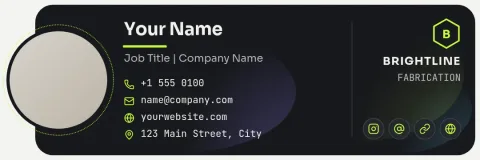
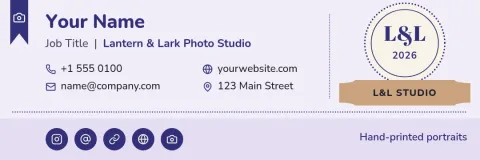
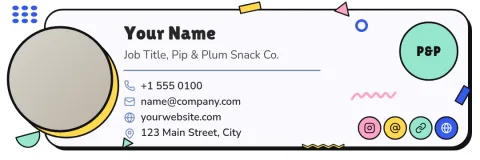
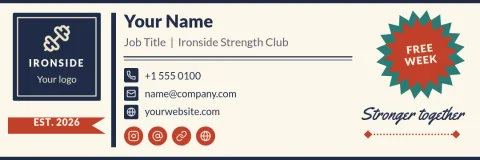

Make a signature in a few minutes
Open any template in Nimply Design and replace the sample text with your own name, job title, phone and website. Change fonts and colours until it feels like your business, or drop in your logo and photo. Nothing needs installing. The editor is part of every Nimply plan, including Free.
Keep it matching your brand
If you save your colours, fonts and logo in a brand kit, your signature can match your flyers, posts and business cards without guessing at hex codes. That helps customers recognise you across everything you send, from a first quote to a thank-you note.
Download and use it
Download your signature as PNG, JPG, WebP, PDF or SVG. PNG or JPG are the usual picks for an email signature image. Downloading a template does not use AI credits. Those are only used by AI photo tools such as the background remover.
Frequently asked questions
Is the signature template really free to use?
Nimply Design is part of every Nimply plan, including Free, so you can open a template, edit it and download it without paying. Downloading a template does not use AI credits.
Can I change the colours and fonts?
Yes. You can edit text, fonts, colours, photos and layout. If you have a brand kit, it keeps your colours, fonts and logo ready to apply.
What file types can I download?
You can download PNG, JPG, WebP, PDF (standard or vector) or SVG. For an email signature image, PNG or JPG is the usual choice.
Can I add my photo or logo?
Yes. Each template has a placeholder for a photo or logo that you can replace with your own. The background remover is an AI photo tool and does use AI credits.
Make it yours in minutes
Open any template in Nimply Design, add your brand in one click, and send it straight into a post for approval and scheduling.