

Professional email signature builder for podcasters
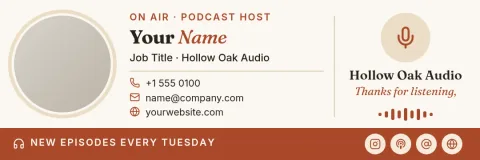
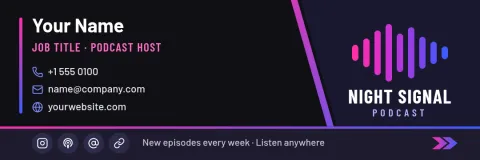
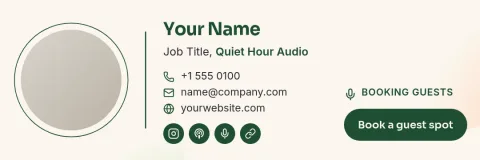
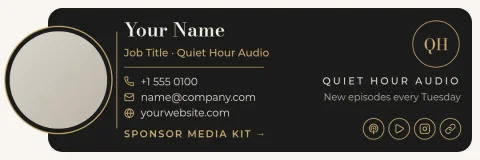
Every email you send to a guest, sponsor or listener can point back to your show. Start from one of eight podcast signature templates, swap in your name, cover art and links, and download a clean signature in a few minutes.
What a podcaster's signature needs
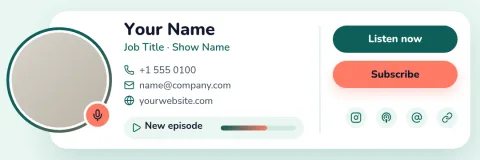
A good signature tells people who you are and where to find the show. Include your name, your role (host, producer, booking contact), the show title, one link to listen and one way to reach you. Keep it short. Guests and sponsors skim, so a clear name and a single call to action work better than a long list of platforms.
How to build yours in Nimply Design
Open a template, then edit the text, fonts, colours, photo and layout in your browser. Save your colours, fonts and logo in a brand kit so every signature matches your show art. When you are done, download it as PNG or JPG. Nimply Design is part of every plan, including Free, and downloading a template does not use AI credits.
Eight looks for different shows
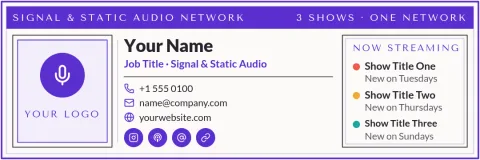
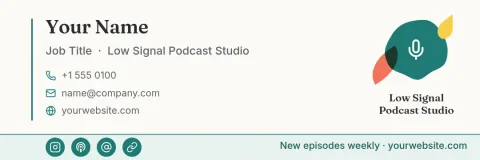
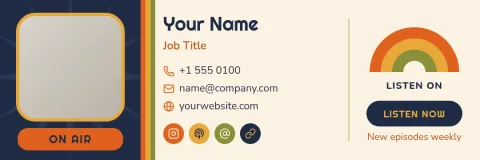
The templates cover a range of tastes: a bold cover-art layout for interview shows, a quiet text-only look for business podcasts, a warm storytelling style, a network version for multi-show teams, and more. Pick the one closest to your show, then change the colours and wording until it sounds like you.
Frequently asked questions
Is this signature builder free to use?
Nimply Design is part of every Nimply plan, including Free. You can open a template, edit it and download it without paying. AI photo tools such as the background remover use AI credits, but downloading a template does not.
What file formats can I download?
You can download your signature as PNG, JPG or WebP. PDF and SVG downloads are also available, though PNG or JPG is usually the simplest choice for a signature image.
Can I use my show's colours and logo?
Yes. Edit any colour, font and photo by hand, or save your colours, fonts and logo in a brand kit so each new signature starts on brand.
What should I put in a podcast email signature?
Your name, your role, the show title, one listen link and one contact method. Add a small cover-art image if you like. Fewer elements make the signature easier to read on a phone.
Make it yours in minutes
Open any template in Nimply Design, add your brand in one click, and send it straight into a post for approval and scheduling.