

A professional email signature builder for coaches
Every email you send to a client or prospect is a small introduction. Start from one of these eight coach signature templates, add your name, photo, title and booking details, match your brand colours, and download the result. Nimply Design runs in your browser and is part of every plan, including Free.
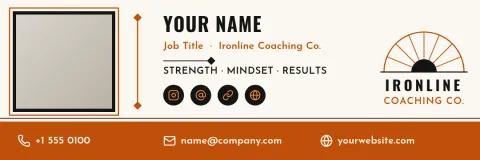
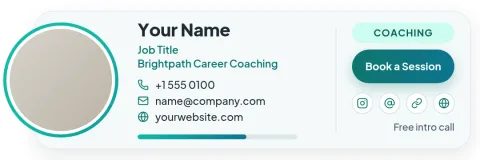
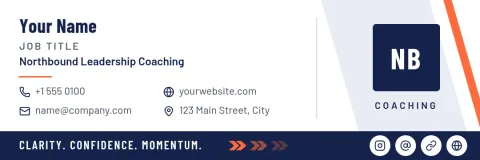

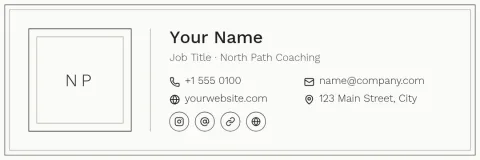
What a coach signature should do
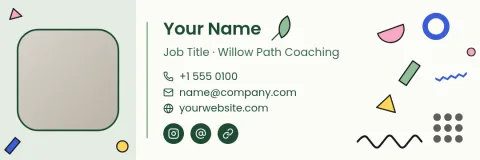
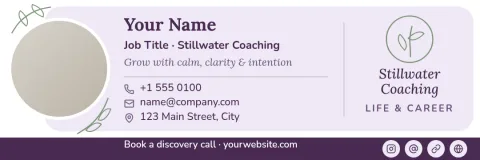
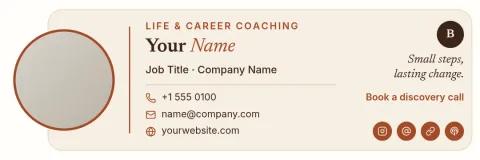
A good coach signature answers three questions fast: who you are, what you help with, and how to book a call. These templates keep that order. You get room for a headshot, a short tagline, a credential line and your contact details, without crowding the bottom of a short email.
Make it match your brand
Change the text, fonts, colours, photo and layout in the editor. If you keep a brand kit, your colours, fonts and logo are ready to apply, so your signature looks like your website and your social posts. Swap the headshot placeholder for your own photo and adjust spacing until it feels like you.
Download and use it
Download your signature as PNG, JPG, WebP, PDF or SVG. Then add the image in your email app's signature settings. Text inside an image can't be clicked, so keep your booking link as plain text in the email as well. Downloading a template does not use AI credits.
Choosing a style
Life and wellness coaches often suit warm colours and a friendly photo. Executive and business coaches may prefer navy, charcoal and a quiet layout. If you take many bookings by email, try the template with a call-to-action button shape. Each design can be recoloured, so start with the layout you like best.
Frequently asked questions
Is the signature builder free to use?
Nimply Design is part of every Nimply plan, including Free. You can open a template, edit it and download it. Downloading a template does not use AI credits. AI photo tools such as the background remover do use credits.
Which file formats can I download?
You can download PNG, JPG, WebP, PDF (standard or vector) or SVG. For most email apps, a PNG or JPG is the easiest to add to your signature settings.
Does Nimply add the signature to Gmail or Outlook for me?
No. You download the finished design and add the image in your email app's signature settings yourself. Nimply does not install it for you.
Can I use my own colours, fonts and logo?
Yes. Every text, colour, font and photo in the templates is editable. A brand kit keeps your colours, fonts and logo together so you can apply them quickly.
Make it yours in minutes
Open any template in Nimply Design, add your brand in one click, and send it straight into a post for approval and scheduling.