

E Mail Signature Template Designs You Can Edit
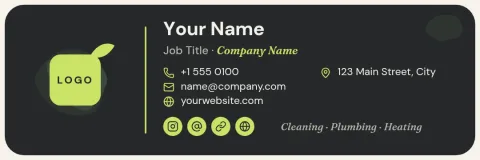
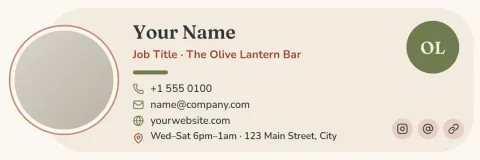
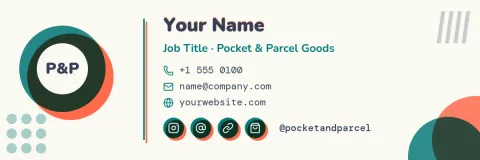
Your signature is the last thing people read in your email. Start from one of these eight designs, swap in your name, title, contact details and logo, and download the result. Each template runs in your browser, so there is nothing to install.

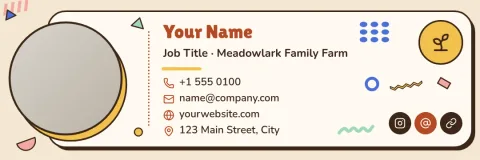
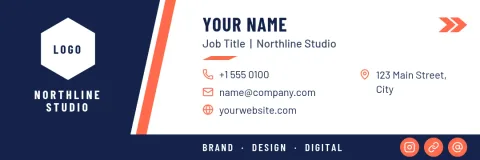
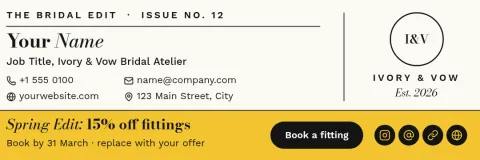
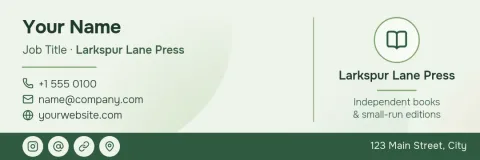
How to use an e mail signature template
Open a template and click any text to type your own name, role, phone number and website. Change fonts and colours until it looks like your business, then drop in your logo or a photo. When you are happy, download the signature as an image and add it in your email app's signature settings.
Choose a layout that fits how you work
A clean text layout suits formal emails. A headshot layout helps clients put a face to your name. A colour block or banner layout works well if you want the signature to stand out or point to an offer. Pick the one that matches the emails you send most.
Keep your brand consistent
If you save a brand kit in Nimply, your colours, fonts and logo are ready to use on every design. That makes it easier for everyone on your team to end up with signatures that look like they belong together.
Download in the format you need
You can download a signature as PNG, JPG, WebP, PDF or SVG. Downloading a template does not use AI credits. Because the signature is a design file, check how your email app handles images before you roll it out to a whole team.
Frequently asked questions
Can I edit these templates for free?
Yes. Nimply Design is part of every Nimply plan, including Free. You can change the text, fonts, colours, photos and layout. Downloading a template does not use AI credits. Those are only used by AI photo tools such as the background remover.
Which file formats can I download?
You can download PNG, JPG, WebP, PDF (standard or vector) or SVG. For most email signatures, PNG or JPG is the simplest choice. Check how your email app adds images to a signature.
Can I add my logo and brand colours?
Yes. Upload your logo and set your colours and fonts by hand, or save them in a brand kit so they are ready to reuse on every new design.
Do I need design skills?
No. Each template already has the layout worked out. You replace the placeholder text and photo, adjust colours if you like, and download.
Can my team use the same design?
You can reuse one template for each person by changing the name, title and contact details. A brand kit helps keep colours, fonts and logo the same across everyone's version.
Make it yours in minutes
Open any template in Nimply Design, add your brand in one click, and send it straight into a post for approval and scheduling.