

Print envelope template designs you can edit online
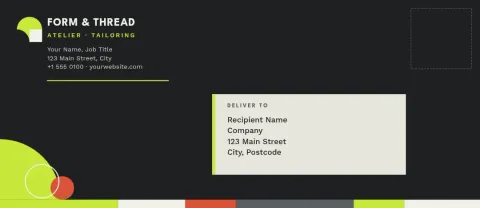
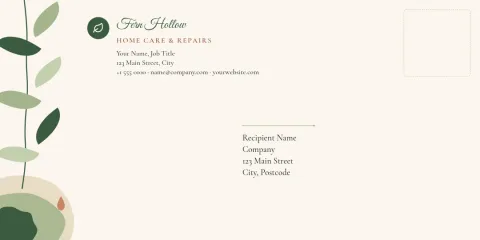
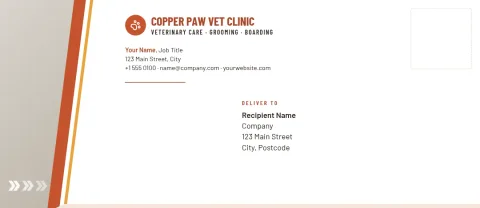
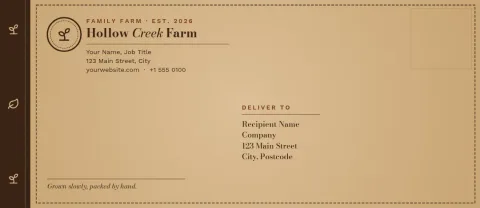
Start from a print envelope template, swap in your logo, colours and return address, and download the file when it looks right. These eight designs come in DL and #10 sizes for invoices, letters, invitations and thank-you notes. Edit everything in your browser.
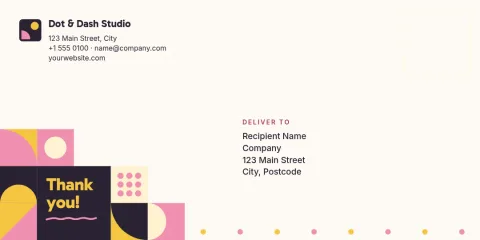
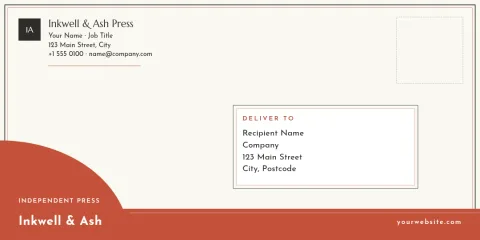
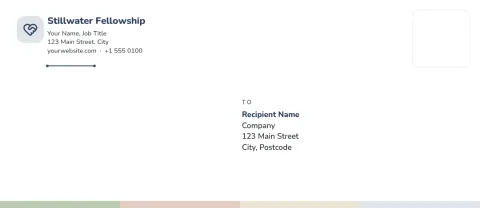
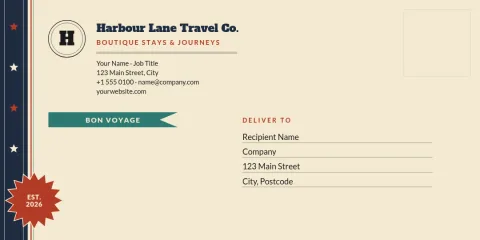
Choose the right envelope size
DL is the common size for folded A4 letters and invoices, so pick it if your customers are in Europe, the UK or Australia. The #10 is the standard business envelope in the US and Canada. Each template here uses one of these two presets, so your layout matches the envelope you plan to buy.
Make it match your brand
Add your logo, return address and a small accent, then set your brand colours and fonts. If you use a brand kit in Nimply, your colours, fonts and logo are ready to apply. Keep the front simple and leave clear space where the recipient address goes, so a handwritten or printed address stays readable.
Download and print
When the design is ready, download it as a PDF, PNG or JPG. A vector PDF is a good choice if you plan to print at a local print shop. You can also print it yourself on a desktop printer that handles envelopes. Check your printer's envelope settings first.
Frequently asked questions
Which envelope sizes are available?
The templates use two sizes: DL and #10. DL suits letters folded in three, common outside North America. The #10 is the usual business envelope in the US and Canada. Pick the one that matches the envelopes you buy.
Can I print the envelope at home?
You can download your design as a PDF or PNG and print it yourself if your printer takes envelopes. Nimply does not print or ship for you. Check your printer's envelope settings and test on plain paper first.
Can I add my logo and return address?
Yes. Every template is editable. Change the text, fonts, colours and layout, and place your logo and return address where you want them. A brand kit keeps your colours, fonts and logo ready for the next design.
Which file format should I download?
Use PDF for printing, especially the vector option for a print shop. PNG and JPG work for quick home printing or sharing a preview. SVG is available if you want to edit the artwork elsewhere.
Do I need a paid plan?
Nimply Design is part of every plan, including Free. Downloading a template does not use AI credits. Only AI photo tools, such as the background remover, use credits.
Make it yours in minutes
Open any template in Nimply Design, add your brand in one click, and send it straight into a post for approval and scheduling.