

Editable no objection certificate template designs
Start from a clean no objection certificate template and make it fit your case. Change the names, dates, wording, fonts and colours, add your logo, then download a PDF or image. Choose from eight layouts for employers, schools, landlords, companies and families.
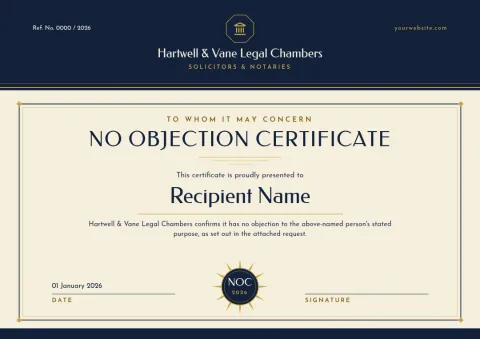
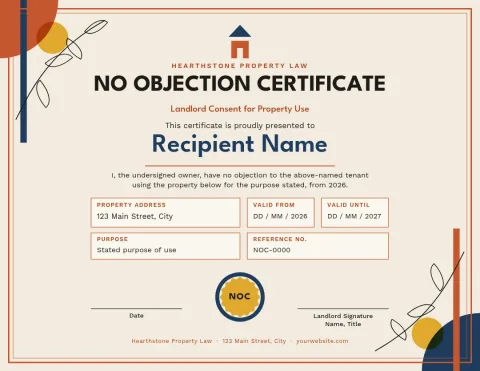
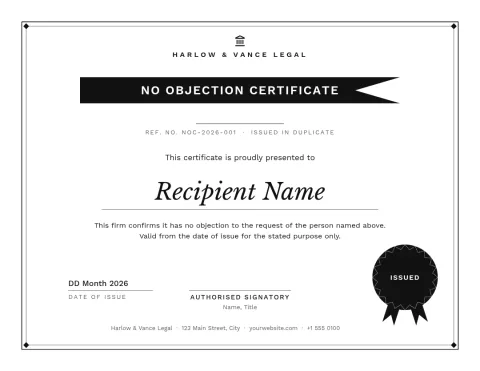
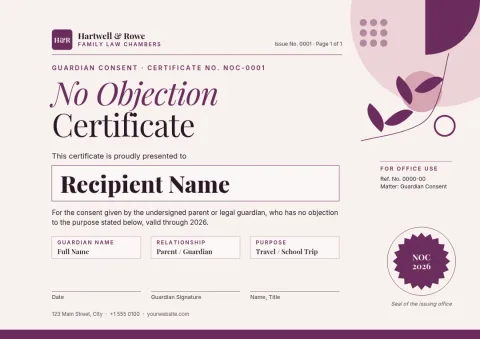
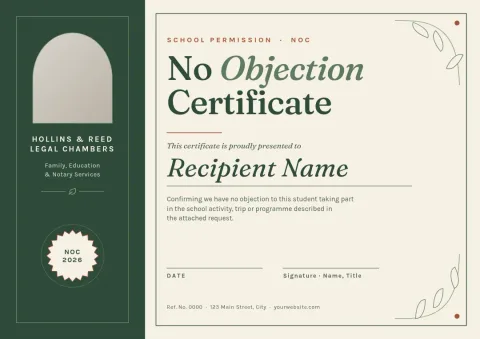
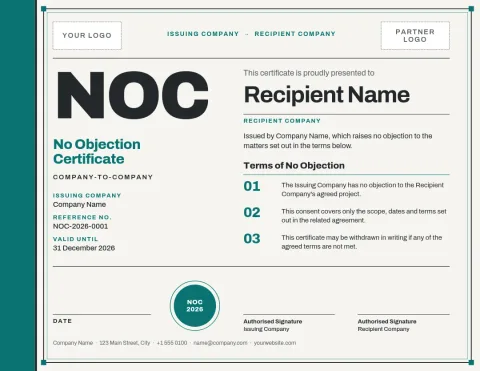
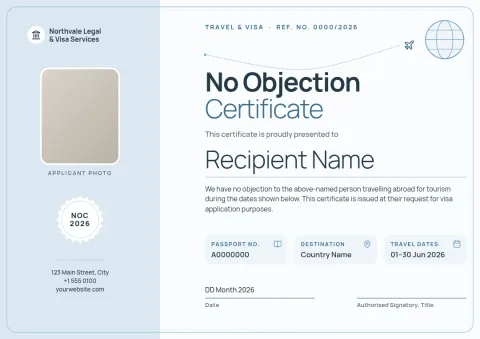
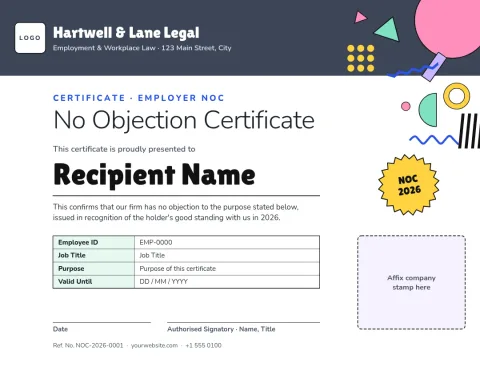
Pick a layout that suits who signs it
A no objection certificate is a short statement that someone has no objection to a request. A formal border suits a company or school. A plain letter style suits a landlord or family. Pick the layout that matches the person reading it, then replace the sample text with your own details.
Make the wording your own
Each template has clear spaces for the issuer, the person it names, the purpose, the date and a signature. Edit the text, fonts, colours and layout in the browser. If you have a brand kit, it keeps your colours, fonts and logo ready to apply.
Download or send it on
Download your finished certificate as a PDF, PNG, JPG, WebP or SVG. A PDF works well for email and signing. Downloading a template does not use AI credits. You can also send a design into a Nimply post for approval and scheduling.
Check the rules before you issue it
These templates cover the design only. They are not legal advice. Requirements differ by country, school, employer and office, so ask the authority that will receive the certificate what wording, stamps or signatures it needs.
Frequently asked questions
Can I edit the wording of these templates?
Yes. You can change every line of text, plus fonts, colours, photos and layout. Replace the sample wording with the details of your own case, then check it with whoever will receive the certificate.
Which file types can I download?
You can download PNG, JPG, WebP, PDF (standard or vector) or SVG. A PDF is usually the easiest choice for emailing or printing the certificate yourself.
Is a template enough to make the certificate valid?
Not on its own. A template gives you the design and layout. Whether a certificate is accepted depends on the authority or organisation receiving it, so ask them what wording, signatures or stamps they require.
Can I add my company logo?
Yes. Add your logo to any template, and save your logo, colours and fonts in a brand kit so the next certificate matches.
Does downloading a template cost AI credits?
No. Downloading a template does not use AI credits. Only AI photo tools, such as the background remover and Magic Layers, use credits.
Make it yours in minutes
Open any template in Nimply Design, add your brand in one click, and send it straight into a post for approval and scheduling.