

Medical leave certificate template designs you can edit
Pick a medical leave certificate template, add your clinic name, logo and colours, and download it when it looks right. Each layout leaves clear space for patient details, leave dates, the doctor's note and a signature. Edit everything in your browser with Nimply Design.
What a medical leave certificate usually includes
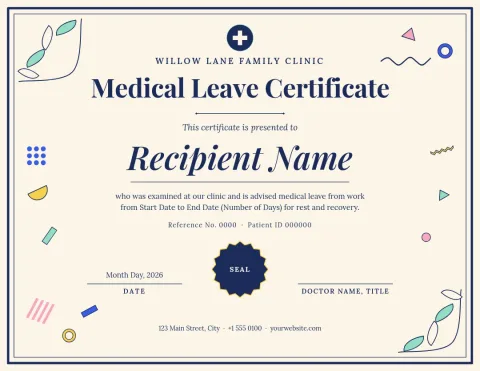
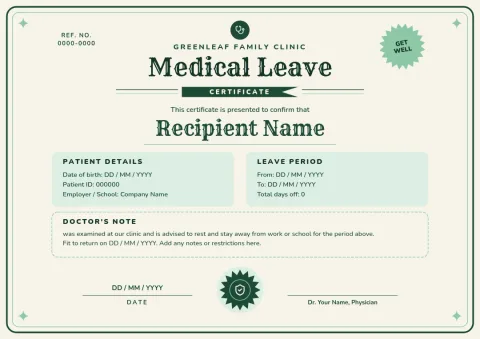
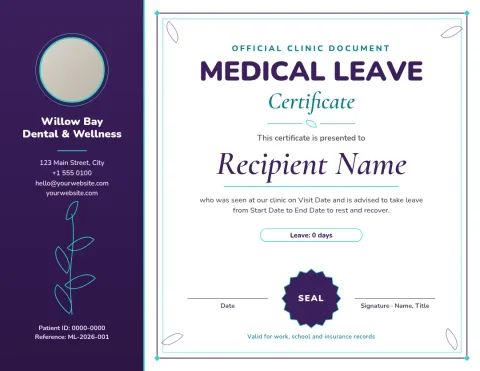
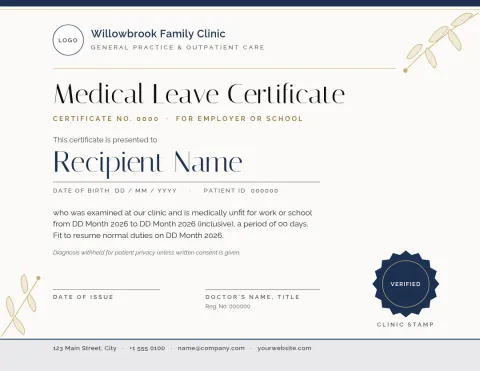
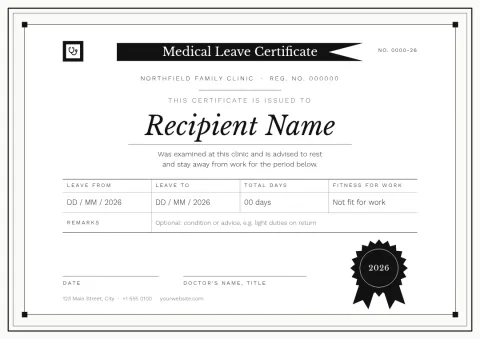
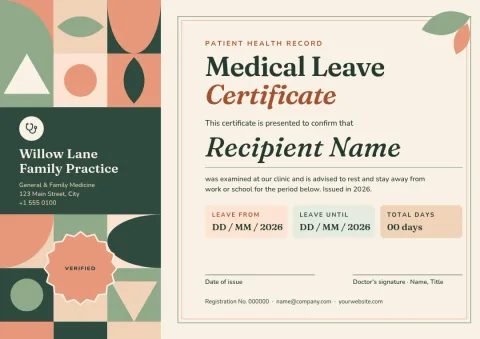
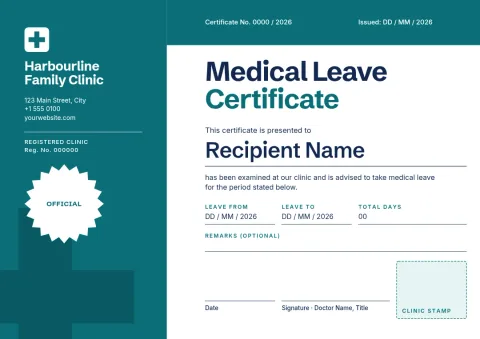
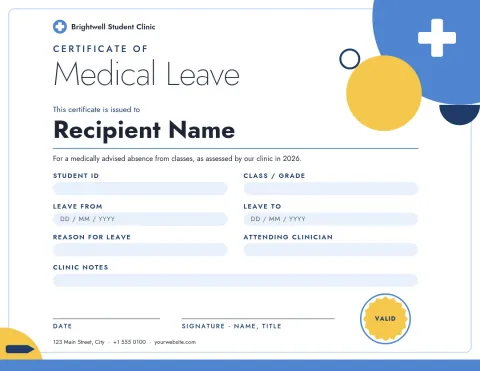
Most layouts here leave room for the clinic name and contact details, the patient's name, the date of examination, the leave start and end dates, a short statement from the doctor, and a signature and stamp area. You decide which fields to keep. Clear spacing makes the certificate easy to read and easy to check.
Make it match your clinic
Every template can be edited. Change the text, fonts, colours, photos and layout, or upload your logo. If you set up a brand kit, Nimply keeps your colours, fonts and logo ready, so each certificate looks like it came from the same practice. Swap placeholder text for your own wording.
Download and share
When the certificate is ready, download it as a PDF, PNG, JPG, WebP or SVG. PDF works well for sending by email or printing yourself. Downloading a template does not use AI credits. Nimply Design is included in every plan, including Free. Check your local rules on what a valid certificate needs.
Frequently asked questions
Can I edit these templates for my own clinic?
Yes. You can change the text, fonts, colours, photos and layout, and add your logo. A brand kit keeps your colours, fonts and logo saved so you can reuse them on every certificate.
What file types can I download?
You can download PNG, JPG, WebP, PDF (standard or vector) or SVG. PDF is a good choice for emailing or printing a certificate.
Does the template make the certificate legally valid?
No. A template only gives you the layout. Requirements differ by country and employer, and a qualified medical professional should complete and sign the certificate. Check the rules that apply to you.
Do I need to pay to use them?
Nimply Design is part of every Nimply plan, including Free. Downloading a template does not use AI credits. Only AI photo tools, such as the background remover, use credits.
Make it yours in minutes
Open any template in Nimply Design, add your brand in one click, and send it straight into a post for approval and scheduling.