

Template for completion certificate: 8 designs to edit
Finished a course, workshop or job? Start from a template for completion certificate, type in the name and details, and download it the same day. Each design below is ready to edit in your browser, with A4 and US Letter sizes, so you can match your brand without starting from a blank page.
What a completion certificate should include
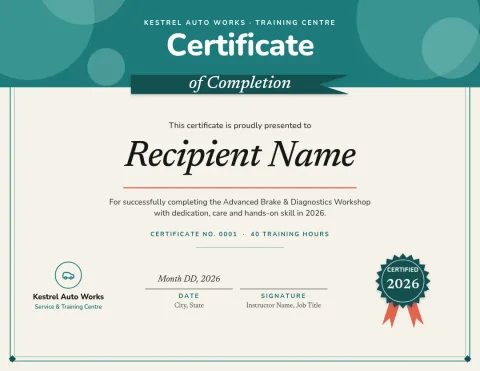
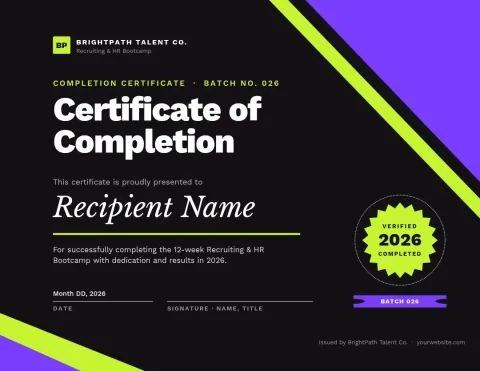
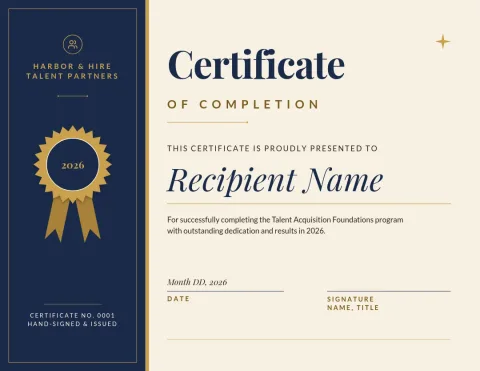
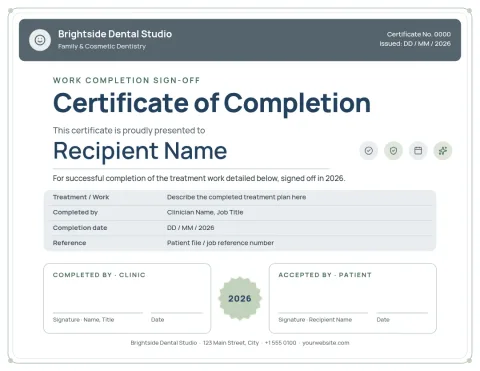
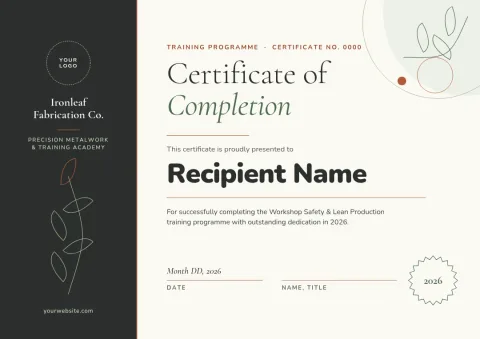
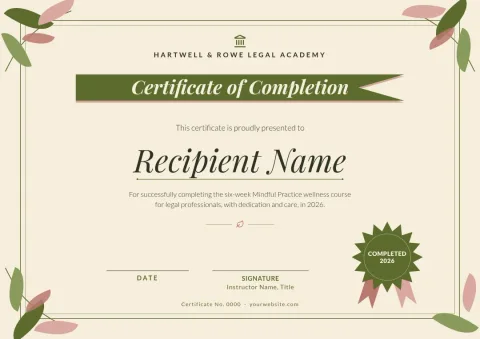
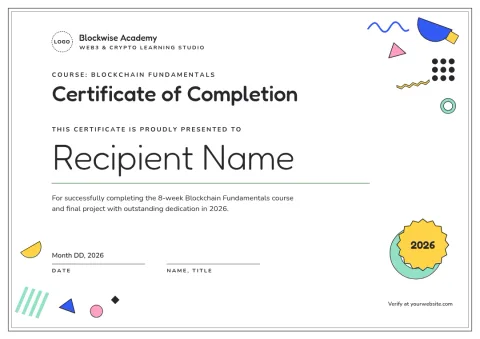
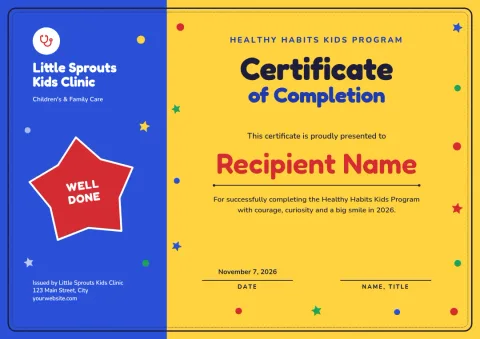
Keep it clear and easy to check. Add the person's name, what they completed, the date, and who is issuing it. A signature line and a logo make it feel official. If the certificate covers training hours or a project, add one short line saying so. The templates here already leave room for each of these.
Choose a style that fits who it is for
Navy and gold suits formal training and professional courses. Clean white layouts work well for online classes. Bright colours suit children's workshops and clubs. Plain, structured layouts suit work sign-offs for contractors. Pick the mood first, then change the wording, fonts and colours to match.
Edit, brand and download
Open a template in the Nimply Design editor in your browser. Change the text, fonts, colours, photos and layout. Save a brand kit to keep your colours, fonts and logo consistent across every certificate. Download as PDF, PNG, JPG, WebP or SVG. Downloading a template does not use AI credits.
A4 or US Letter
Certificate templates come in A4 and US Letter. Choose A4 if you are in most of Europe, Asia or Africa, and Letter for the US and Canada. If you share the certificate on screen, PNG or PDF both work. Pick the size before you start editing, so the layout fits.
Frequently asked questions
What is a template for completion certificate?
It is a ready-made certificate layout with space for a name, the course or task completed, a date and a signature. You replace the sample text with your own and change the design to suit your brand.
Can I change the wording and colours?
Yes. You can edit all text, fonts, colours, photos and layout in the browser editor. A brand kit can keep your colours, fonts and logo so each certificate looks consistent.
Which file formats can I download?
You can download PNG, JPG, WebP, PDF (standard or vector) or SVG. PDF is a common choice when you want to share or print the certificate yourself.
Do I need AI credits to use a template?
No. Downloading a template does not use AI credits. Credits are only used by AI photo tools such as the background remover and Magic Layers.
Is it free to start?
Nimply Design is part of every Nimply plan, including Free, so you can open a template and start editing without a paid plan.
Make it yours in minutes
Open any template in Nimply Design, add your brand in one click, and send it straight into a post for approval and scheduling.