

Massage gift certificate template designs you can edit online
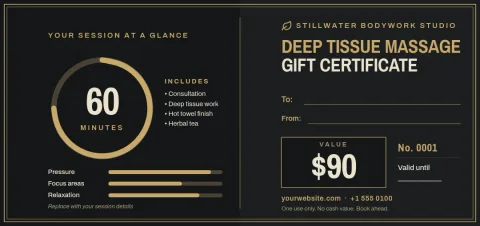
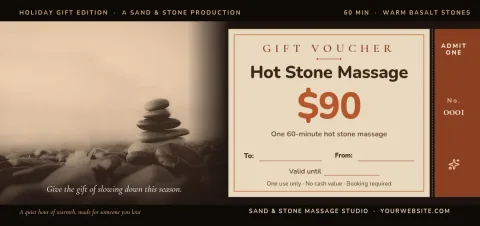
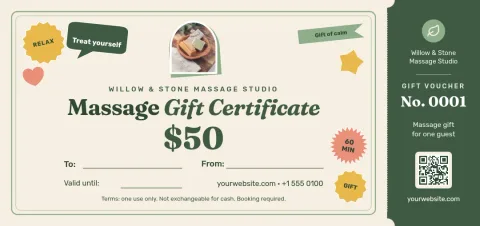
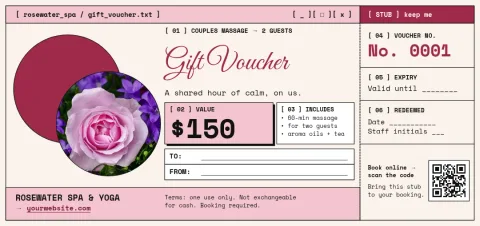
Choose a massage gift certificate template, add your studio name, treatment and value, and have a finished voucher ready to give. Every design below opens in the Nimply editor, where you can change the text, fonts, colours, photo and layout to suit your business.
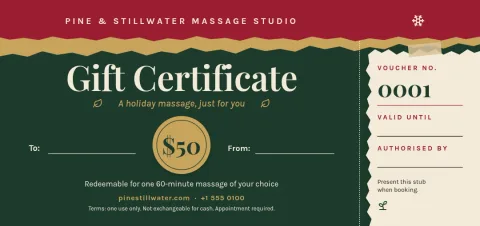
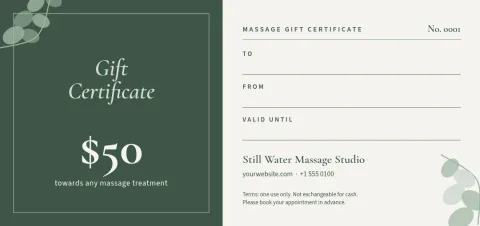
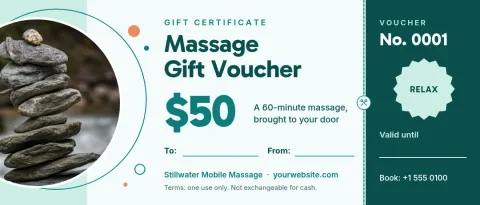
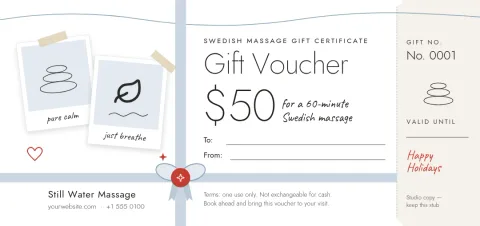
What to put on a massage gift certificate
Keep the essentials easy to find: your business name, the treatment or amount, the recipient's name, a line for who it is from, an expiry date and how to book. Each template has space for these details, so you only replace the sample text. Add your phone number, website or address at the bottom so the booking step is simple.
Make it match your studio
Start with the mood that fits your space, from calm sage to dark and gold. Then change the colours and fonts to match your brand. If you save a brand kit, your colours, fonts and logo stay ready for every voucher. Swap the photo placeholder for your own treatment room or product shot.
Download and share
When the voucher looks right, download it as a PDF, PNG or JPG. Send the file by email or message to someone buying a gift online, or take the PDF to a printer of your choice. You can also send the design into a Nimply post for approval and scheduling when you want to promote gift vouchers on social media.
Choose a size
Most templates use the standard gift voucher size, which suits a card or a single-page file. A few use a wider 7x3 shape that works well as a slim ticket-style voucher. Pick the one that fits how you plan to hand it over, and edit it the same way.
Frequently asked questions
Can I edit these massage gift certificate templates for free?
Yes. Nimply Design is part of every plan, including Free. You can change the text, fonts, colours, photos and layout, and downloading a template does not use AI credits.
What file types can I download?
You can download your certificate as PNG, JPG, WebP, PDF (standard or vector) or SVG. PDF and PNG are the usual picks for sharing by email or taking to a printer.
Can I add my own logo and colours?
Yes. Upload your logo, change any colour or font, and save them in a brand kit so your colours, fonts and logo are ready for the next voucher.
Can I use the voucher for couples or package deals?
Yes. Edit the headline and details to name any treatment, such as a couples massage, a 60-minute session or a set of visits. Several templates are already written for these cases.
Do you print the certificates?
No. Nimply gives you the finished file to download. You can share it digitally or print it yourself or through a printer you choose.
Make it yours in minutes
Open any template in Nimply Design, add your brand in one click, and send it straight into a post for approval and scheduling.