

Photography session gift certificate template for your studio
Pick a photography session gift certificate template, add your studio name, session type and value, and swap in your own photo. Change fonts and colours to match your brand, then download the certificate or send it into a Nimply post. Eight layouts cover family, newborn, couples, pets, headshots and mini sessions.
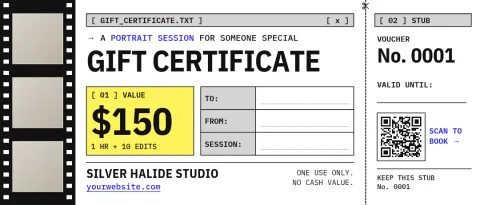
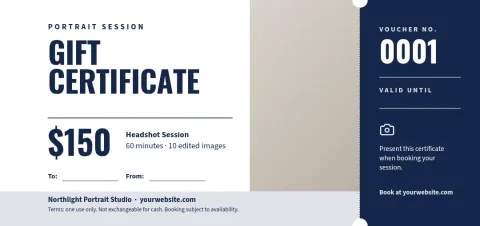
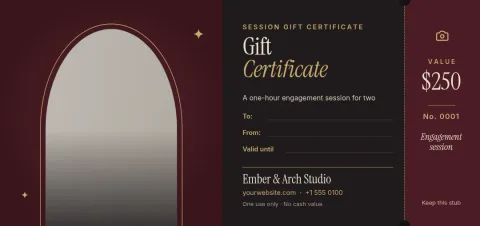
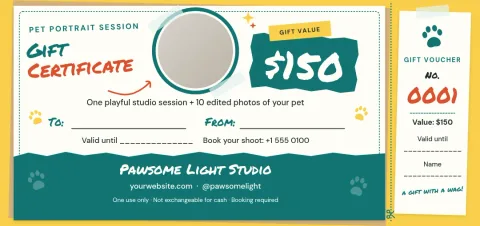
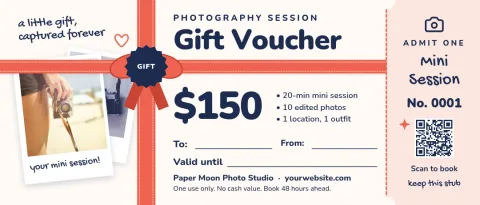
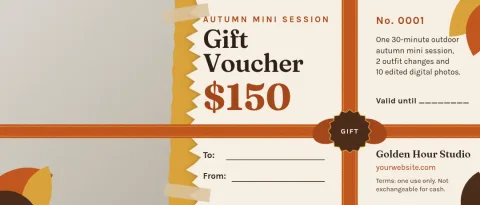
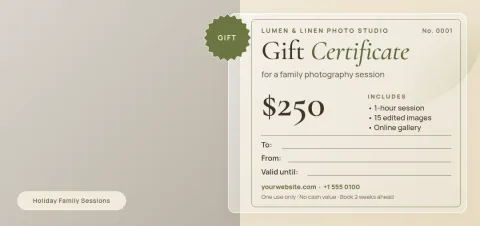
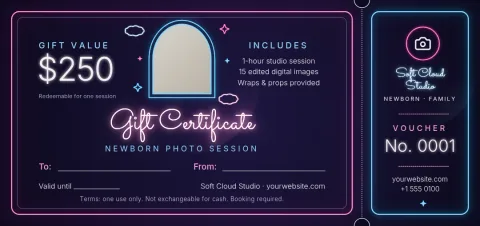
Certificates for the sessions you sell
Each layout is built around a different kind of shoot, so the wording and mood fit what the buyer is giving. Family, newborn, couples, pet, headshot and seasonal mini session designs are all here. Pick the one closest to your work, then replace the sample text with your own session length, what is included and the value.
What to put on the certificate
Keep it clear for the person receiving it. Add your studio name, the session type, the value or number of images included, a redemption code or line for a name, an expiry date, and how to book. Add a short note about your location and contact details so the recipient knows exactly what to do next.
Edit, download or share
Nimply Design runs in your browser and is part of every Nimply plan, including Free. Edit text, fonts, colours, photos and layout, and save your colours, fonts and logo in a brand kit. Download as PNG, JPG, WebP, PDF or SVG, or send the design into a Nimply post for approval and scheduling.
Using your own photos
Every template has a photo placeholder, so you can drop in a favourite frame from your portfolio. Choose an image that shows the style of session the certificate covers. The AI background remover is optional and uses AI credits. Downloading a template does not use credits.
Frequently asked questions
Can I change the wording on the certificate?
Yes. Every line of text is editable, including the session name, value, terms and booking details. You can also change fonts, colours and layout so the certificate matches your studio.
What file formats can I download?
You can download your design as PNG, JPG, WebP, PDF (standard or vector) or SVG. PNG or JPG suits sending by email or message, and PDF suits a document you want to keep sharp.
Does it cost anything to use a template?
Nimply Design is part of every Nimply plan, including Free. Downloading a template does not use AI credits. Only the AI photo tools, such as the background remover, use credits.
Can I use my own photos and logo?
Yes. Replace the photo placeholder with your own image and add your logo. A brand kit can store your logo, colours and fonts so each new certificate starts on brand.
Can I share the certificate on social media?
Yes. You can send the design straight into a Nimply post for approval and scheduling, which is handy for promoting gift certificates before holidays.
Make it yours in minutes
Open any template in Nimply Design, add your brand in one click, and send it straight into a post for approval and scheduling.