

Awarding certificate template designs you can edit online
Choose an awarding certificate template, type in the winner's name and the reason for the award, and download it. Each of the eight designs below is fully editable in your browser, so you can change the wording, fonts, colours and layout to suit your team, class or club.
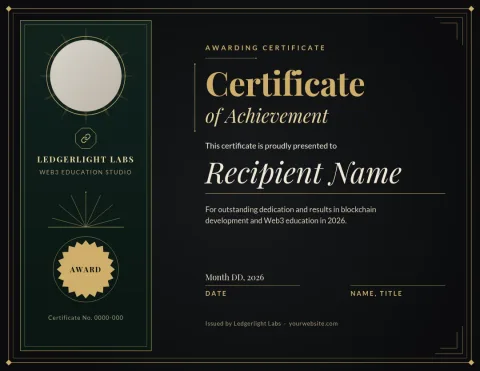
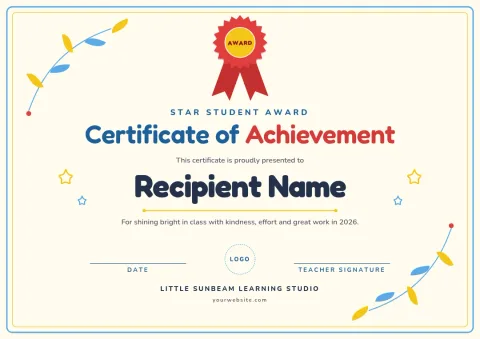
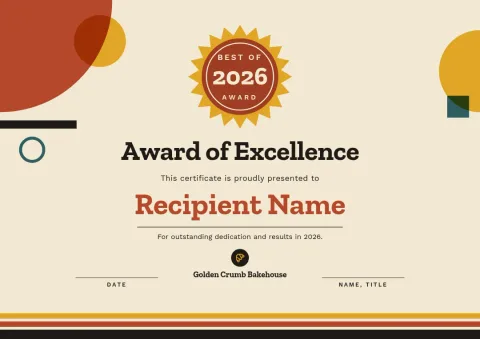
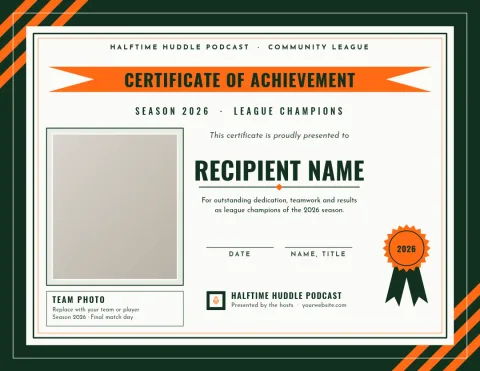
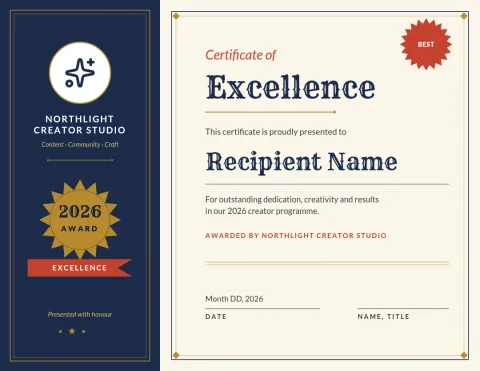
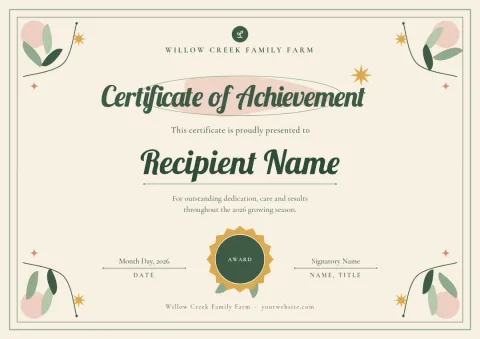
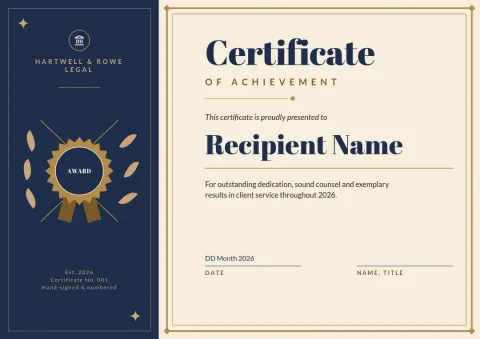
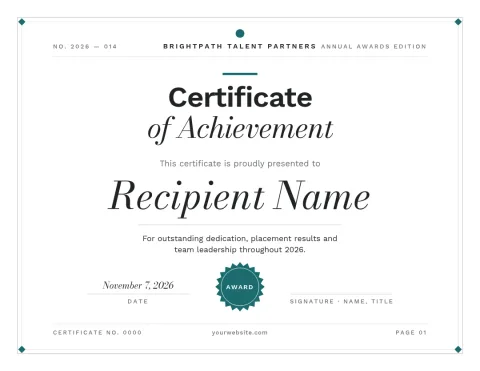
Pick a style that suits the award
A formal border with a serif heading suits long-service or academic awards. A bright, rounded layout works better for kids' classes and sports clubs. Look through the eight designs, choose the mood closest to your event, then make it yours. Every template is built to be edited, so start with the closest match rather than a perfect one.
What you can change
Edit the title, recipient name, award text, date and signature lines. Swap fonts and colours, move elements around, or replace the photo placeholder with your own logo or picture. If you use a brand kit, your colours, fonts and logo are ready to apply, which keeps every certificate looking consistent.
Download and share
Download your certificate as a PDF, PNG or JPG, or as an SVG if you need to edit it elsewhere. Pick A4 or US Letter size when you start. Downloading a template does not use AI credits. You can also send the design into a Nimply post if you want to share the news on social media.
Frequently asked questions
Is the awarding certificate template free to use?
Nimply Design is part of every Nimply plan, including Free. You can open a template, edit it and download it without paying. Downloading a template does not use AI credits.
Can I change the wording and names?
Yes. Every text block is editable, including the title, recipient name, award description, date and signatures. You can also change fonts, colours and layout.
What file types can I download?
You can download PNG, JPG, WebP, PDF (standard or vector) or SVG. PDF is a good choice when you want a document that keeps its layout.
Which paper sizes are available?
These templates come in A4 and US Letter sizes, so you can pick the one used where you are.
Can I add my own logo?
Yes. Upload your logo or use a brand kit that stores your logo, colours and fonts, then place it on the certificate.
Make it yours in minutes
Open any template in Nimply Design, add your brand in one click, and send it straight into a post for approval and scheduling.