

Certificate recognition template designs you can edit online
Thank a team member, volunteer or student with a certificate that looks cared for. Choose a certificate recognition template below, add the name and the reason for the award, adjust colours and fonts, and download it as a PDF or image. Free to start.
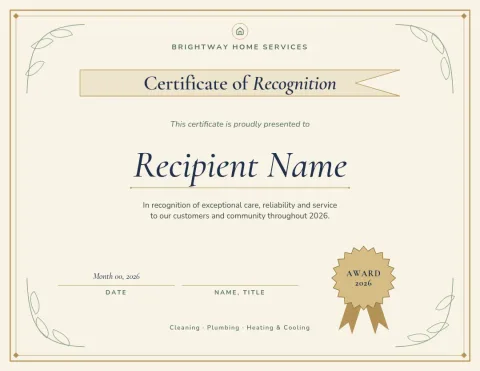
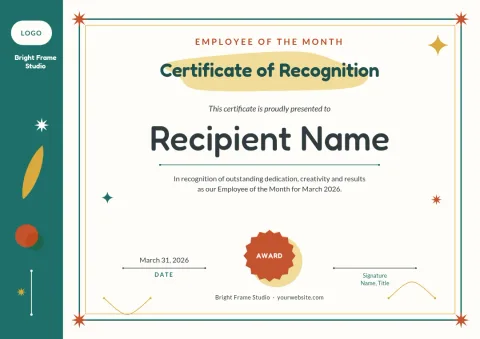
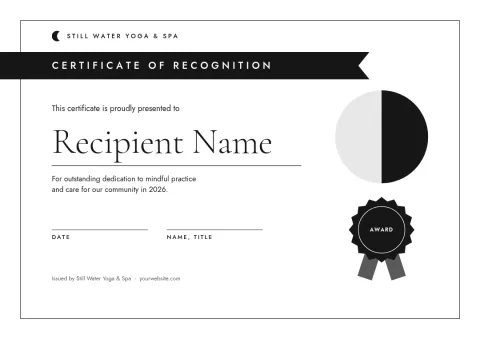
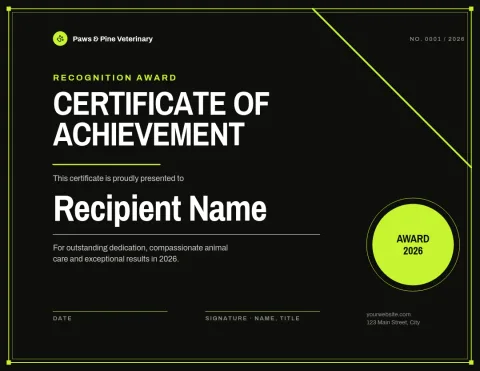
Start from a layout that fits the occasion
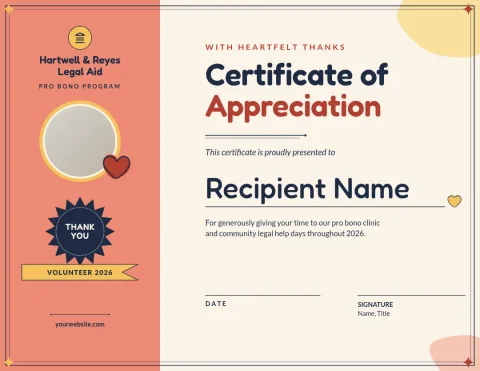
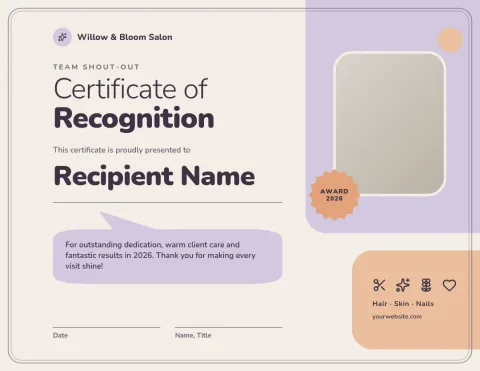
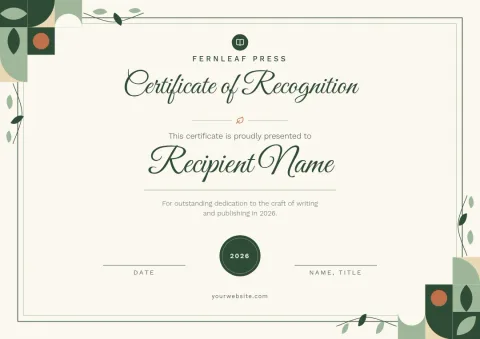
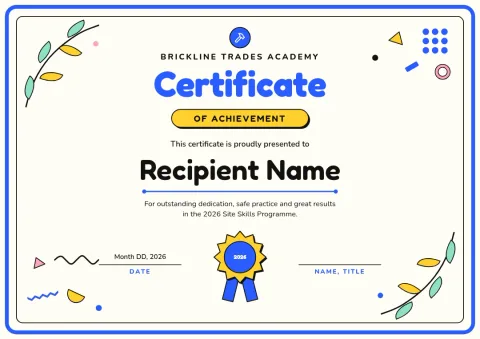
A recognition certificate works best when the tone matches the moment. A formal border suits long service or a board award. A lighter layout suits a team shout-out or a classroom. Each template here is a starting point, so pick the mood closest to yours and change the rest.
What you can change
Edit every line of text, swap fonts, and recolour shapes and borders. Add your logo or a photo placeholder, and move things around if a name is long. A brand kit keeps your colours, fonts and logo consistent across every certificate you make.
Download and share
Download your certificate as a PDF (standard or vector), PNG, JPG, WebP or SVG. Choose A4 or US Letter to suit the paper you have. Downloading a template does not use AI credits, and you can also send the design into a Nimply post.
Tips for wording
Name the person, say what they did, and add the date. One specific line, such as who they helped or what they finished, makes the certificate feel real. Keep the signature line for a real signature, and leave enough room for it.
Frequently asked questions
Is the certificate recognition template free to use?
Nimply Design is part of every plan, including Free, so you can open a template, edit it and download it without paying. AI photo tools such as the background remover use AI credits, but downloading a template does not.
Which sizes are available?
The certificates here use A4 or US Letter, so they fit standard printer paper in most countries. Pick the size that matches your paper before you start editing.
Can I add my organisation's logo and colours?
Yes. Upload your logo, change any colour or font, and save them in a brand kit so the next certificate starts with your look already in place.
What file formats can I download?
PDF (standard or vector), PNG, JPG, WebP or SVG. PDF is a good choice for printing yourself or emailing a certificate to the recipient.
Can I make many certificates from one template?
Yes. Change the name and details, download, then change them again for the next person. Each download is a separate file, so keep a clear file name for each recipient.
Make it yours in minutes
Open any template in Nimply Design, add your brand in one click, and send it straight into a post for approval and scheduling.