

Pick a new years eve party flyer template and make it yours
Choose a layout, type in your party details and change the colours to suit your night. Each new years eve party flyer template here is ready to edit in your browser in Nimply Design. Swap the photo, set your date and time, then download the flyer or send it to a post.
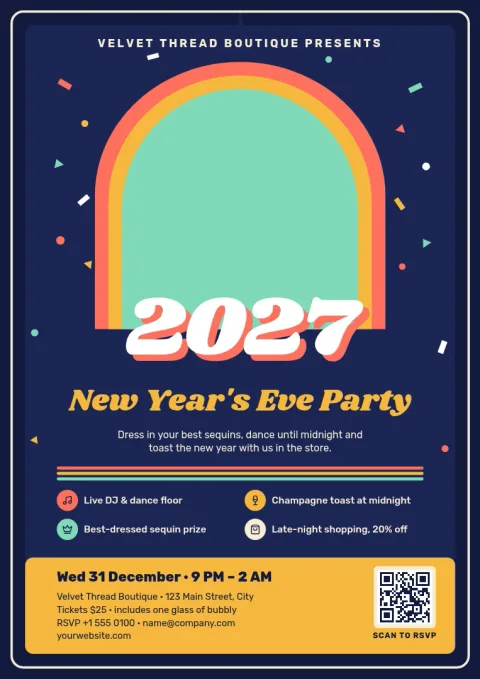
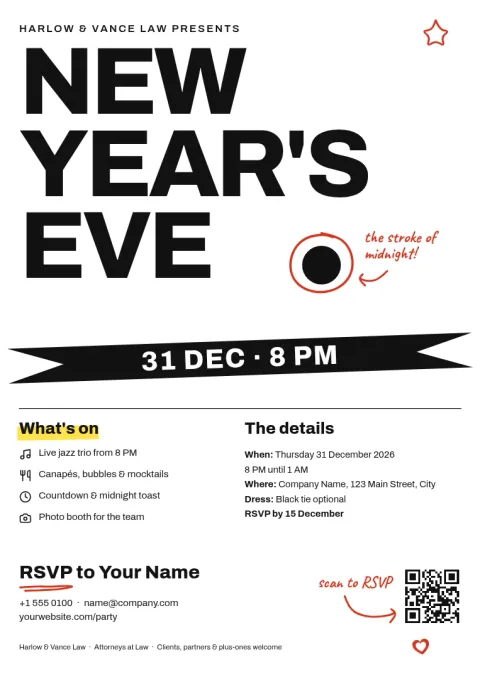
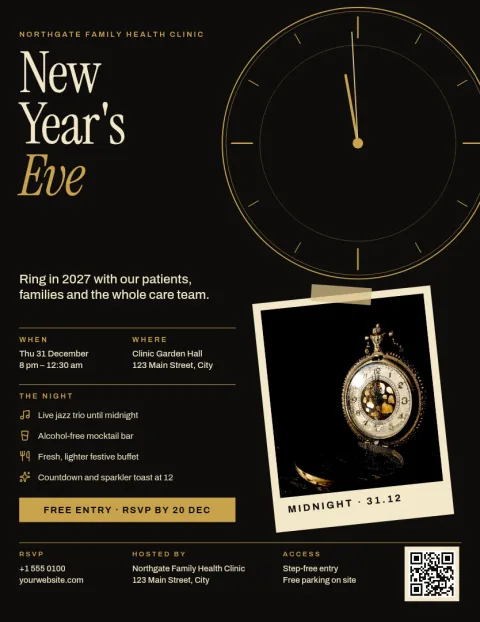
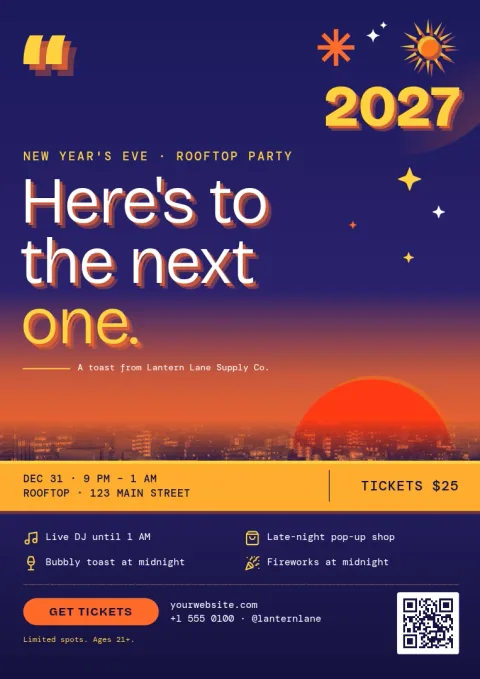
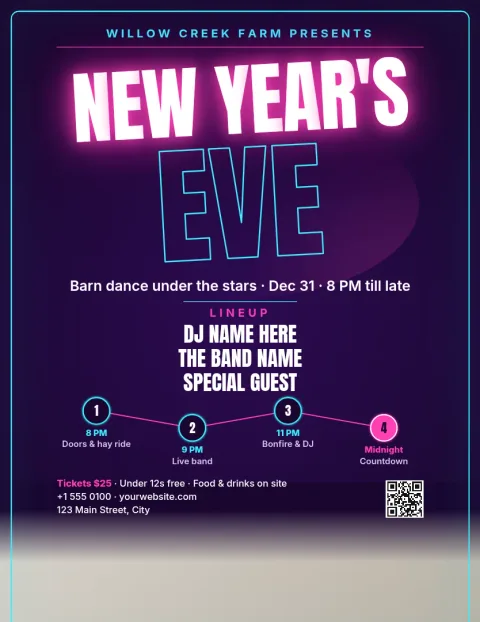
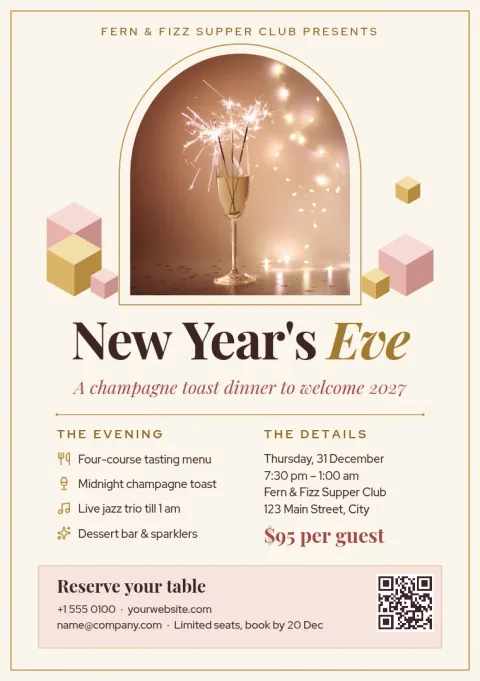
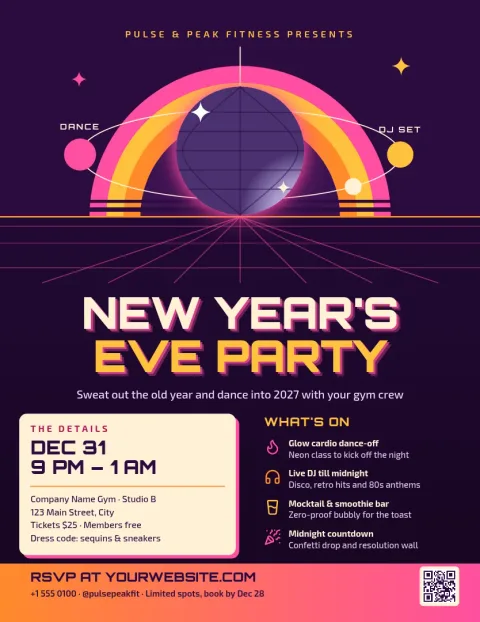
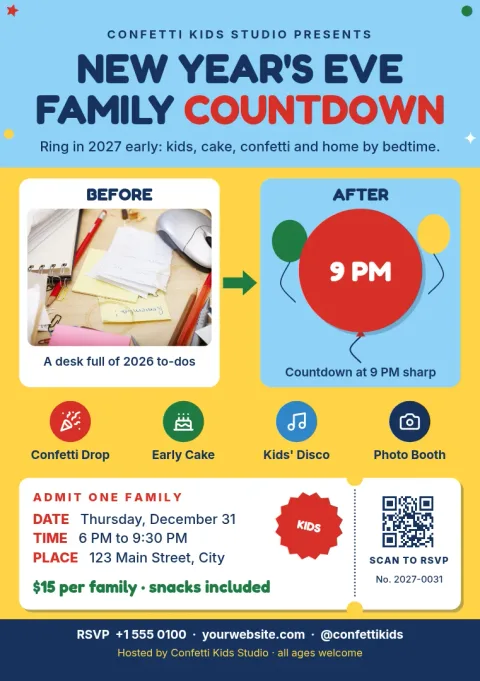
What to put on a New Year's Eve flyer
Guests decide in a few seconds, so lead with the essentials: the party name, the date, the start time and the place. Add the cost or how to get in, plus one line on what makes the night worth coming to, such as a live DJ, a set dinner or a midnight toast. Keep contact details or a booking link small but easy to find.
Eight looks for different parties
These templates cover a black and gold club night, a quiet dinner, a family countdown, a neon dance floor and more. Pick the mood closest to your crowd, then adjust the wording. Layouts leave room for a headline, a short list of details and a photo or logo, so you can fill them in without rebuilding anything.
Edit, download or schedule
In Nimply Design you can edit text, fonts, colours, photos and layout. A brand kit keeps your colours, fonts and logo in one place for every flyer. When you are done, download as PNG, JPG, WebP, PDF or SVG, or send the design into a Nimply post for approval and scheduling. Downloading a template does not use AI credits.
Frequently asked questions
Can I edit a new years eve party flyer template for free?
Yes. Nimply Design is part of every Nimply plan, including Free. Open a template, change the text, fonts, colours, photos and layout, then download it. Downloading a template does not use AI credits.
What file types can I download?
You can download your flyer as PNG, JPG, WebP, PDF (standard or vector) or SVG. You can also send the design straight into a Nimply post for approval and scheduling.
Which flyer sizes are available?
These templates come in US Letter, A4 and A5 flyer sizes. Pick the size that suits where you will share or hand out the flyer.
Can I use my own logo and colours?
Yes. Upload your logo and photos, and change any colour or font. A brand kit keeps your colours, fonts and logo saved so each new flyer starts on brand.
Make it yours in minutes
Open any template in Nimply Design, add your brand in one click, and send it straight into a post for approval and scheduling.