

Retirement Party Flyer Template to Edit Online
Choose a retirement party flyer template, add the guest of honour's name, the date and the place, and download it when it looks right. Each design is made for a send-off, from a relaxed office lunch to a larger evening celebration. Edit everything in your browser.
What a retirement flyer needs to say
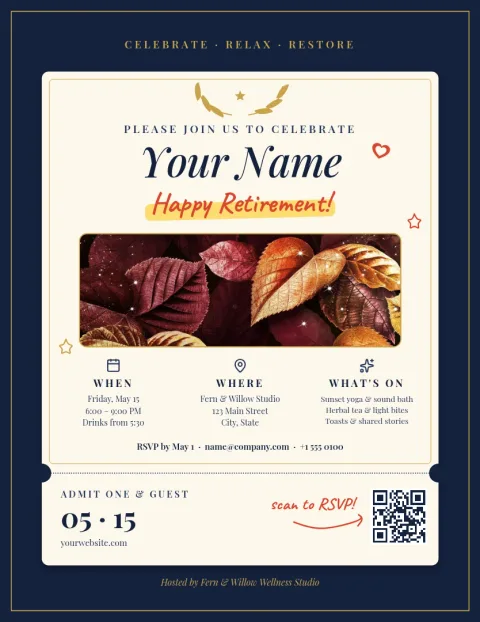
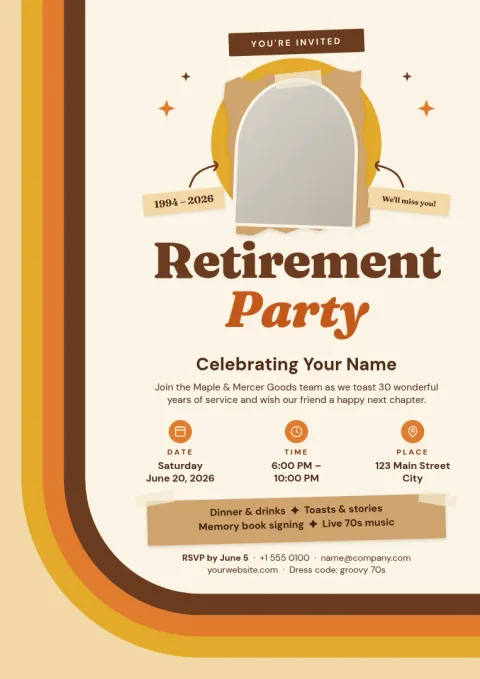
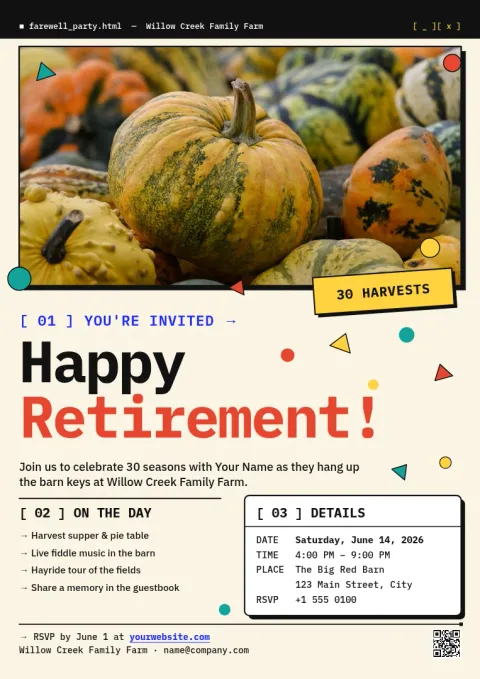
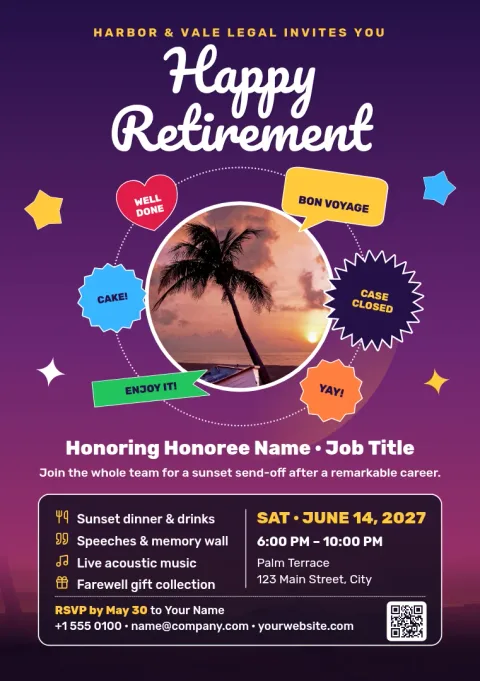
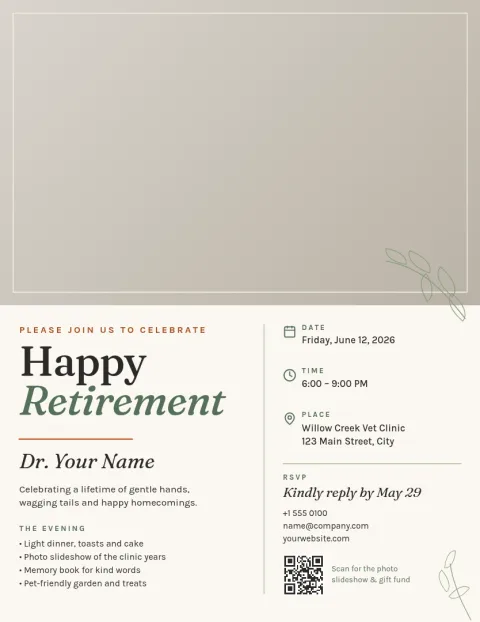
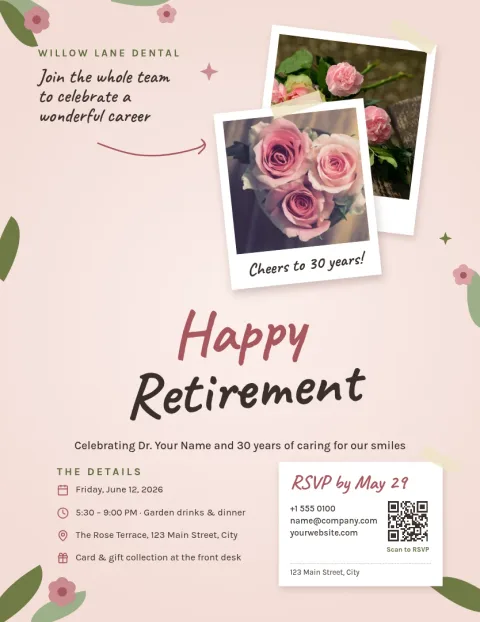
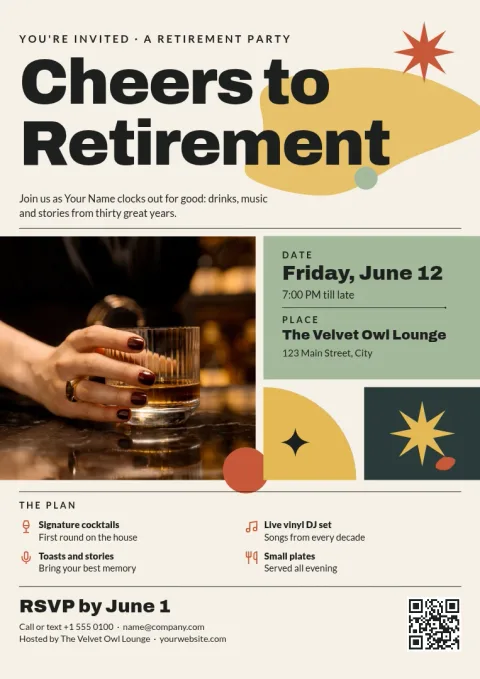
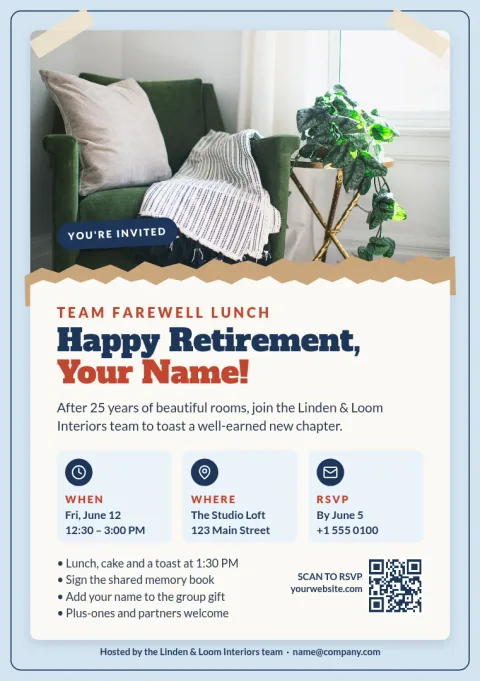
Guests want the basics fast: who is retiring, when, where, and how to reply. Put the name and the word retirement at the top, then the date, time and place. Add an RSVP contact and a short line about gifts or cards if you want one. Every template here leaves room for these details.
Make it fit the person
Pick a mood that matches the guest of honour: formal and classic, bright and funny, or calm and nature-inspired. In the editor you can change text, fonts, colours, photos and layout. Swap in a favourite portrait or a team photo, and adjust the colours to match the workplace or the person.
Download, share or print
When the flyer is ready, download it as a PNG, JPG, WebP, PDF or SVG. A PDF suits printing at home or at the office, and a PNG or JPG is easy to send in a message or email. Templates come in letter, A4 and A5 flyer sizes.
Frequently asked questions
Can I edit a retirement party flyer template for free?
Yes. Nimply Design is part of every plan, including Free. You can change the text, fonts, colours, photos and layout in your browser. Downloading a template does not use AI credits.
What file formats can I download?
You can download PNG, JPG, WebP, PDF (standard or vector) or SVG. PDF is a good choice for printing, and PNG or JPG works well for sharing in messages or email.
Which sizes are available?
The templates on this page use flyer sizes: US letter, A4 and A5. Pick the one that matches the paper you plan to use or the way you will share it.
Can I add my own photo of the retiree?
Yes. Replace the photo placeholder with your own picture and adjust its position and size. If you want a cleaner look, the background remover can cut out the person, which uses AI credits.
Can I keep my company colours and logo?
Yes. Brand kits store your colours, fonts and logo so you can apply them to a flyer quickly, which helps if the party is hosted by a team or business.
Make it yours in minutes
Open any template in Nimply Design, add your brand in one click, and send it straight into a post for approval and scheduling.