

Super Bowl Party Flyer Template Free to Edit and Download
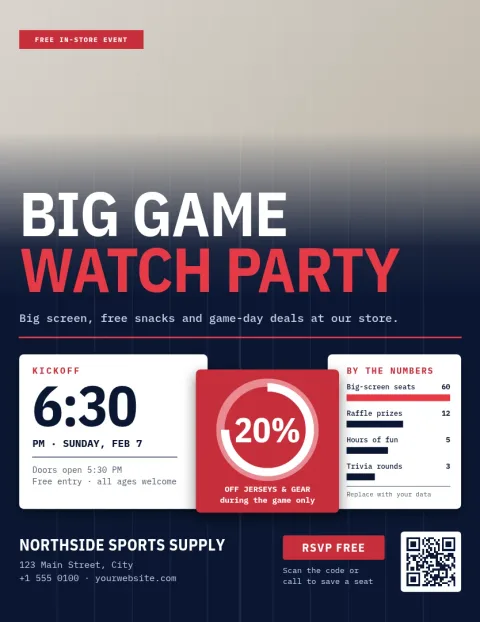
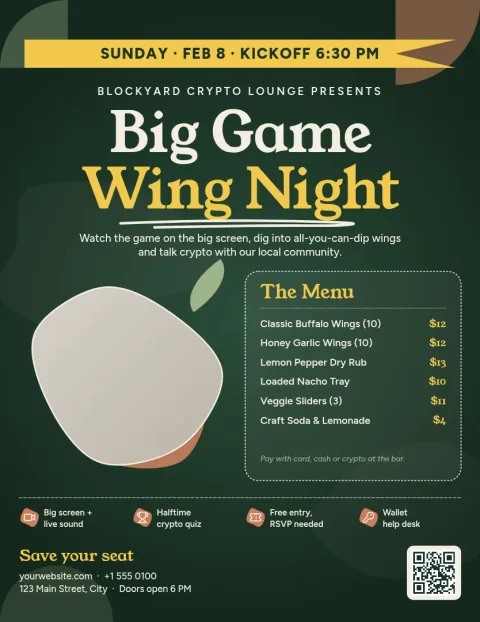
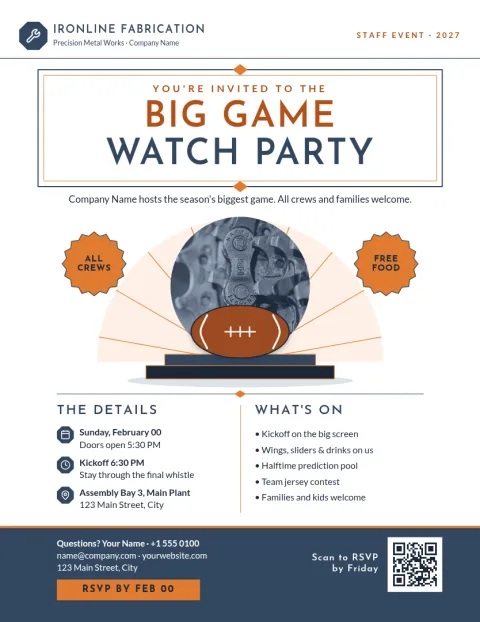
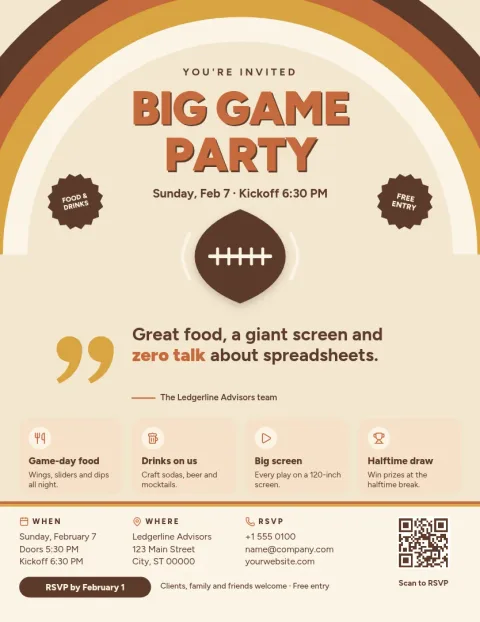
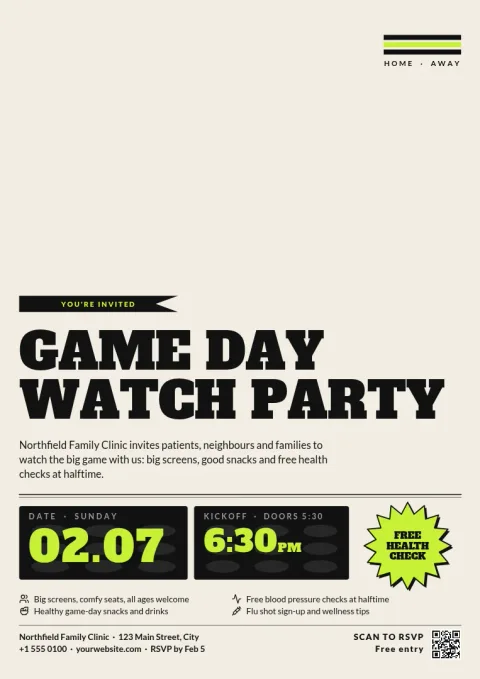
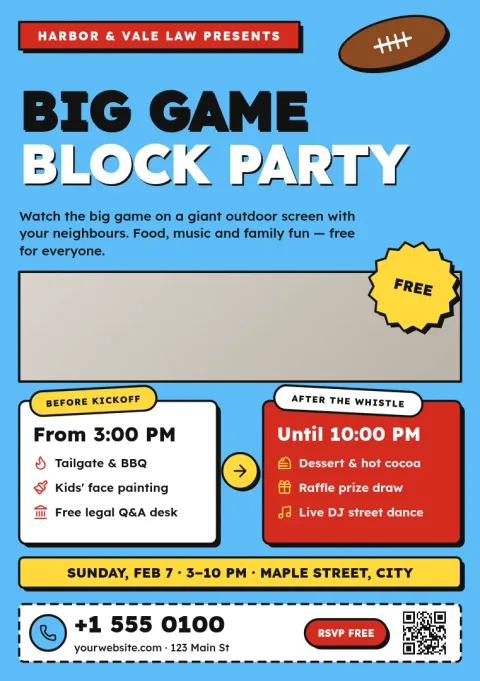
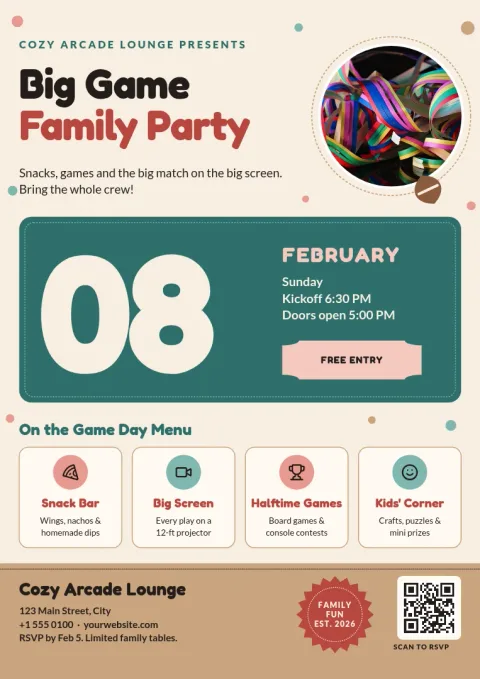
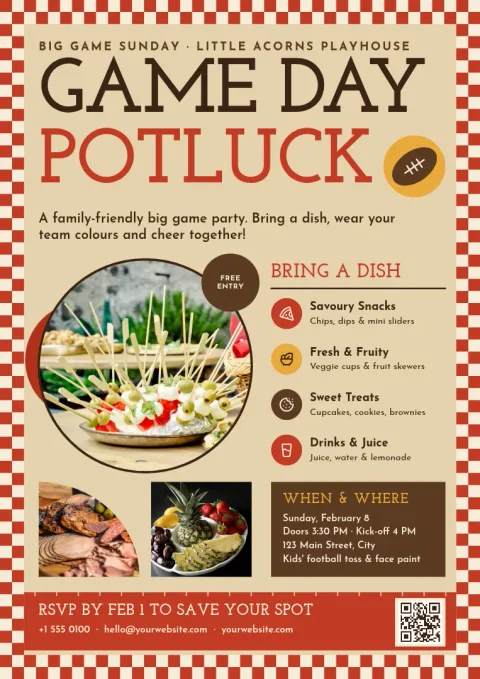
Tell your guests where to be on game day. Start from one of these eight Super Bowl party flyer templates, swap in your date, address and what to bring, and download it. Each design is free to edit in your browser, with room for a menu, a potluck list or a kickoff time.
What to put on a Super Bowl party flyer
Keep it short enough to read from across a room. Put the party name and kickoff time first, then the address, then one line on food or what to bring. Add an RSVP contact and a deadline. If you want guests to pick a team, a small line like wear your colours is enough. Every template here has space for these details.
Edit the template in your browser
Open a template in Nimply Design and click any text to change the words, font or colour. Replace the photo placeholder with your own picture, move shapes around and adjust the layout. If you save a brand kit, your colours, fonts and logo are ready to apply, which helps if you host for a bar, club or office.
Download or share the flyer
When it looks right, download the flyer as a PNG or JPG to text to friends, or as a PDF to print at home or at a copy shop. You can also export SVG. If you run a business page, send the design straight into a Nimply post for approval and scheduling. Downloading a template does not use AI credits.
Choosing a size
Letter and A4 flyers suit printing and posting on a noticeboard. The A5 flyer is a smaller handout that fits a front desk or a bar counter. If you only plan to share the flyer in a group chat, any size works, so pick the one that matches how many copies you want to print.
Frequently asked questions
Is this Super Bowl party flyer template really free?
Nimply Design is part of every Nimply plan, including Free, so you can open a template, edit it and download it without paying. AI photo tools such as the background remover use AI credits, but editing text and downloading a template does not.
Can I print the flyer?
Yes. Download it as a PDF, or as a PNG or JPG, and print it yourself or take the file to a copy shop. Nimply does not print or ship flyers for you.
Can I use my own photos and colours?
Yes. Replace the photo placeholder with your own image and change any colour, font or layout detail. A brand kit keeps your colours, fonts and logo ready if you make flyers often.
Can I share the flyer online instead of printing it?
Yes. Download a PNG or JPG for group chats and email. If you manage a social page in Nimply, you can send the design into a post for approval and scheduling.
Which size should I pick?
Use letter or A4 for printing and posting on a wall. Choose A5 for smaller handouts. For group chats, size matters less, so choose whichever design layout you like best.
Make it yours in minutes
Open any template in Nimply Design, add your brand in one click, and send it straight into a post for approval and scheduling.