

Art exhibition flyer template for your next show
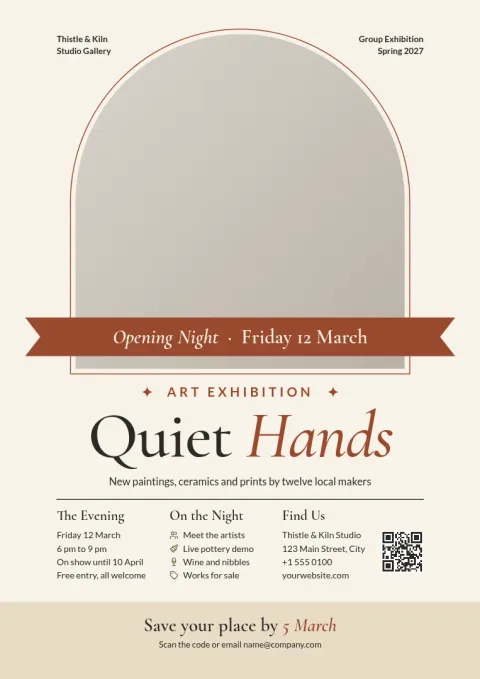
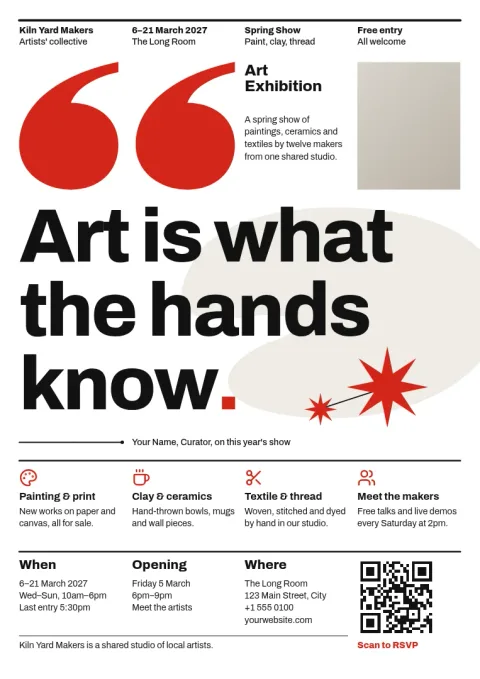
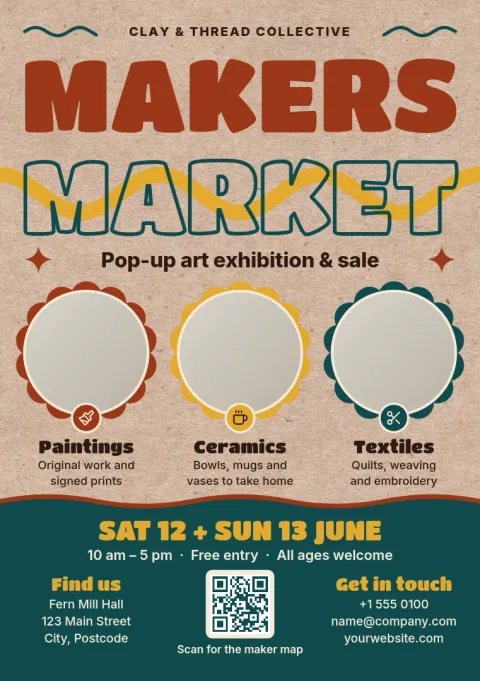
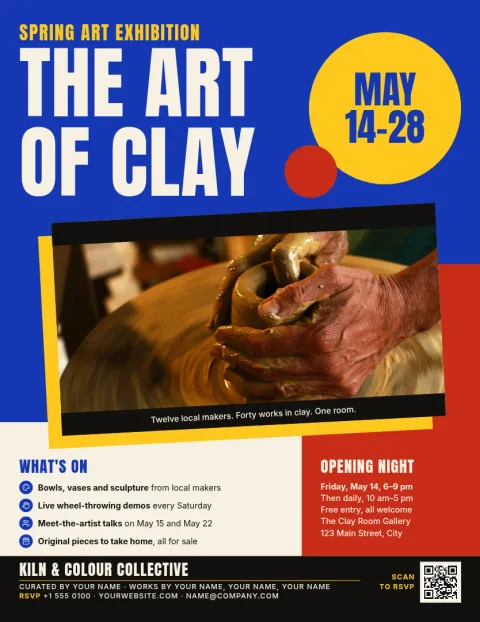
Choose an art exhibition flyer template that suits your show, from a quiet gallery opening to a busy pop-up market. Swap in your artwork, dates and venue, adjust fonts and colours, then download the file. Each design is built to make the key details easy to read at a glance.
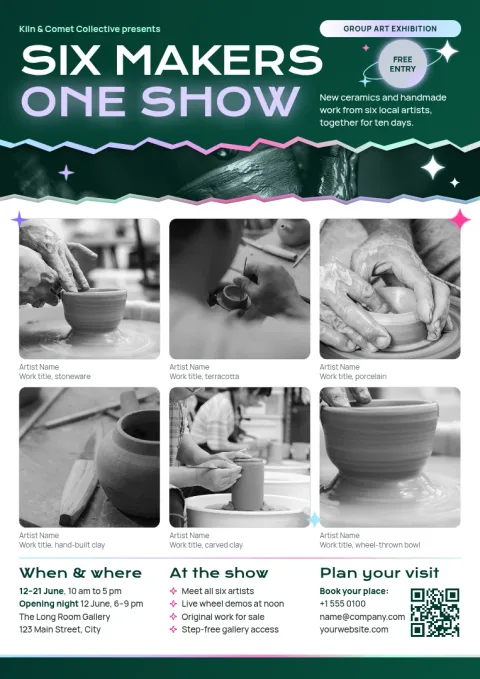
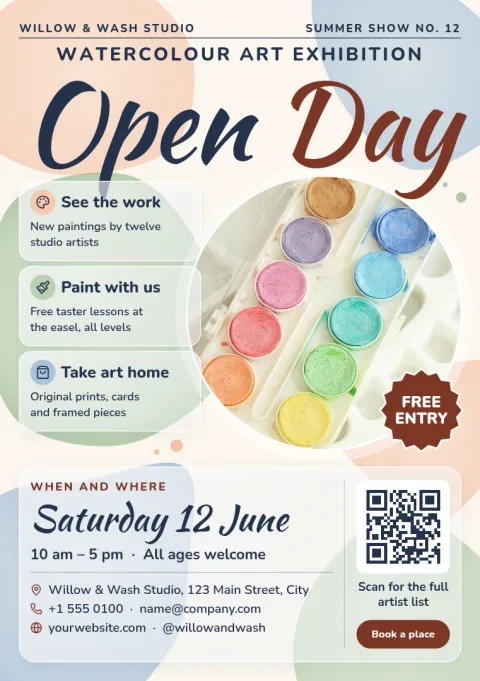
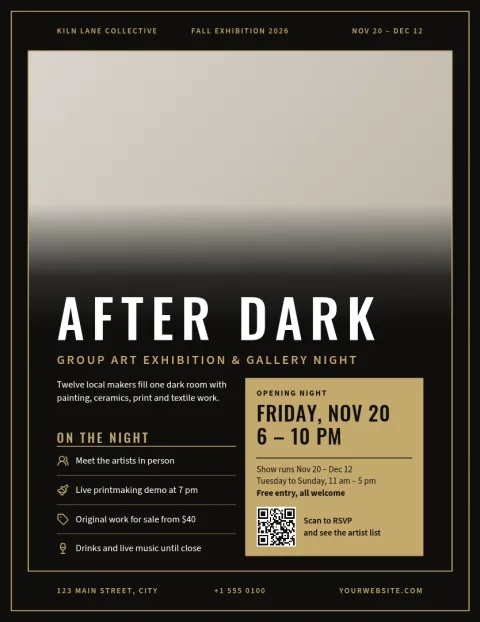
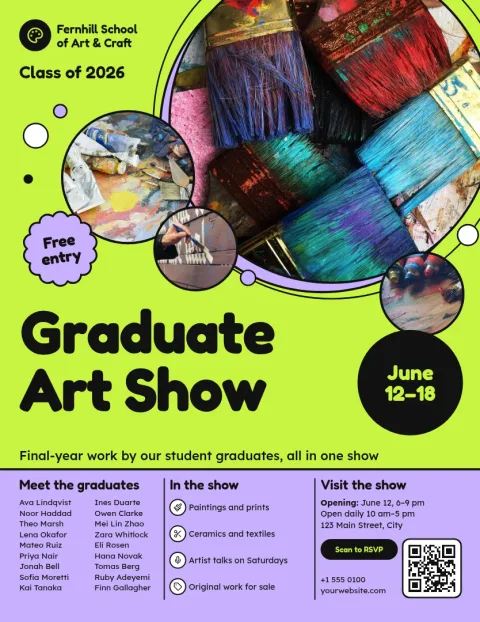
What every exhibition flyer needs
Visitors decide quickly whether to come, so the basics must be easy to find: the show title, the artist or group name, dates, opening hours, and the address. Add one strong image and a short line about the work. Each template here puts those details in a clear order, so you only replace the placeholders with your own.
Edit it in your browser
Open a template in Nimply Design and change the text, fonts, colours, photos and layout. Save your colours, fonts and logo in a brand kit so a series of shows looks consistent. Nimply Design is part of every Nimply plan, including Free.
Download or share the design
When the flyer is ready, download it as a PNG, JPG, WebP, PDF (standard or vector) or SVG. You can also send the design into a Nimply post for approval and scheduling, so the same artwork can announce your show online. Downloading a template does not use AI credits.
Frequently asked questions
What size should an art exhibition flyer be?
The templates come in A4, US Letter and A5 flyer sizes. A4 and Letter suit noticeboards and windows, while A5 works well for handing out at events. Pick the size when you choose a template, then adjust the layout to fit.
Can I use my own artwork on the flyer?
Yes. Each template has photo placeholders you can replace with images of your work. You can also edit the text, fonts, colours and layout. Make sure you own the rights to any images you upload.
Which file formats can I download?
You can download PNG, JPG, WebP, PDF (standard or vector) or SVG. Choose the format that fits where the flyer will be used, such as a PDF for a document or a PNG for sharing online.
Do I need AI credits to use a template?
No. Downloading a template does not use AI credits. Credits are only used by AI photo tools such as the background remover and Magic Layers, and those are optional.
Can I keep the same look across several shows?
Yes. Save your colours, fonts and logo in a brand kit, then apply them to each new flyer. That keeps a series of exhibitions looking like one consistent set.
Make it yours in minutes
Open any template in Nimply Design, add your brand in one click, and send it straight into a post for approval and scheduling.