

Money envelope template designs you can edit online
Choose a money envelope template for a gift, a pay packet or a cash budget. Change the wording, colours and fonts in your browser, add your own logo or photo, and download the finished design. Each template is a starting point, so you only change what you need.
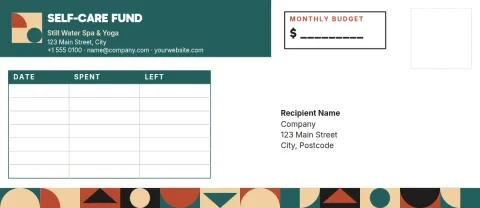
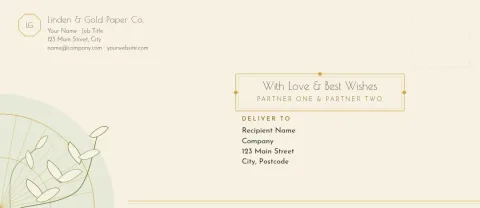
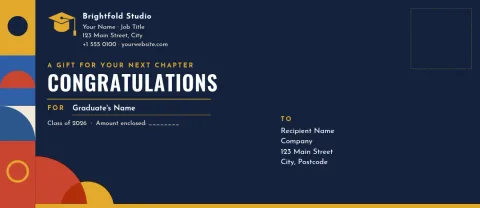
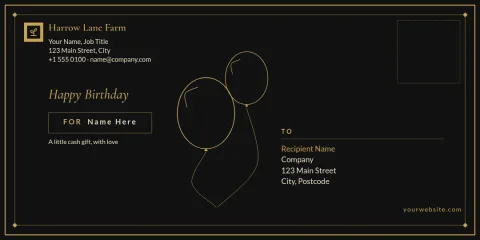
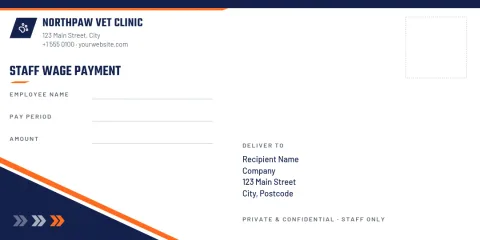
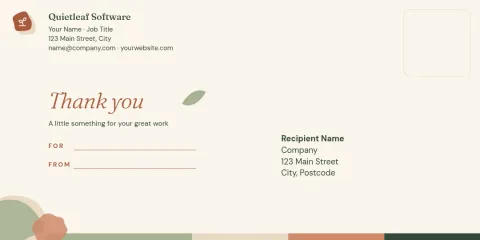
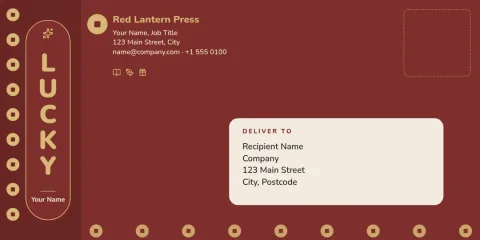
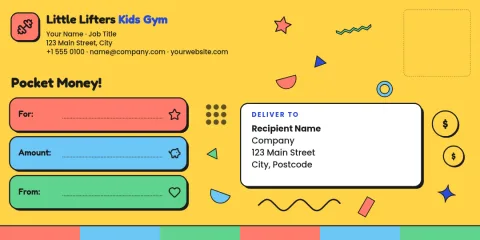
Pick the envelope for the job
A gift envelope needs warmth and room for a name. A wage envelope needs clear fields for who, when and how much. A budget envelope needs a big category label and space to track what is left. The eight templates below cover those needs, so start with the one closest to your purpose and adjust it.
Two sizes to start from
The templates use the DL envelope shape, long and slim, or the No. 10 shape, the common business size. DL suits cards and folded notes with cash. No. 10 gives more space for budget tables or a company logo. Pick the size that matches the envelopes or paper you plan to use.
Change everything in the browser
Nimply Design is a browser editor included in every Nimply plan, including Free. Edit text, fonts, colours, photos and layout. If you have a brand kit, your colours, fonts and logo are ready to apply. Downloading a template does not use AI credits.
Download in the format you need
Download your design as a PNG, JPG, WebP, PDF (standard or vector) or SVG. A PDF is a good choice if you plan to print the envelope yourself. You can also send a design into a Nimply post for approval and scheduling, handy if you share envelope designs on social media.
Frequently asked questions
Can I change the wording on a money envelope template?
Yes. Every template is fully editable. Replace the greeting, names, labels and amounts with your own text, then change the font, size and colour until it fits the occasion.
Which size should I choose, DL or No. 10?
Choose DL for a slim gift envelope that holds cash and a small card. Choose No. 10 when you want more room for a logo, pay details or a budget tracker. Match it to the envelopes you have.
What file formats can I download?
You can download PNG, JPG, WebP, PDF (standard or vector) or SVG. PDF is usually the easiest option if you want to print the design yourself.
Do I need a paid plan to use these templates?
No. Nimply Design is part of every Nimply plan, including Free. Downloading a template does not use AI credits. Credits apply only to AI photo tools such as the background remover.
Can I add my business logo?
Yes. Upload your logo and place it on the envelope. If you set up a brand kit, your logo, colours and fonts are saved so you can reuse them on every design.
Make it yours in minutes
Open any template in Nimply Design, add your brand in one click, and send it straight into a post for approval and scheduling.