

Instagram story background template iPhone: 8 designs to edit
Start with a full-screen vertical background, then add your own words, photo and logo. These eight Instagram story designs are sized for the phone screen, so what you make looks right when someone taps through on an iPhone. Edit everything in your browser and download when you are happy.
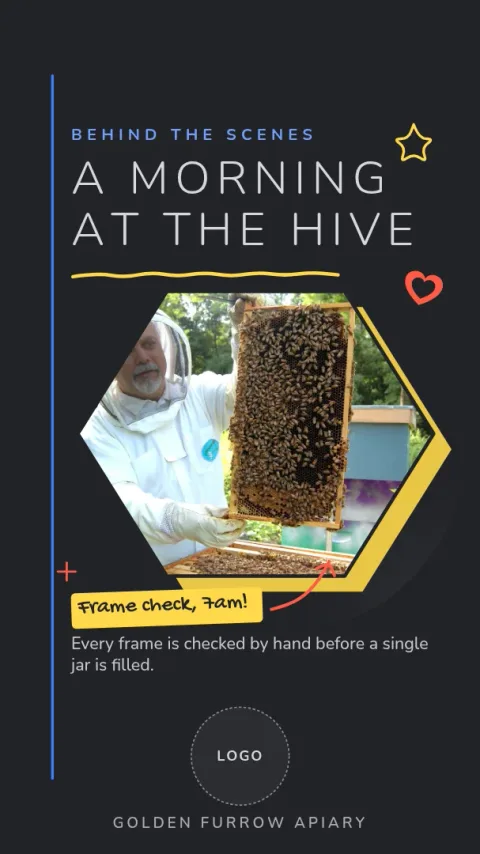
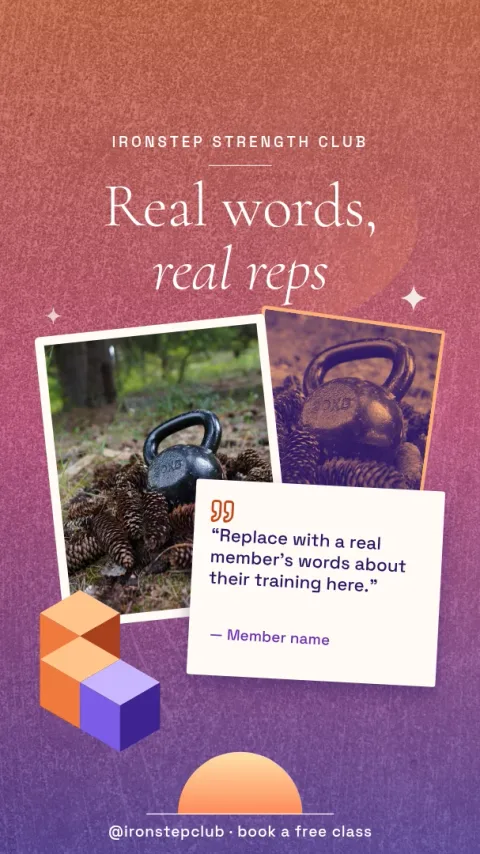
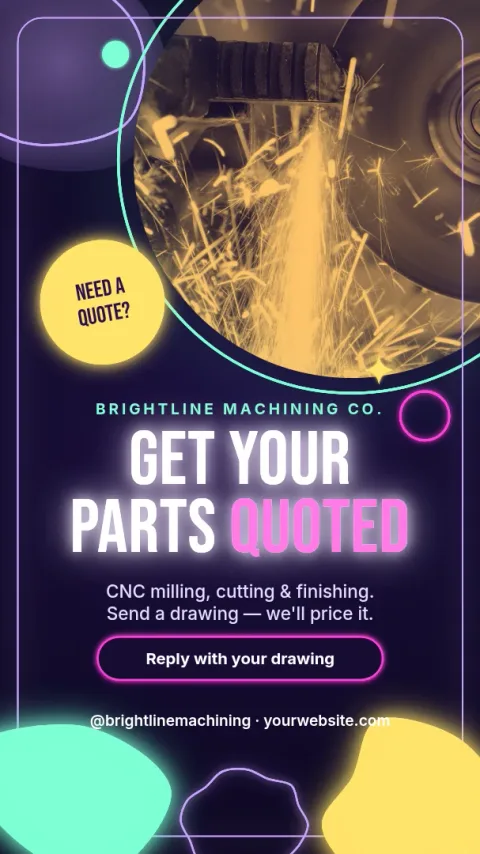
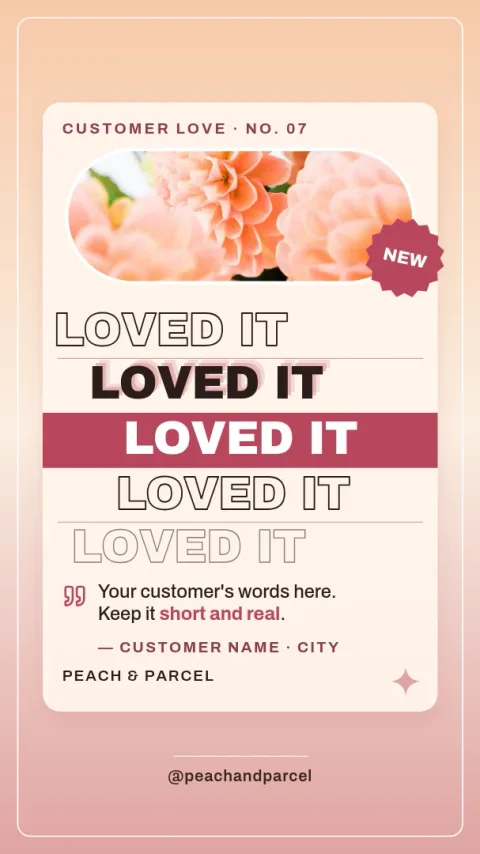
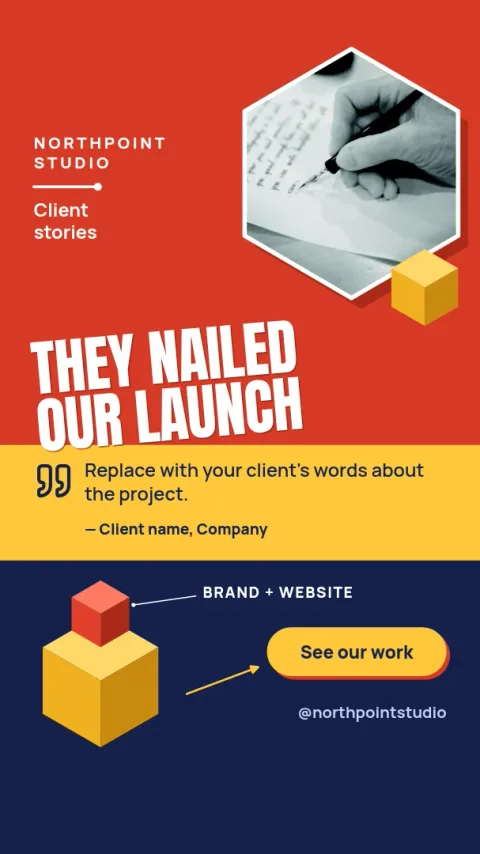
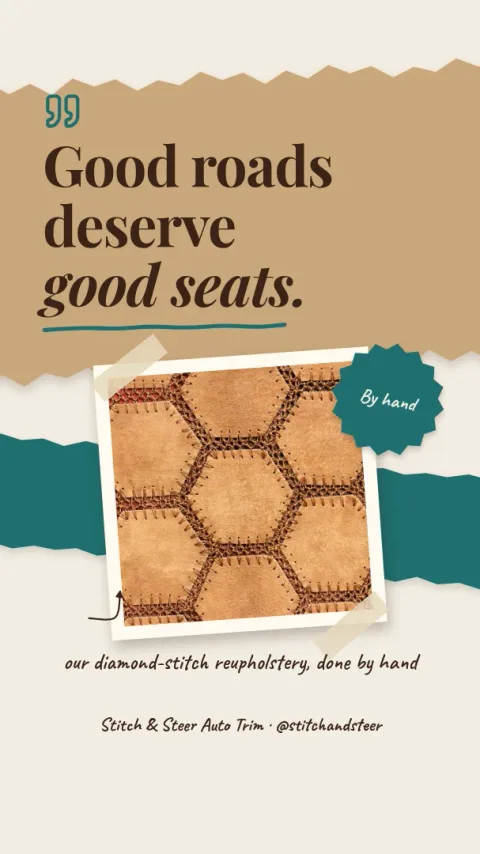
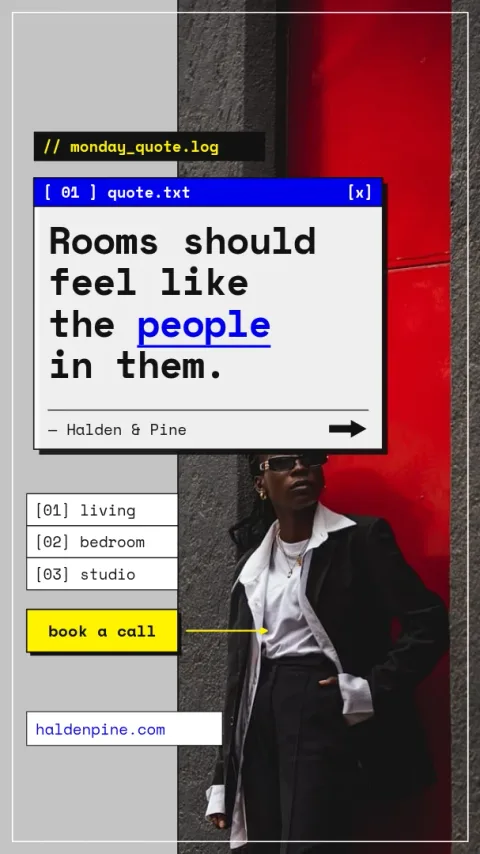
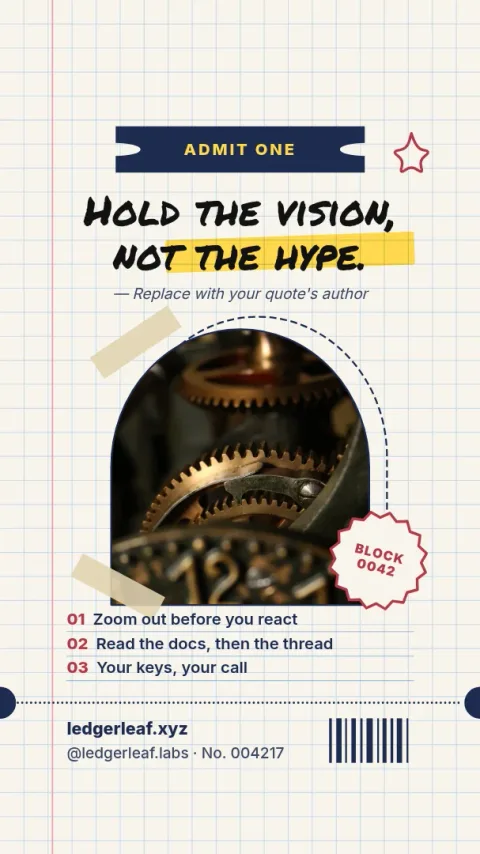
Made for the vertical phone screen
Each template uses the Instagram Story size, a tall 9:16 canvas that fills a phone screen. On an iPhone, Instagram places your profile name at the top and the reply bar at the bottom. Keep your main text in the middle of the design and let the background do its work around the edges.
What you can change
Every template is fully editable in Nimply Design. Change the text and fonts, swap colours, replace the photo placeholders with your own pictures and move things around. If you keep a brand kit, it holds your colours, fonts and logo so each new story background matches the last one.
How to use these backgrounds
Use a background as the base for a quote, a sale notice, a new post teaser or a poll. Pick the mood that suits your brand, add a short line of text, and download. You can also send the design straight into a Nimply post for approval and scheduling.
Download and share
Download your story as a PNG, JPG or WebP, or as a PDF or SVG if you need those. Save it to your phone and upload it from the Instagram app. Downloading a template does not use AI credits. Only the AI photo tools, like the background remover, do.
Frequently asked questions
What size is an Instagram story background for iPhone?
Instagram Stories use a tall 9:16 vertical format that fills the phone screen. All eight templates here use the Instagram Story size, so you do not need to resize anything before you edit.
Can I use my own photo as the background?
Yes. Replace any photo placeholder with your own picture, or build on a plain colour or gradient background. You can also use the AI background remover on a photo, which uses AI credits.
Are these templates free to edit?
Nimply Design is part of every Nimply plan, including Free, so you can open a template and edit it in your browser. Downloading a template does not use AI credits.
How do I get the design onto my iPhone?
Download the story as a PNG or JPG, save it to your phone, then add it from the Instagram app. Or send it into a Nimply post to get approval and schedule it.
Will my text be covered by Instagram's buttons?
It can be if it sits too close to the top or bottom edge. Keep key words and logos in the middle of the screen, away from the profile name and reply bar.
Make it yours in minutes
Open any template in Nimply Design, add your brand in one click, and send it straight into a post for approval and scheduling.