

Instagram story ad template designs you can edit
Start from a ready-made instagram story ad template instead of a blank screen. Each design is sized for Stories, with clear space for your offer and a call to action. Change the text, fonts, colours and photo in your browser, then download it or send it to a Nimply post.
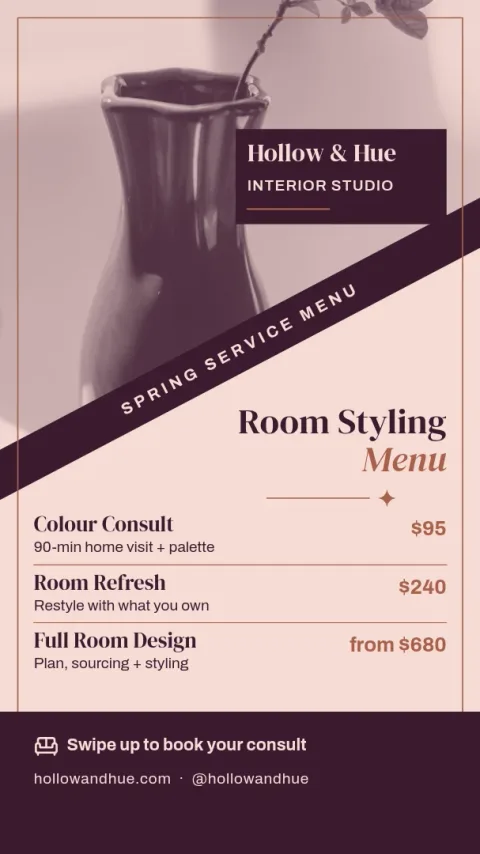
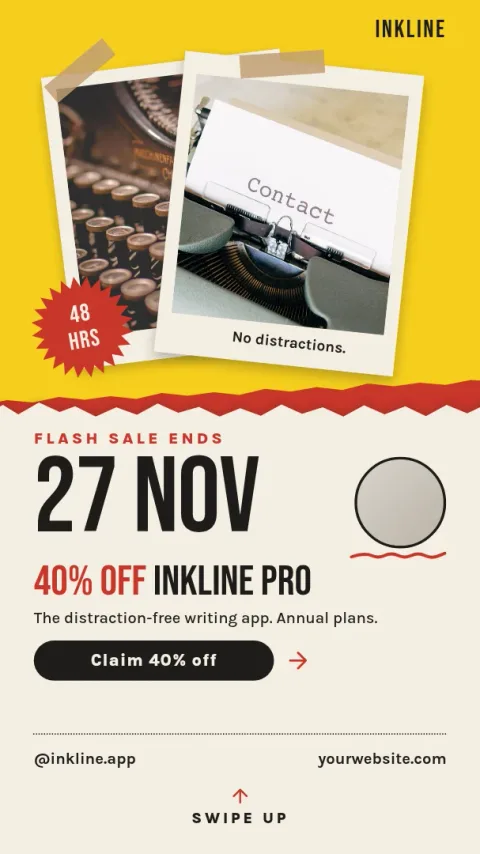
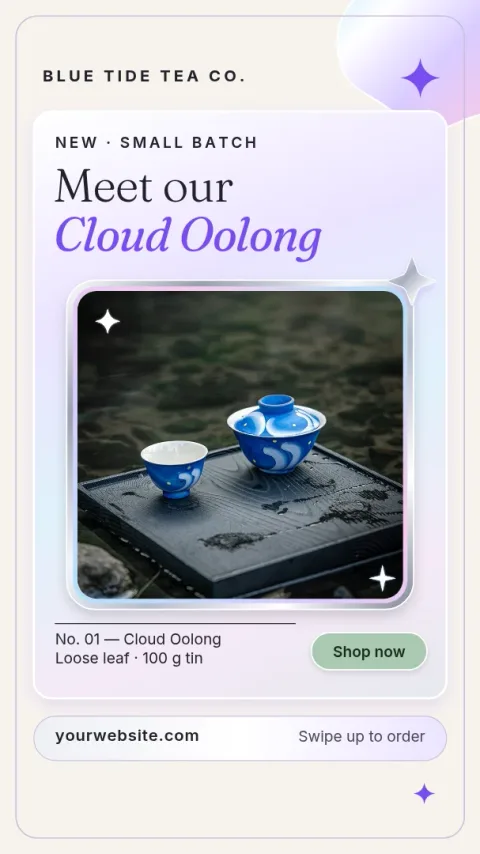
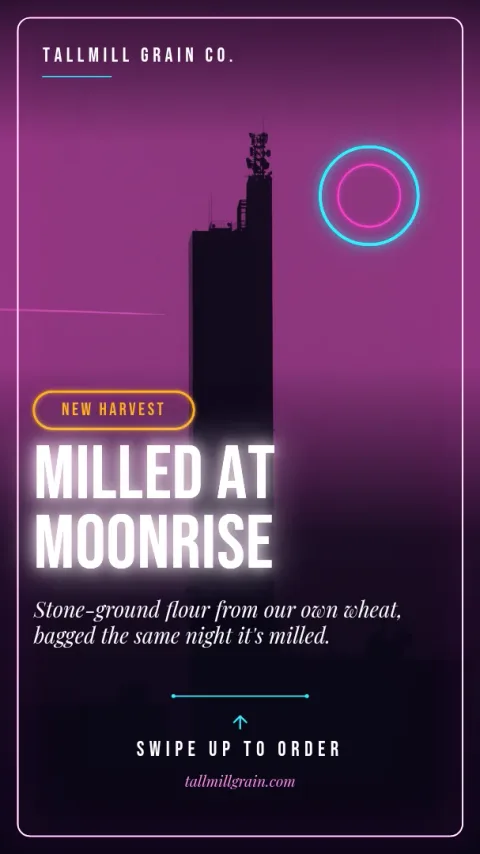
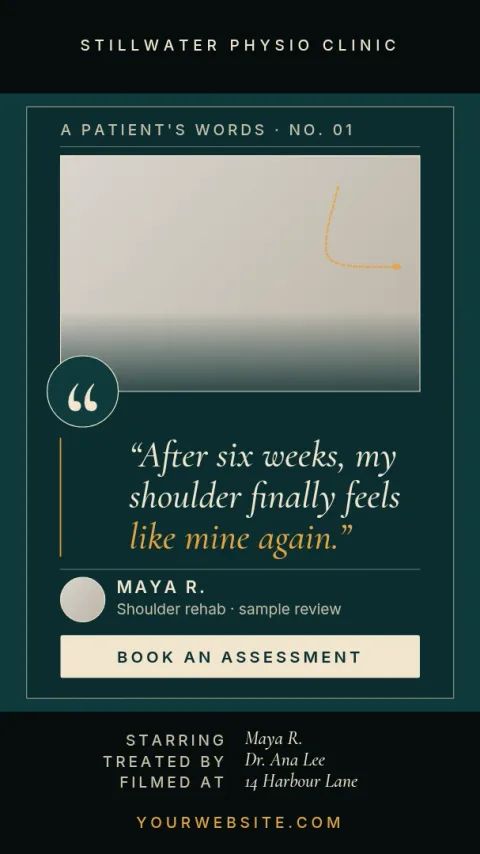
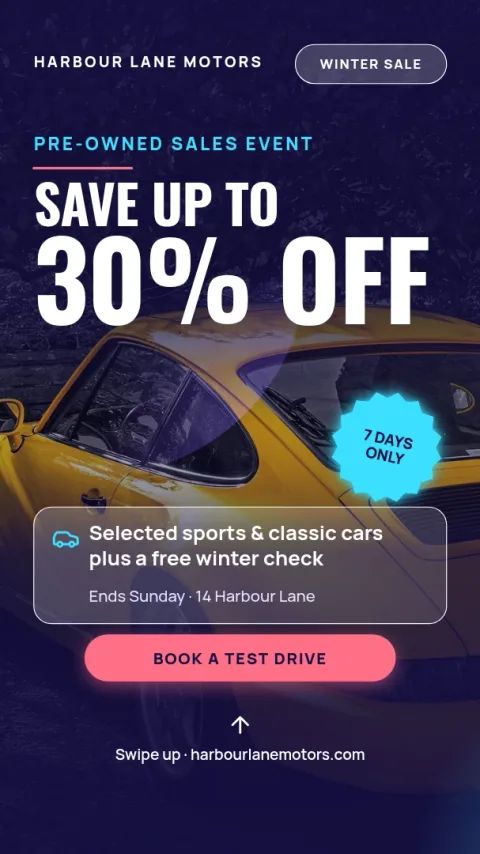
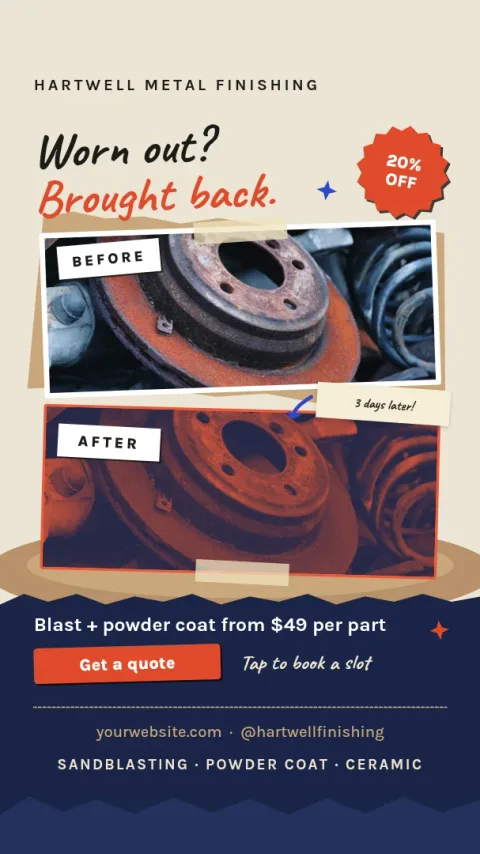
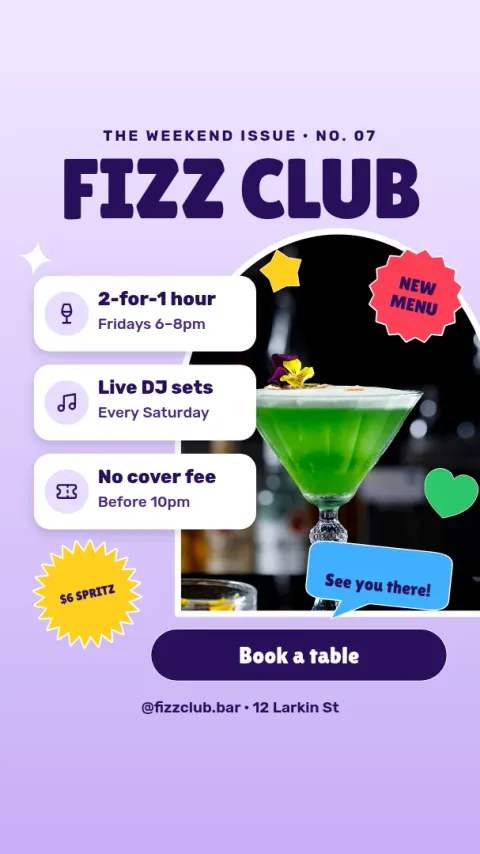
What makes a story ad easy to read
People tap through Stories fast, so each template keeps one message front and centre. You get a short headline, one supporting line and a clear button area. Text sits away from the top and bottom edges, where Instagram places its own labels and buttons. Swap in your own words and the layout still holds together.
Edit it to match your brand
Open any template in Nimply Design and change the text, fonts, colours, photos and layout. If you set up a brand kit, your colours, fonts and logo stay consistent from one ad to the next. The background remover can clean up product photos, and it uses AI credits.
Download or send it to a post
When the design is ready, download it as PNG, JPG, WebP, PDF or SVG. Or send it straight into a Nimply post, where it can go through approval and be scheduled. Downloading a template does not use AI credits, and Nimply Design is included in every plan, including Free.
Frequently asked questions
What size is an Instagram story ad template?
The templates here use the Instagram Story size, a tall 9:16 canvas. You can pick the ig-story preset in Nimply Design. Keep key text and logos away from the very top and bottom so nothing is covered by Instagram's own interface.
Can I change the colours and fonts?
Yes. You can edit text, fonts, colours, photos and layout on every template. If you use a brand kit, your colours, fonts and logo are ready to apply, so your ads look like they come from the same business.
Is Nimply Design free to use?
Nimply Design is part of every Nimply plan, including Free. Downloading a template does not use AI credits. Only the AI photo tools, such as the background remover and Magic Layers, use credits.
How do I get the finished ad out of Nimply?
Download it as PNG, JPG, WebP, PDF or SVG. You can also send the design straight into a Nimply post for approval and scheduling.
Make it yours in minutes
Open any template in Nimply Design, add your brand in one click, and send it straight into a post for approval and scheduling.