

Fake Instagram Story Template Designs You Can Edit
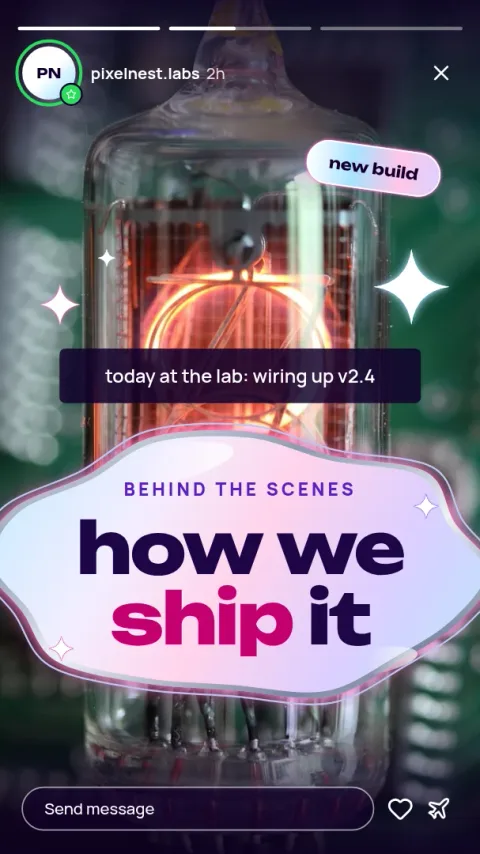
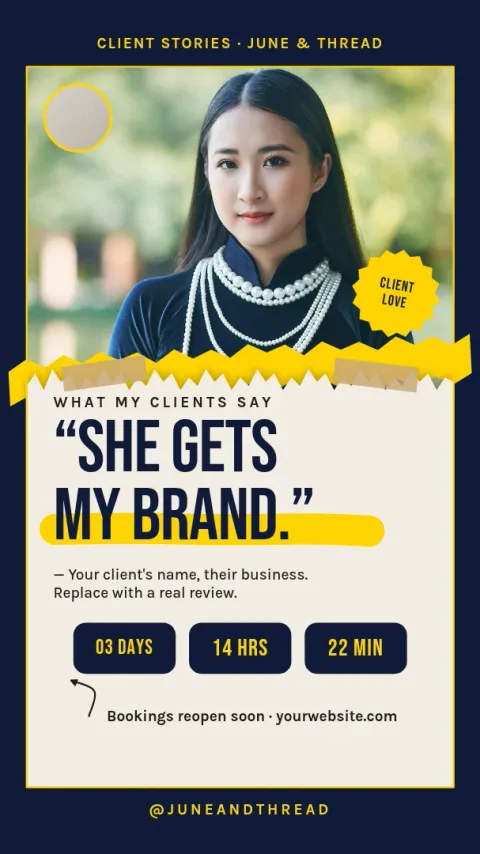
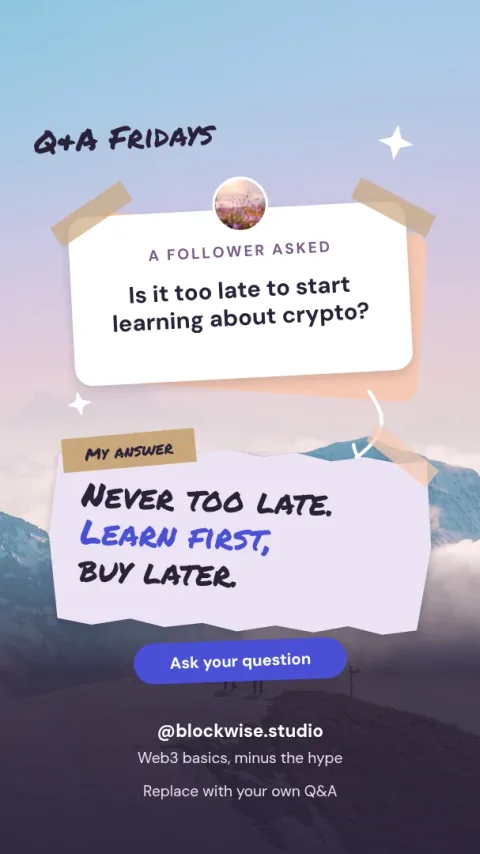
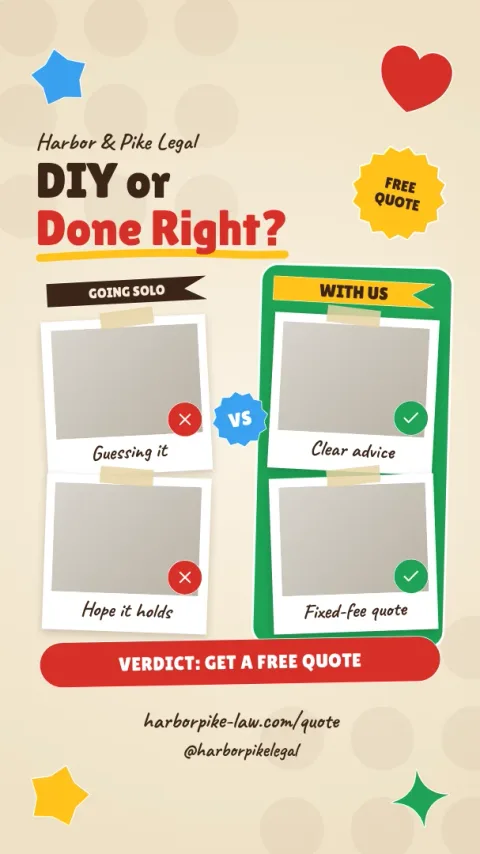
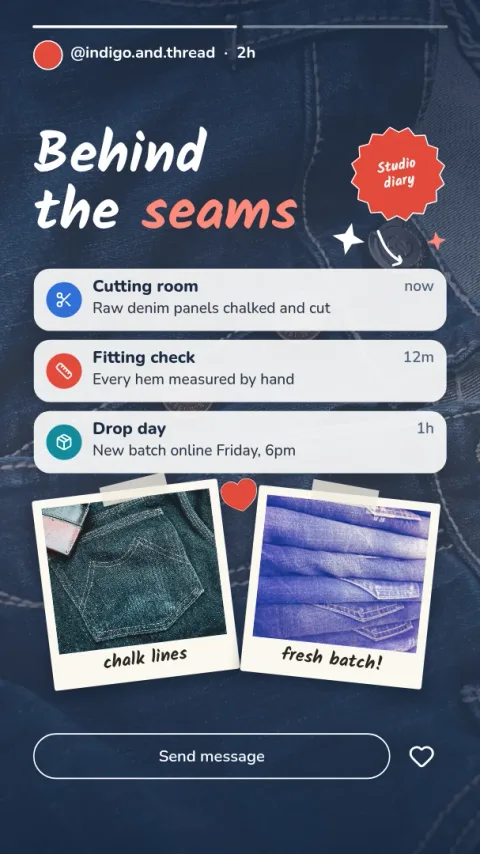
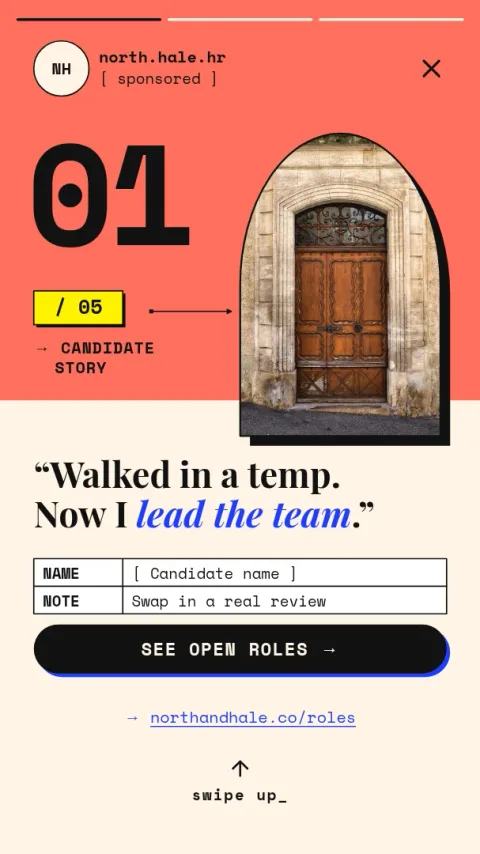
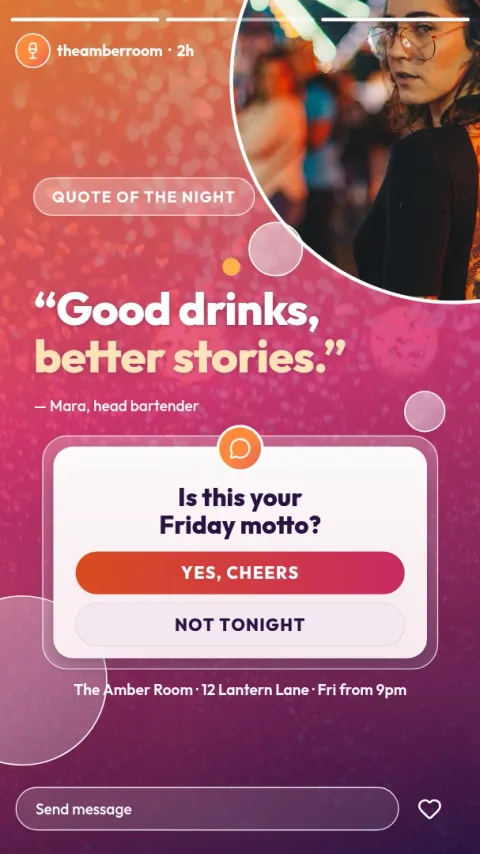
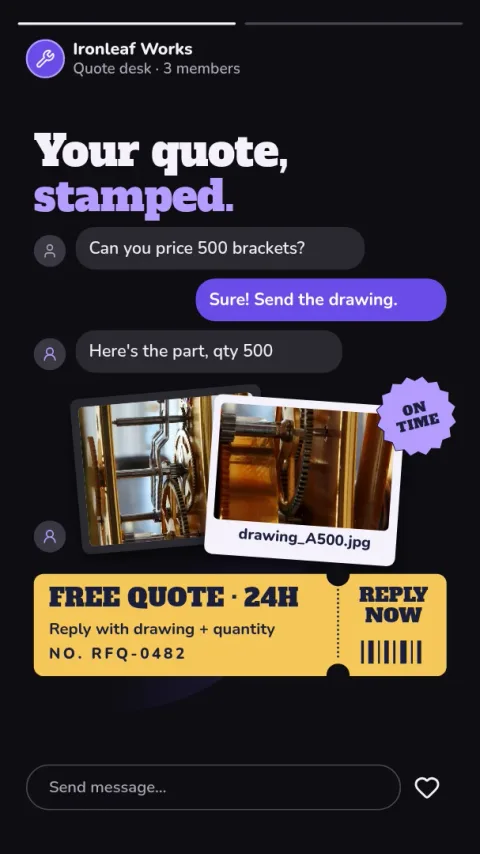
Need a story that looks real but is not posted anywhere? These 8 layouts in the 1080 x 1920 story size give you chat bubbles, poll boxes, notifications and more. Change the words, colours and photos in your browser, then download the result for your mockup, joke, pitch or portfolio.
What a fake story template is for
A fake story is a design that looks like an Instagram story but lives as an image. People use them for app and campaign mockups, client concept pitches, parody accounts, class projects, and jokes among friends. You get the look of a story without needing a live account, a real audience or a published post.
How to edit one in Nimply Design
Open a template, click any text to change the wording, and swap fonts and colours until it fits your idea. Replace the photo placeholders with your own pictures. If you work with a brand, a brand kit keeps your colours, fonts and logo ready so concept mockups match the real thing.
Download or send it on
When you are done, download the design as a PNG, JPG, WebP, PDF or SVG. You can also send it straight into a Nimply post for approval and scheduling, if the design is meant to become a real story later. Downloading a template does not use AI credits.
Frequently asked questions
Are these real Instagram stories?
No. They are editable images designed to look like story screens. They are not connected to Instagram, so nothing is posted, and you decide whether to download the image or send it into a Nimply post.
What size are the templates?
They use the vertical story size, 1080 x 1920 pixels. That is the standard 9:16 shape for Instagram Stories, so the design fits a phone screen without cropping.
Can I use them to pretend to be someone else?
Please do not. Use them for mockups, parody that is clearly a joke, pitches and learning. Passing a design off as a real person's or brand's account can mislead people and may break platform rules.
Do I need a paid plan?
Nimply Design is part of every Nimply plan, including Free. Downloading a template does not use AI credits. Only AI photo tools, such as the background remover and Magic Layers, use credits.
Make it yours in minutes
Open any template in Nimply Design, add your brand in one click, and send it straight into a post for approval and scheduling.