

Instagram post template computer: 8 designs to edit online
Open an Instagram post template on your computer, change the words and photos, and have a finished post in minutes. These eight designs cover laptop mockups, tips, sales and announcements. Edit them in your browser with a full keyboard and a big screen.
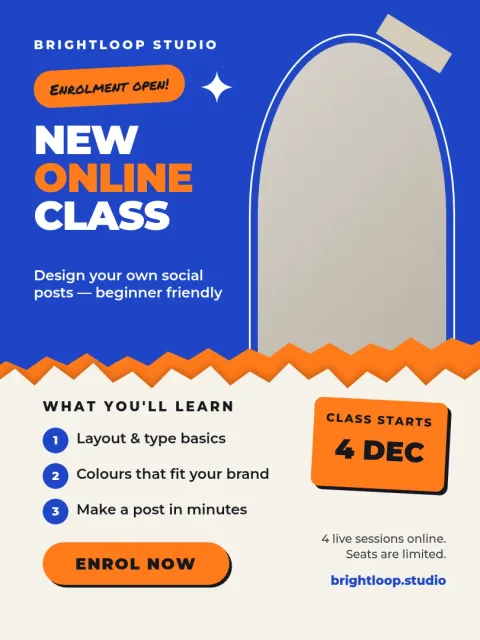
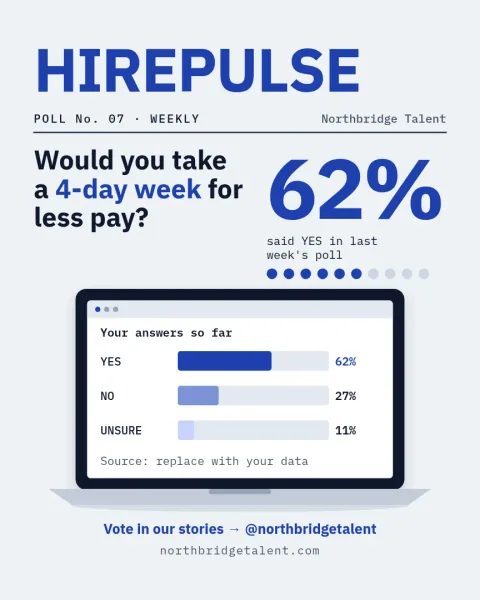
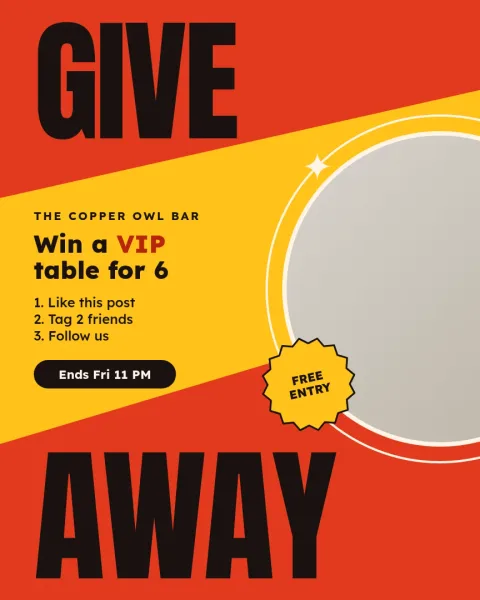
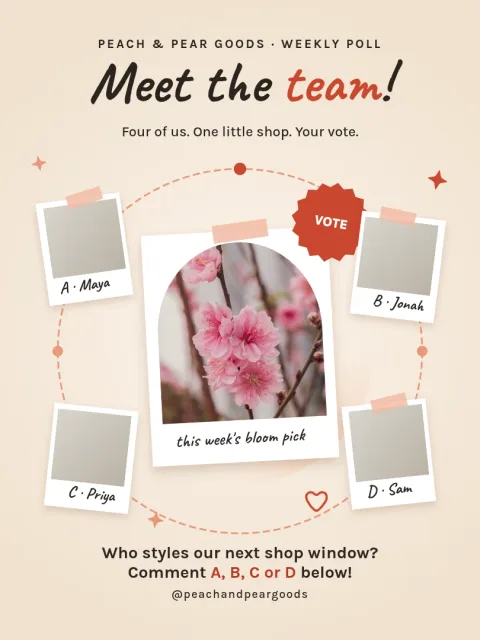
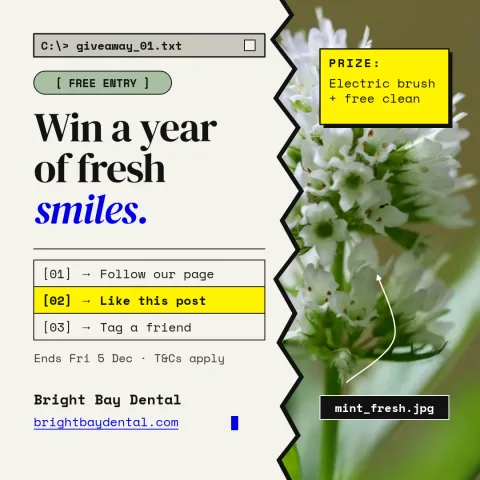
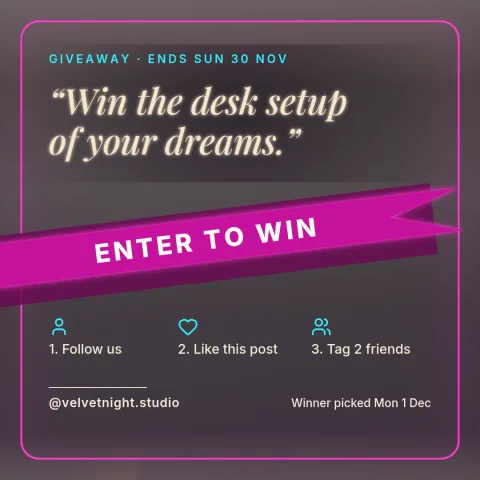
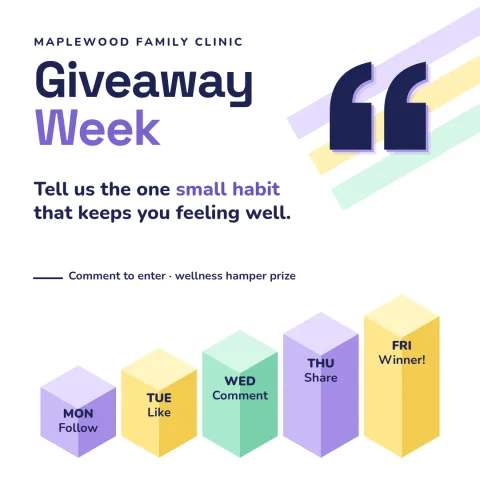
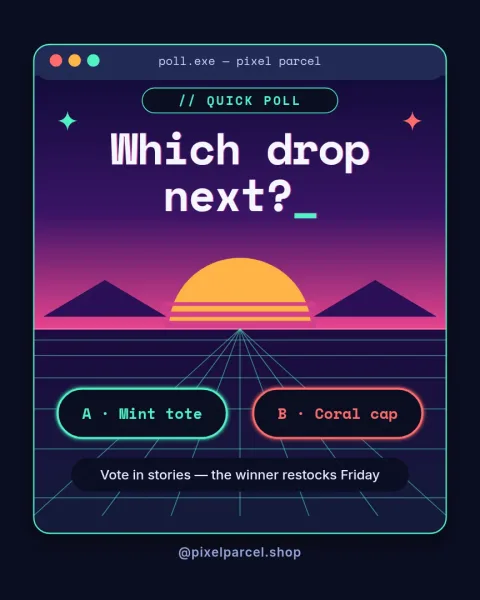
Edit Instagram posts on a bigger screen
Designing on a computer makes small jobs easier. You can type long captions on a real keyboard, line up text precisely and see the whole post at once. Nimply Design runs in your browser, so there is nothing to install. Pick a template, click any text or photo, and replace it with your own.
Make it match your brand
Each template lets you change text, fonts, colours, photos and layout. If you set up a brand kit, your colours, fonts and logo are kept ready, so every post looks like it comes from the same business. Start from a layout you like and adjust it until it feels like yours.
Download it or send it to a post
When the design is ready, download it as a PNG, JPG, WebP, PDF or SVG. Or send it straight into a Nimply post, where it can go through approval and be scheduled. Downloading a template does not use AI credits. Only the AI photo tools, like the background remover, do.
Frequently asked questions
Can I edit an Instagram post template on my computer?
Yes. Nimply Design is a graphic design editor that runs in your browser, so you can open any template on a laptop or desktop and edit the text, fonts, colours, photos and layout.
What size are these Instagram post templates?
They use Instagram post sizes: 4:5 portrait, 1:1 square and 3:4 portrait. Each template page shows its size, and you can pick the one that suits your feed.
How do I get the finished design off my computer?
Download it as PNG, JPG, WebP, PDF or SVG. You can also send the design into a Nimply post for approval and scheduling, without saving a file first.
Does downloading a template use AI credits?
No. Downloading a template does not use credits. AI credits are only used by the AI photo tools, such as the background remover and Magic Layers.
Can I keep my brand colours and logo?
Yes. Brand kits store your colours, fonts and logo, so you can apply them to any template and keep your posts consistent.
Make it yours in minutes
Open any template in Nimply Design, add your brand in one click, and send it straight into a post for approval and scheduling.