

Instagram Post Meme Template Collection
Memes work when they are quick to read and easy to make. These eight layouts cover the formats you see most on Instagram, from top-and-bottom captions to text-only posts. Open one in the Nimply Design editor, swap in your words and photo, then download it or send it to a post.
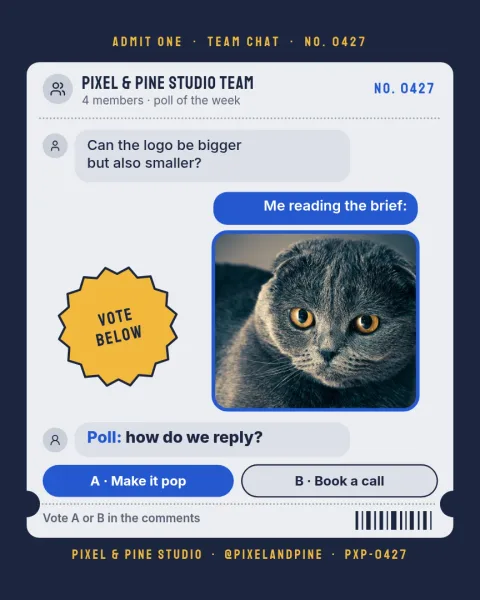
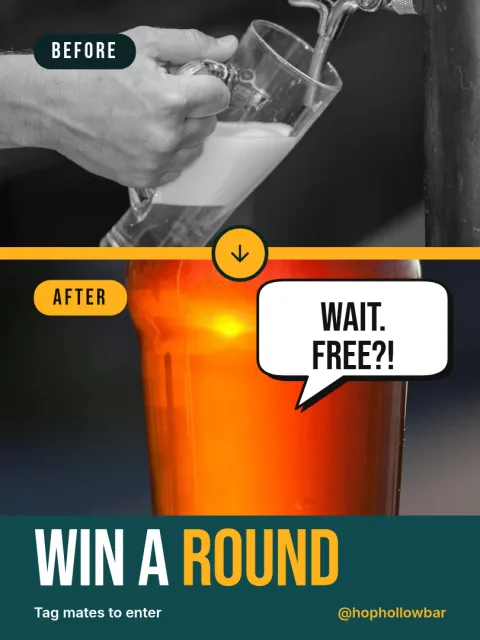
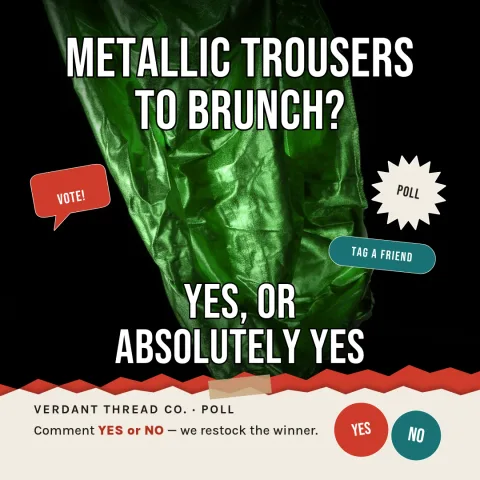
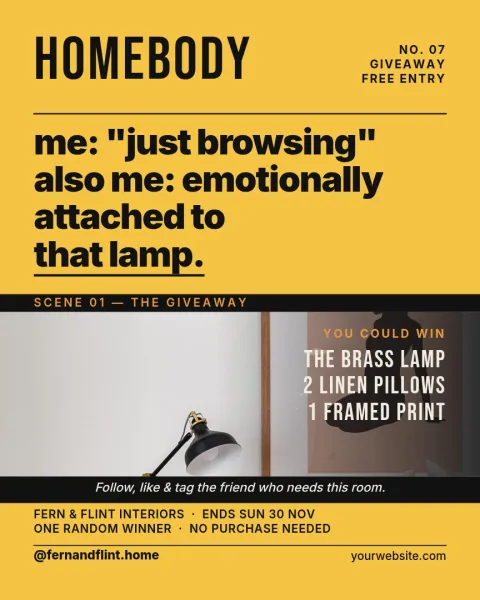
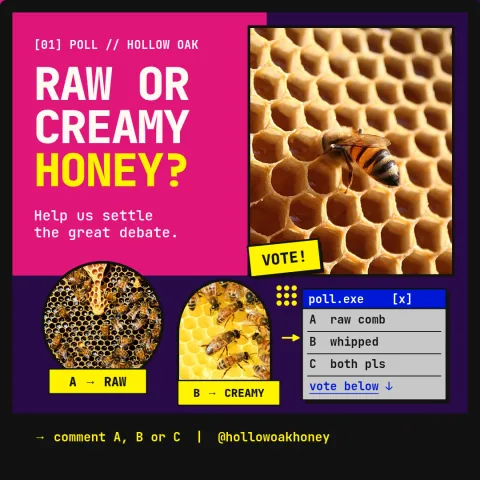
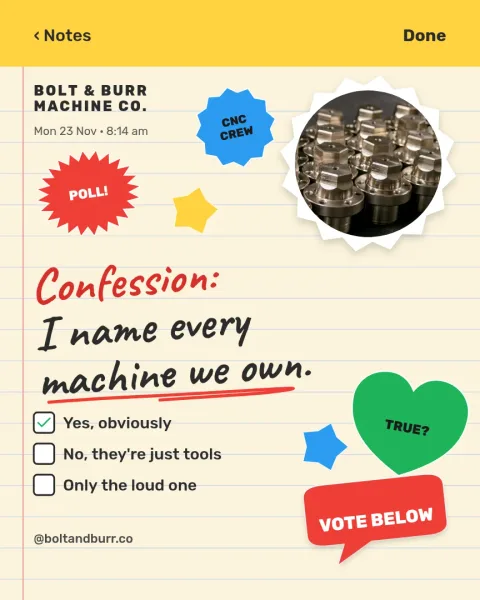
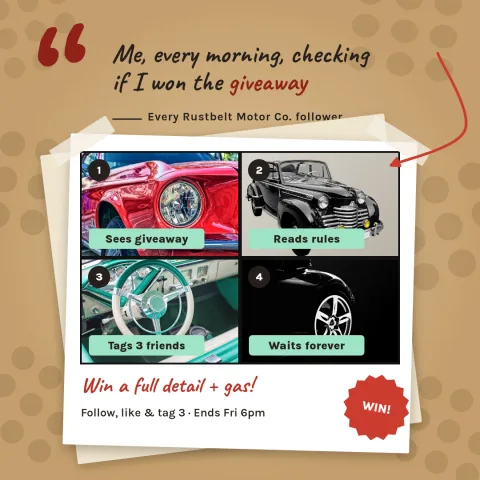
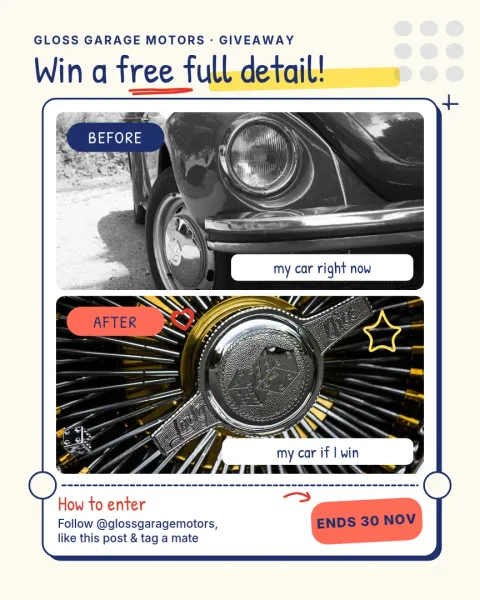
Pick a layout that fits your joke
Some jokes need a photo with a caption. Others work better as a short line on a plain background, a two-panel comparison or a fake chat. Start with the layout that matches how your joke reads, then edit the text, fonts, colours and photo until it sounds like you.
Keep your brand in the meme
Memes for a business still look like your account when they use your colours, fonts and logo. Save them in a brand kit and every template you open can use them. You can keep the joke casual while the post stays recognisable in the feed.
Use the right size for Instagram
These templates are set up as Instagram posts, in square or portrait sizes. Portrait takes more room in the feed, while square suits short, centred captions. You can edit the layout if your text needs more space.
Download or send to a post
When the design is ready, download it as PNG, JPG, WebP, PDF or SVG. You can also send it straight into a Nimply post for approval and scheduling. Downloading a template does not use AI credits. The background remover and Magic Layers do.
Frequently asked questions
Is the instagram post meme template free to use?
The Nimply Design editor is part of every Nimply plan, including Free. You can open a template, edit it and download it. Downloading a template does not use AI credits.
Can I use my own photo in the meme?
Yes. Replace the photo placeholder with your own image, then adjust the crop, text and colours. The AI background remover is available too, and it uses AI credits.
What size is an Instagram meme post?
These templates come in Instagram post sizes: 4:5 portrait, 1:1 square and 3:4 portrait. Portrait fits more text and image in the feed. Square works well for short captions.
Can I keep my brand colours and fonts?
Yes. Brand kits keep your colours, fonts and logo, so you can apply them to any template. You can also change colours and fonts by hand on a single design.
How do I post it to Instagram?
Download the design as PNG or JPG, or send it into a Nimply post from the editor. From there you can submit it for approval and schedule it.
Make it yours in minutes
Open any template in Nimply Design, add your brand in one click, and send it straight into a post for approval and scheduling.