

Folded envelope template designs you can edit online
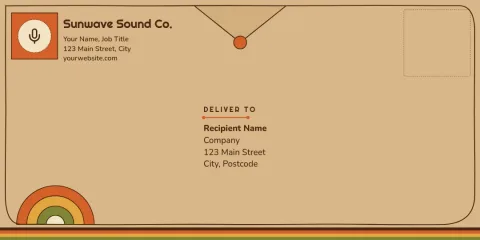
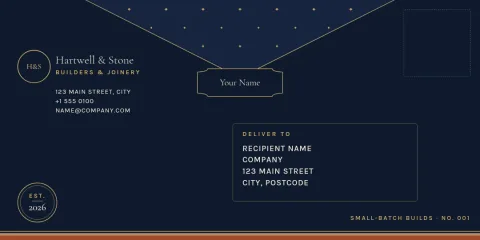
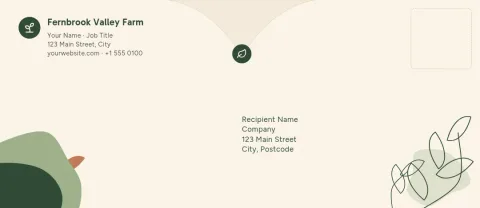
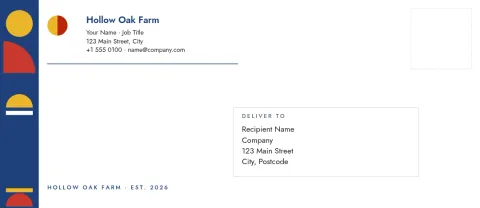
Choose a folded envelope template, make it match your brand, and download it when it looks right. Each design covers the outside of the envelope: pattern, flap, address area and logo. Change colours, fonts and photos in the Nimply Design editor, which is part of every plan, including Free.
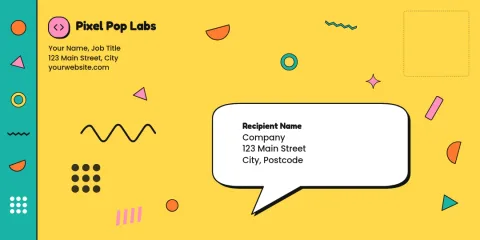
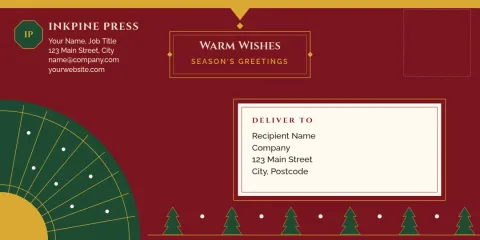
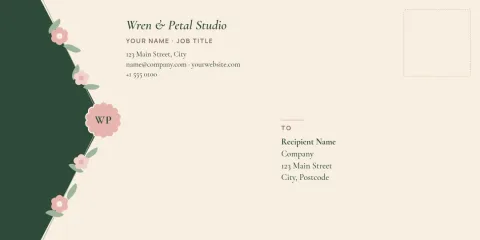
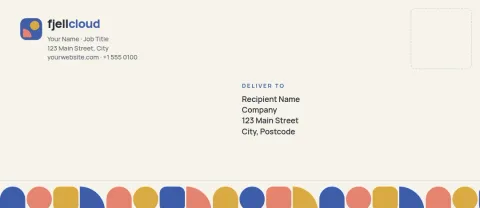
What these templates are for
These designs suit thank-you notes, price lists, invitations, gift cards and client welcome letters. Each one gives you a finished envelope face, so you only need to add your details. Pick a style close to your business, then adjust the colours and wording until it sounds like you.
Make it yours in the editor
Edit text, fonts, colours, photos and layout directly in your browser. Save your colours, fonts and logo in a brand kit, so every new envelope matches your other stationery. Swap the pattern, move the return address, or replace the logo area with your own mark in a few clicks.
Download and use your design
Download your finished design as PNG, JPG, WebP, PDF (standard or vector) or SVG. Downloading a template does not use AI credits. AI photo tools such as the background remover do use credits, so you only spend them if you choose to use those tools.
Choose a style that fits
Plain kraft looks and single-colour patterns feel simple and practical. Floral, botanical and festive designs add warmth for cards and gifts. Bold geometric and dark designs work for modern studios. Compare the eight below and start from the one that feels closest to your brand.
Frequently asked questions
Can I edit a folded envelope template for free?
Yes. Nimply Design is part of every Nimply plan, including Free. You can change text, fonts, colours, photos and layout in your browser. Downloading a template does not use AI credits.
Which file formats can I download?
You can download PNG, JPG, WebP, PDF (standard or vector) or SVG. Vector PDF and SVG are useful when you want sharp lines at any size.
Can I add my logo and brand colours?
Yes. Replace the logo area with your own, and use a brand kit to keep your colours, fonts and logo ready for every new envelope design.
Does Nimply print or ship the envelopes?
No. Nimply is where you design and download the file. You can print it yourself or take it to a print shop of your choice.
Which envelope sizes are available?
The templates here use the DL and No. 10 envelope presets. Choose the one that matches the letters or cards you plan to send.
Make it yours in minutes
Open any template in Nimply Design, add your brand in one click, and send it straight into a post for approval and scheduling.