

Book cover review template for authors and readers
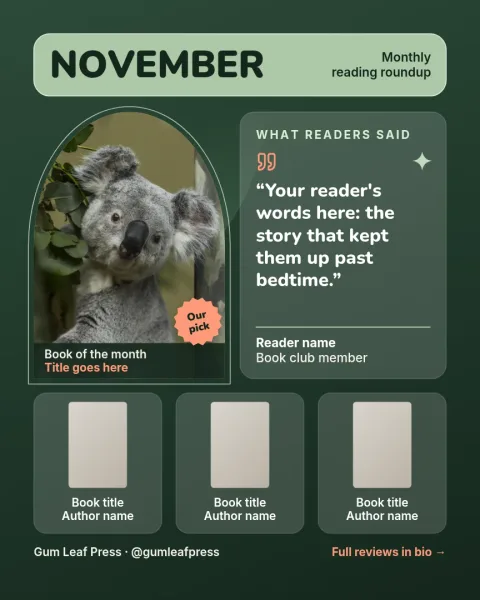
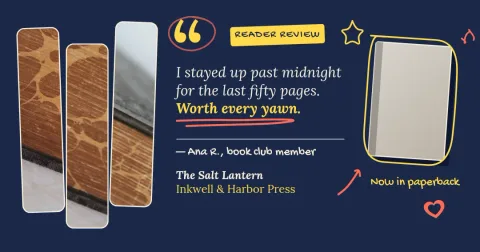
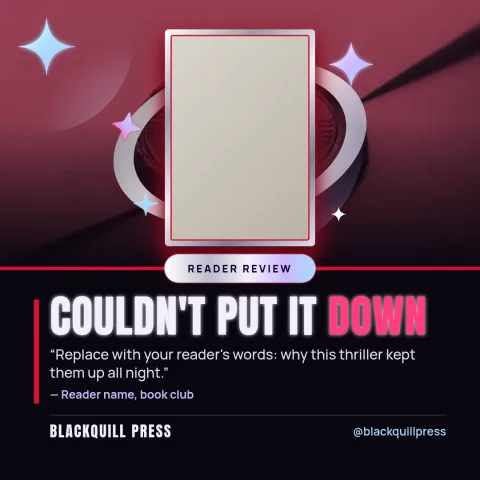
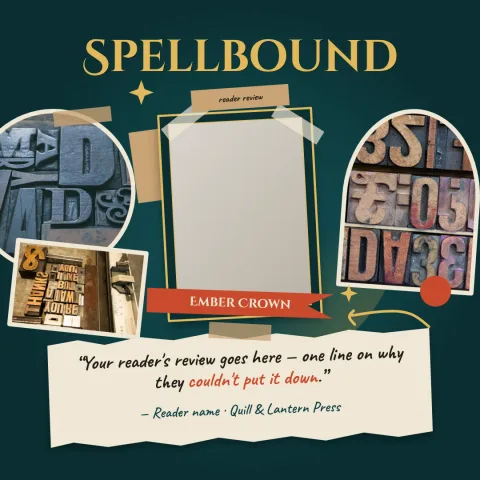
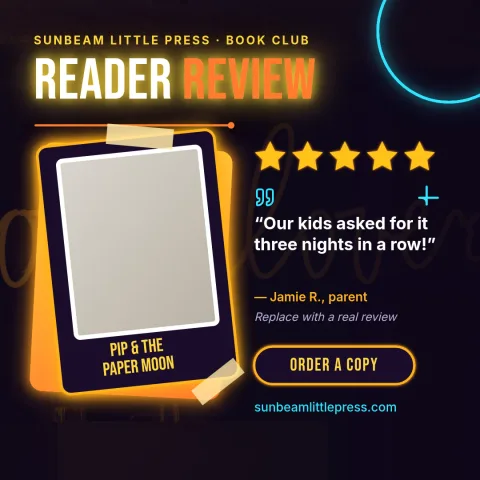
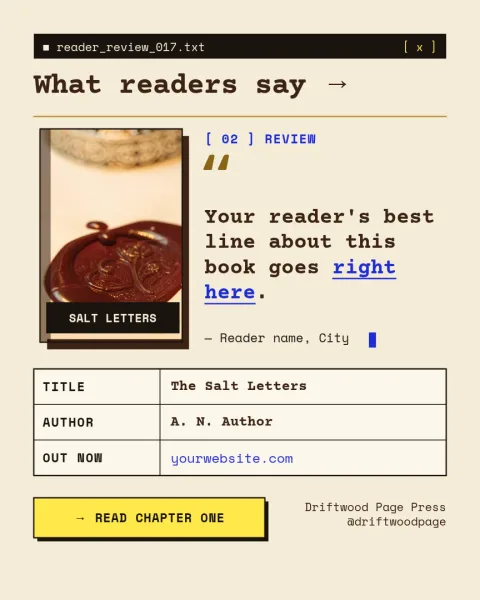
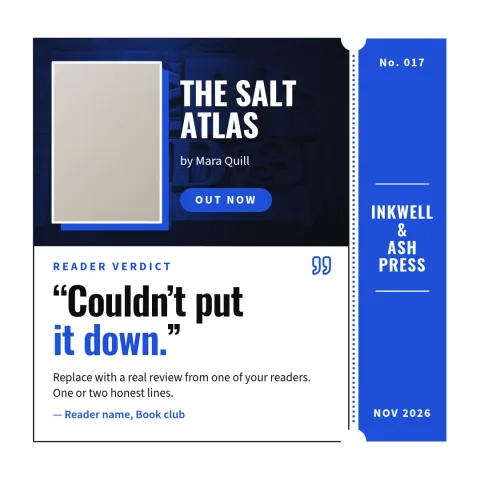
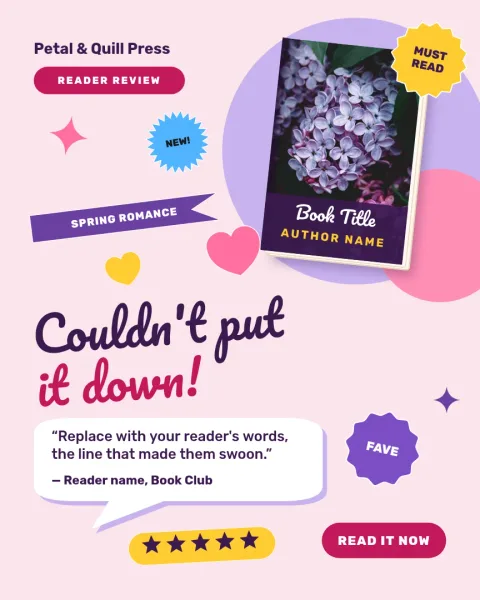
Show off a book cover next to a short review, a quote or a reader reaction. Each template has a cover placeholder, space for your words and a layout built for social feeds. Edit it in your browser, then download it or send it to a Nimply post.
What a book cover review post needs
A good review post makes the cover easy to see and the opinion easy to read. Each template pairs a cover placeholder with a short quote, a title and author line, and room for a star line or a one-sentence verdict. Swap in your own cover, change the text and keep everything else as it is.
Make it match your brand
Authors and small presses can change fonts, colours, photos and layout to suit a genre. Save your colours, fonts and logo in a brand kit so each new review post looks like it belongs with the last one. A thriller can go dark and sharp, a cosy romance can stay soft and warm.
Download or schedule
When the post looks right, download it as PNG, JPG, WebP, PDF or SVG. You can also send the design straight into a Nimply post, where it goes through approval and scheduling. Nimply Design is part of every plan, including Free. Downloading a template does not use AI credits.
Frequently asked questions
Can I use my own book cover?
Yes. Each template has a cover placeholder you can replace with your own image. You can resize it, move it and change the layout around it. If you use the background remover, that uses AI credits.
Is the template free to use?
Nimply Design is part of every Nimply plan, including Free. Downloading a template does not use AI credits. Only AI photo tools such as the background remover and Magic Layers do.
Which file types can I download?
You can download PNG, JPG, WebP, PDF (standard or vector) or SVG. You can also send the design into a Nimply post for approval and scheduling.
Can I keep the same look across reviews?
Yes. Set up a brand kit with your colours, fonts and logo, and apply it to each new review post so the series looks consistent.
Make it yours in minutes
Open any template in Nimply Design, add your brand in one click, and send it straight into a post for approval and scheduling.