

Book Club Flyer Template: Customise and Download
Choose a book club flyer template, type in your meeting details and make it look like your group. Change fonts, colours, photos and layout in the browser, then download a PNG, JPG or PDF to pin up or share. Design is part of every Nimply plan, including Free.
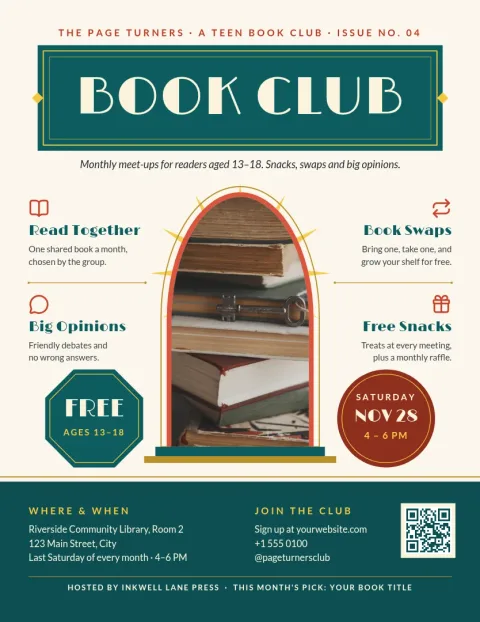
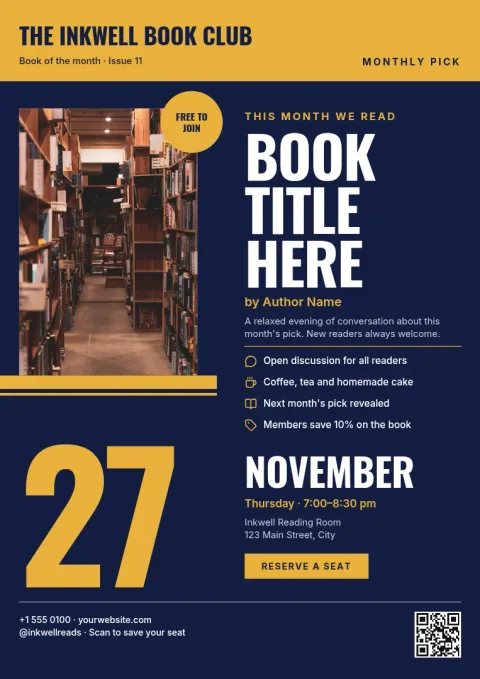
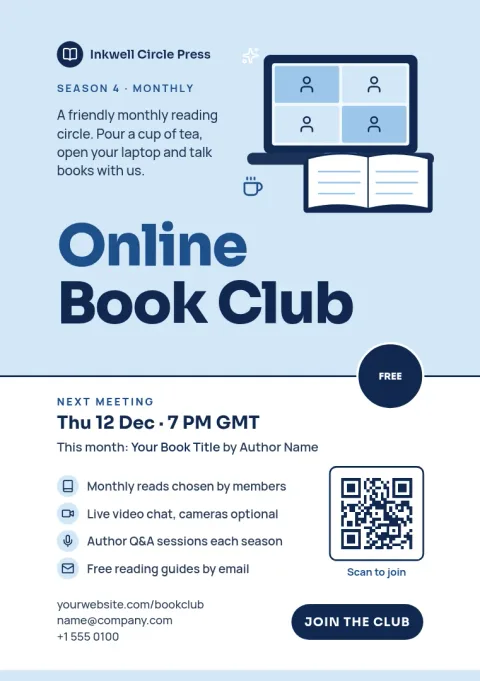
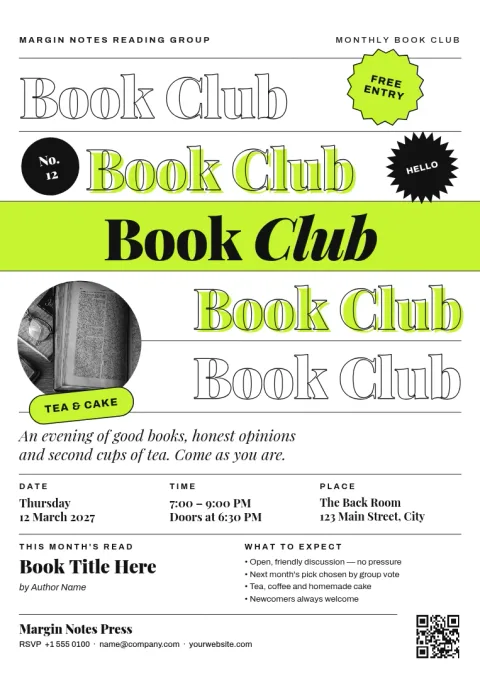
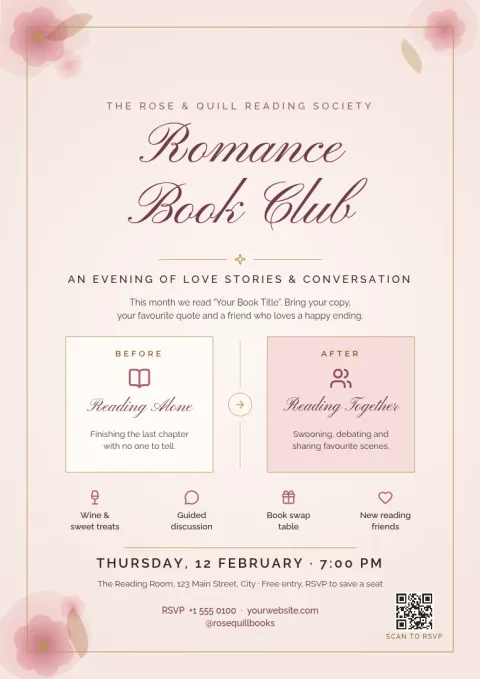
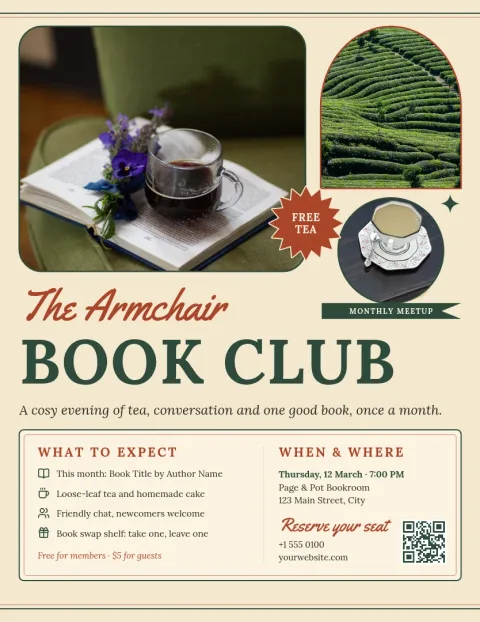
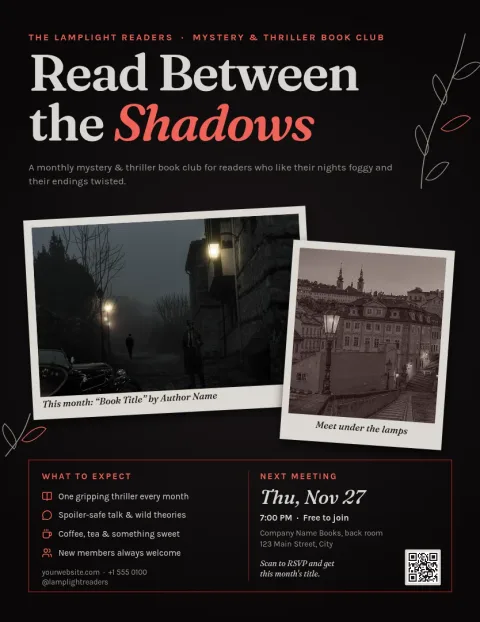
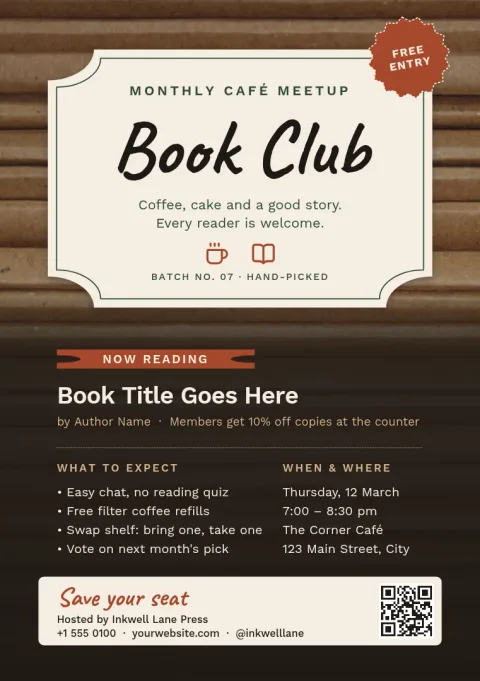
What to put on a book club flyer
Keep it simple so people can decide in a few seconds. Show the group name, the current book, the date, time and place, and one way to reply, such as an email or a sign-up link. If you welcome newcomers, say so. Each template below leaves room for these details so you only swap the words.
Make the flyer match your group
Every template can be edited. Change the text and fonts, pick your own colours, replace the photo placeholder with a book cover or a picture of your meeting spot, and move things around. If you run several clubs or a bookshop, a brand kit keeps your colours, fonts and logo ready for each new flyer.
Download or share the flyer
Download your design as PNG, JPG, WebP, PDF (standard or vector) or SVG. PDF is handy if you plan to print at home or at a copy shop. You can also send the design into a Nimply post for approval and scheduling, so the same flyer can announce your next meeting online.
Choose a size that fits
Templates come in Letter, A4 and A5 flyer sizes. Letter and A4 suit noticeboards in libraries, cafes and schools. A5 is smaller and works well for handing out at events or leaving on a counter. Pick the size first, then edit the design to suit it.
Frequently asked questions
Are these book club flyer templates free to use?
Design is part of every Nimply plan, including Free, so you can open a template, edit it and download it. Downloading a template does not use AI credits. Only AI photo tools, such as the background remover, use credits.
Can I change the colours and fonts?
Yes. You can edit text, fonts, colours, photos and layout on any template. If you save a brand kit, your colours, fonts and logo are ready to apply whenever you start a new flyer.
What file types can I download?
PNG, JPG, WebP, PDF (standard or vector) and SVG. PDF is a good choice for printing yourself. PNG or JPG works well for sharing in a group chat or on social media.
Can I use the flyer on social media too?
Yes. You can download the image and post it yourself, or send the design straight into a Nimply post for approval and scheduling.
Which size should I pick?
Use Letter or A4 for noticeboards and window posters. Use A5 for handouts or small counters. Each size has templates, and you can choose the one that matches where the flyer will be seen.
Make it yours in minutes
Open any template in Nimply Design, add your brand in one click, and send it straight into a post for approval and scheduling.