

Book promotion poster template for launches and signings
Choose a book promotion poster template that suits your genre, then add your cover, title and details. Edit text, fonts, colours and layout in the browser, and download the finished poster when you are happy with it. Eight designs cover launches, signings, sales and series releases.

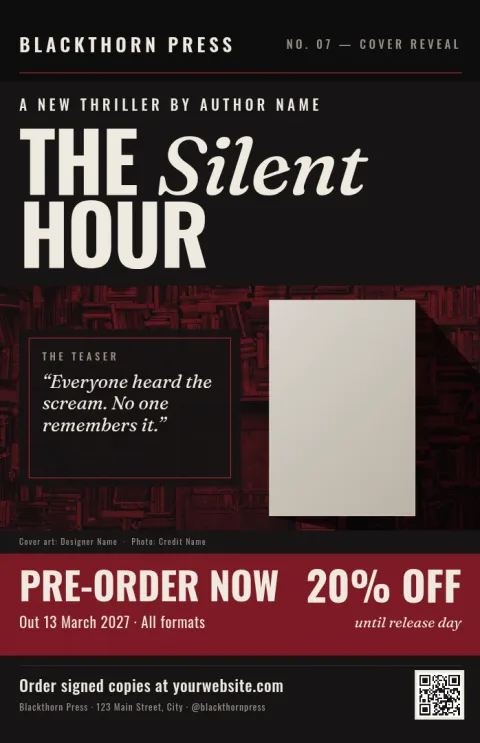
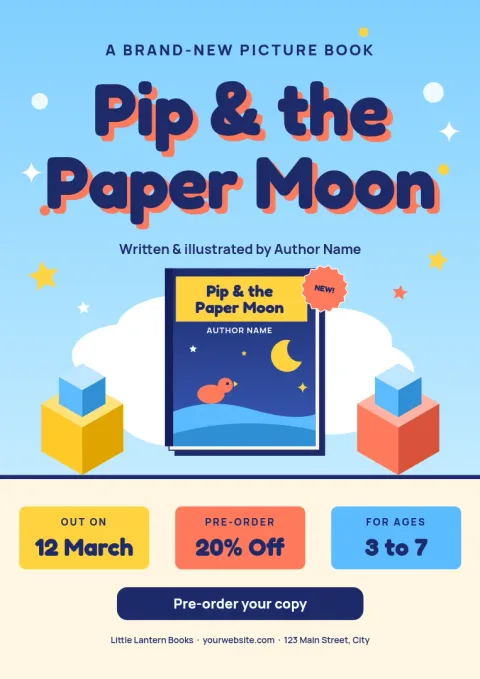
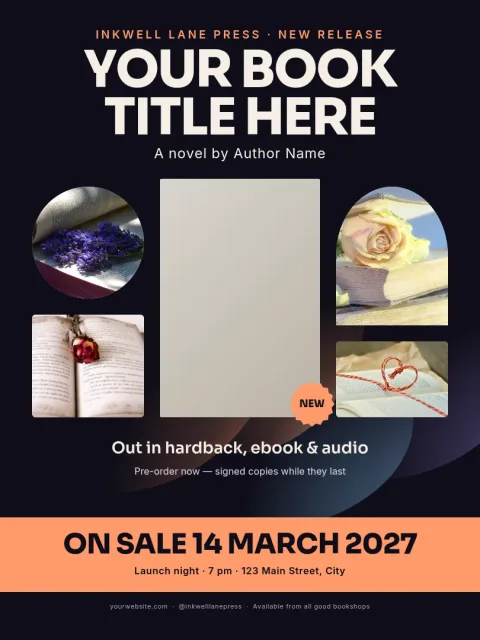
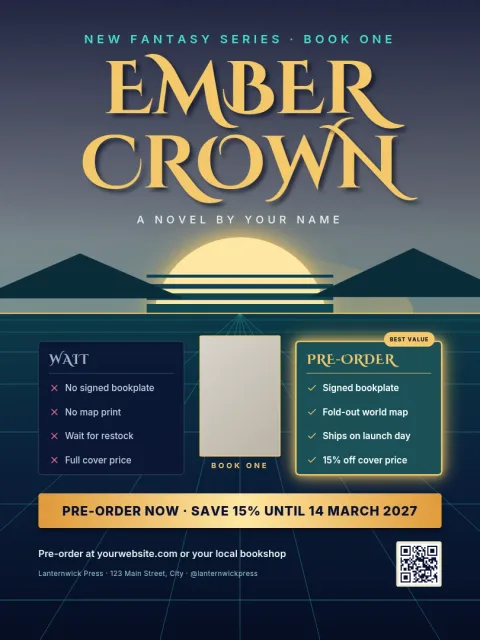
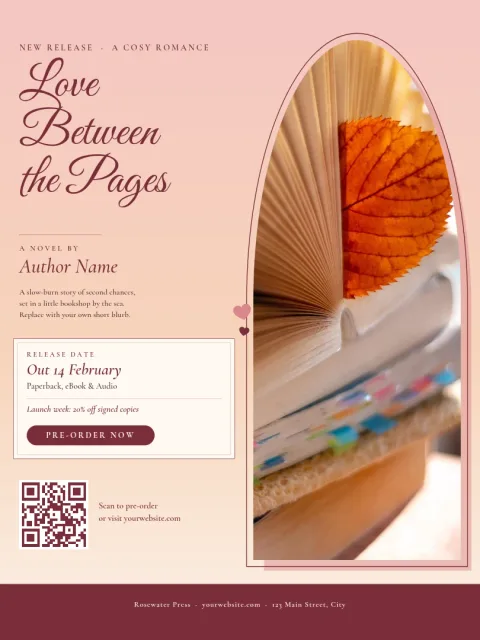
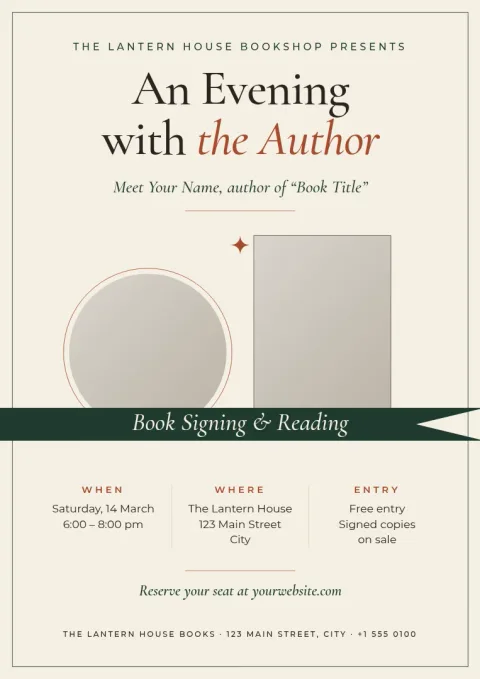
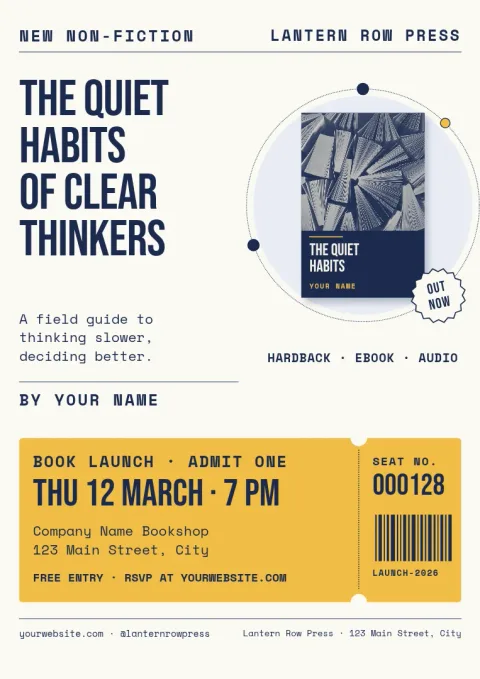
Pick a style that fits your genre
A thriller and a picture book need different posters. These eight templates range from dark and moody to bright and playful, so you can start close to your book's mood. Swap the placeholder photo for your cover, then adjust colours and fonts until the poster looks like it belongs with your book.
What to put on a book poster
Keep it short. Show the cover, the title, one line that tells readers why to care, and a single next step, such as a date, a shop name or a link to your website. Every template leaves room for these basics, so nothing important gets squeezed out.
Keep your look consistent
If you promote more than one book, save your colours, fonts and logo in a brand kit. Your posters then match your social posts and other designs. When a poster is ready, download it as PNG, JPG, WebP, PDF or SVG, or send it into a Nimply post for approval and scheduling.
Frequently asked questions
Can I use my own book cover?
Yes. Replace the photo placeholder with your cover image, then move and resize it to fit the layout. You can also change the surrounding colours so the poster matches your cover.
Which file formats can I download?
You can download PNG, JPG, WebP, PDF (standard or vector) or SVG. Pick PDF or SVG if you plan to resize the poster later, and PNG or JPG for sharing online.
Do the templates cost AI credits?
No. Downloading a template does not use AI credits. Credits are only used by AI photo tools such as the background remover and Magic Layers, if you choose to use them.
Can I share the poster on social media?
Yes. Download the image and post it yourself, or send the design straight into a Nimply post, where it can go through approval and be scheduled.
Can I change the poster size?
The templates come in common poster sizes such as 18x24, A3 and 11x17. You can edit the layout to suit your needs after you open one.
Make it yours in minutes
Open any template in Nimply Design, add your brand in one click, and send it straight into a post for approval and scheduling.