

Book release flyer template designs you can edit online
Tell readers your book is out. Choose a book release flyer template that suits your genre, drop in your cover, release date and where to buy, and change the fonts and colours to match your book. Download it when you're happy, or send it into a Nimply post.
What to put on a book release flyer
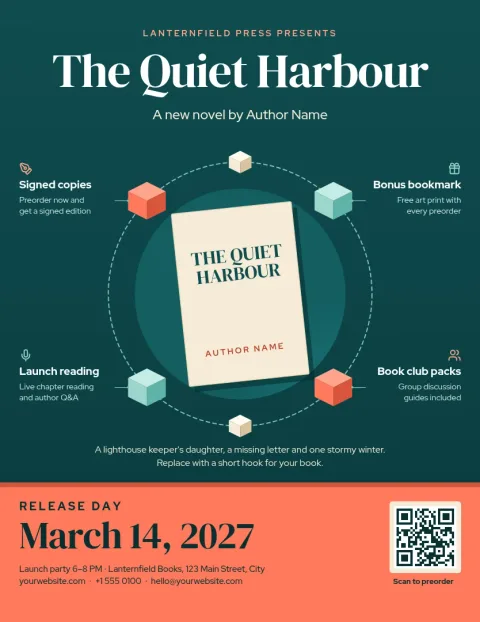
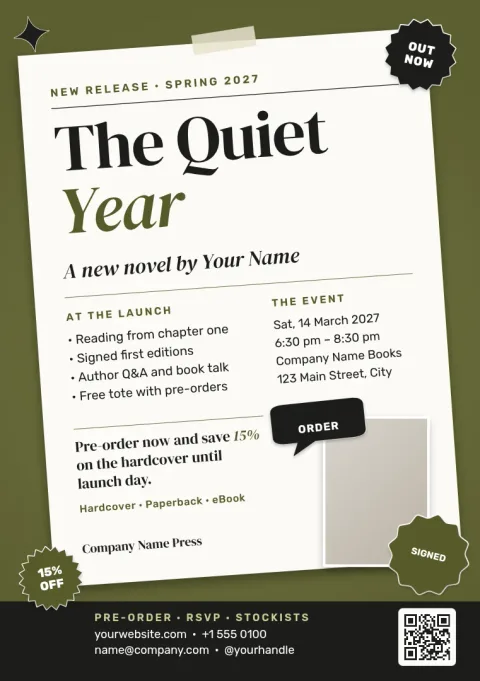
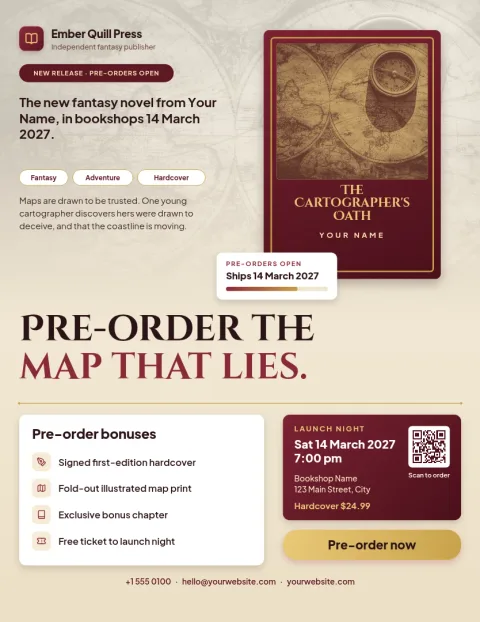
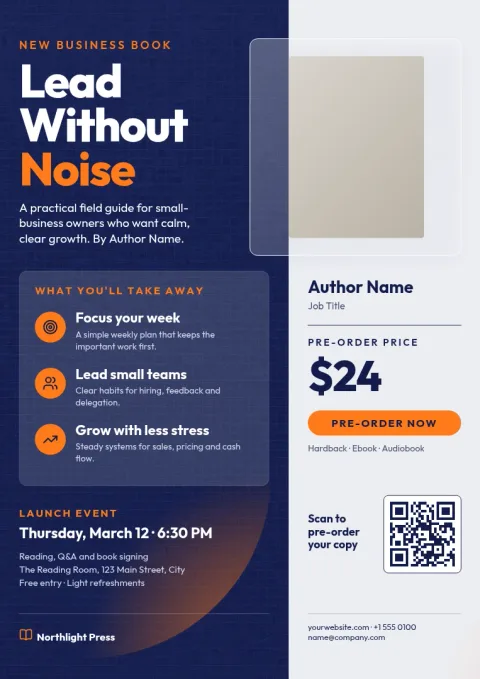
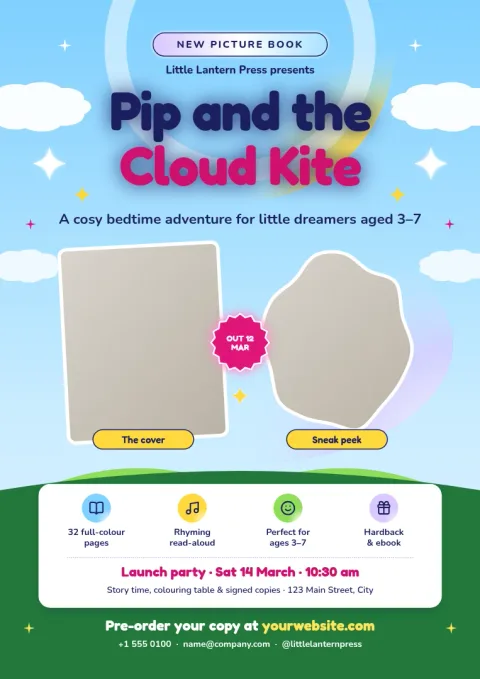
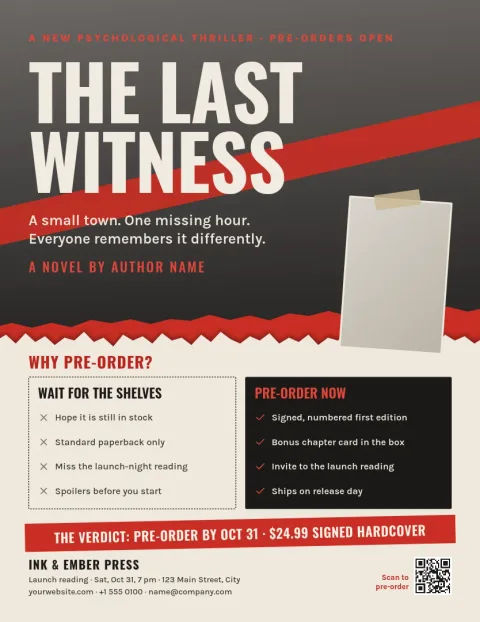
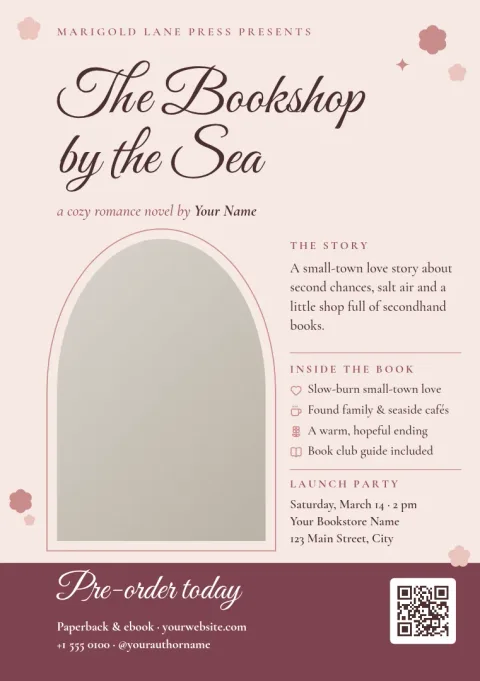
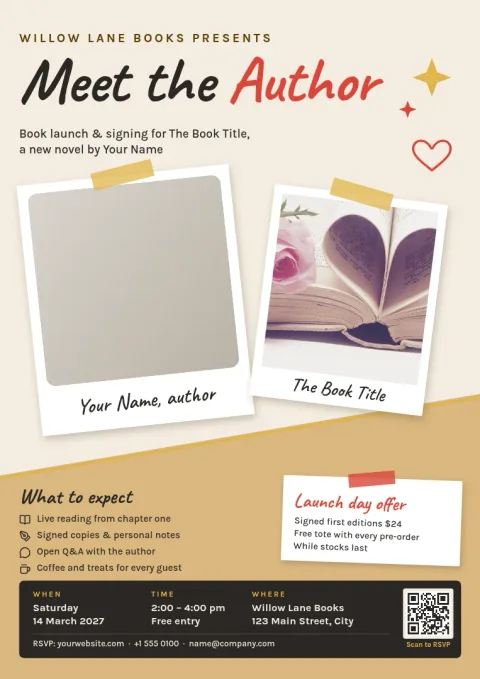
Keep it simple. Show the cover, the title, your name and the release date. Add one line that says what the book is about, then one clear next step, such as a link, a QR code placeholder or an event address. Leave space around the cover so it stands out and the date is easy to read.
Match the flyer to your genre
A thriller and a picture book should not look alike. These templates cover dark teasers, warm romance, fantasy, children's books, literary fiction and business titles. Start with the mood closest to your book, then swap the colours and fonts so the flyer feels like it belongs next to your cover.
Edit, download or schedule
Every template opens in the Nimply Design editor in your browser. Change text, fonts, colours, photos and layout. Save your colours, fonts and logo in a brand kit to reuse them. Download as PNG, JPG, WebP, PDF or SVG, or send the design into a Nimply post for approval and scheduling.
Frequently asked questions
What size should a book release flyer be?
It depends on where it will be used. Letter and A4 suit posters on a notice board or handouts, while A5 is a smaller handout size. The templates here come in Letter, A4 and A5 flyer sizes, so pick the one that fits.
Can I use my own book cover?
Yes. Replace the cover placeholder with your own image and adjust the layout around it. You can also change the text, fonts and colours so the flyer matches your cover.
Which file formats can I download?
You can download PNG, JPG, WebP, PDF (standard or vector) or SVG. Downloading a template does not use AI credits.
Can I post the flyer on social media?
Yes. You can send the finished design straight into a Nimply post, then approve and schedule it. You can also download the file and share it anywhere you like.
Do I need a paid plan to use the editor?
No. Nimply Design is part of every Nimply plan, including Free. AI photo tools such as the background remover use AI credits.
Make it yours in minutes
Open any template in Nimply Design, add your brand in one click, and send it straight into a post for approval and scheduling.