

Book donation flyer template for your next book drive
Tell people what books you need, where to drop them and when. Start from one of these eight book donation flyer template designs, swap in your own details, and download a file ready to share online or print yourself. Each one suits a different kind of drive.
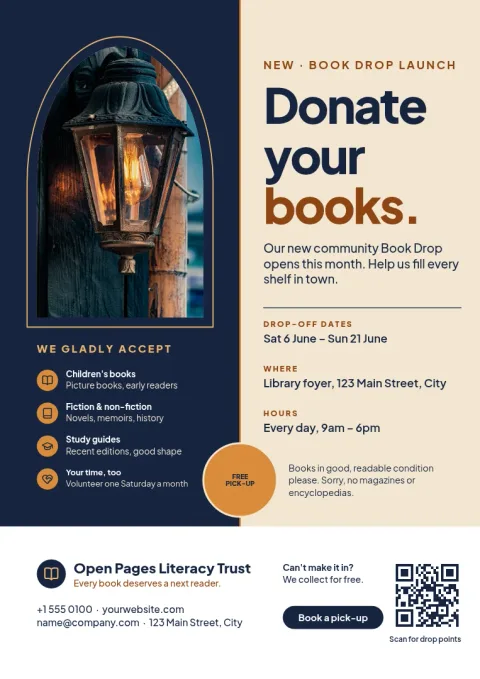
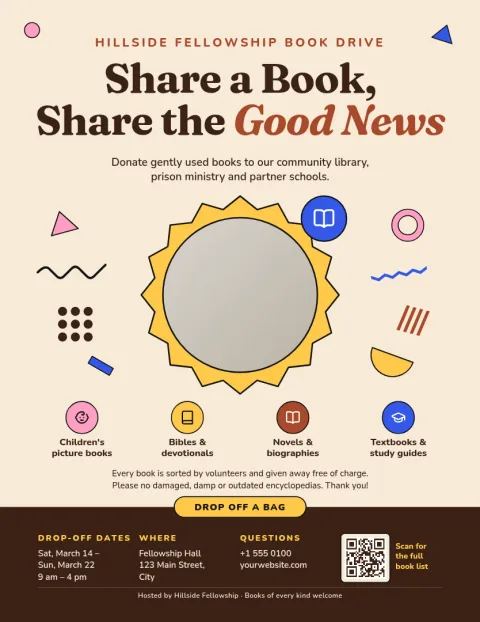
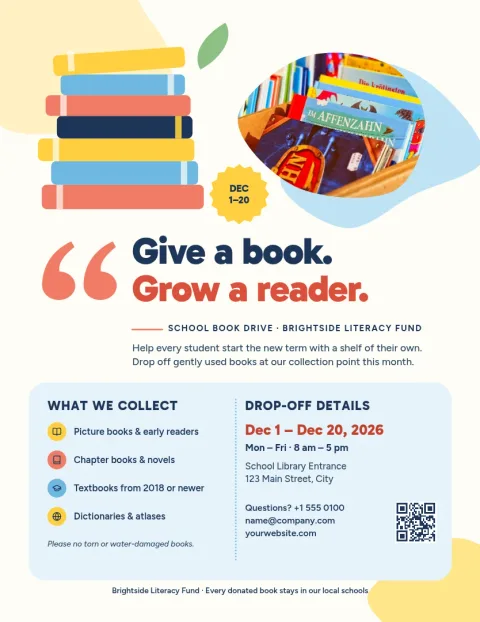
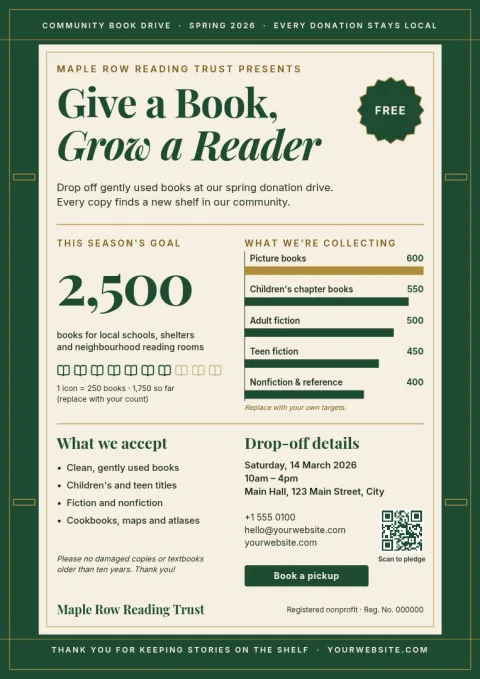
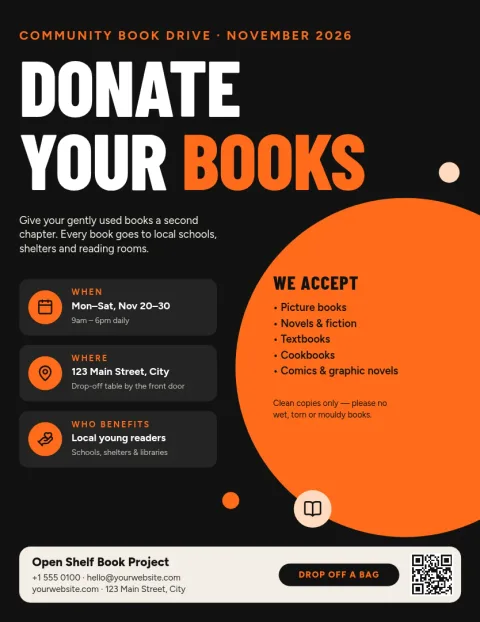
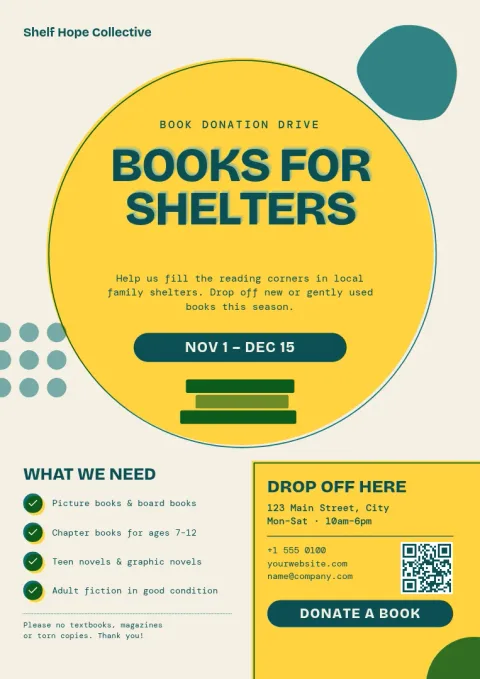
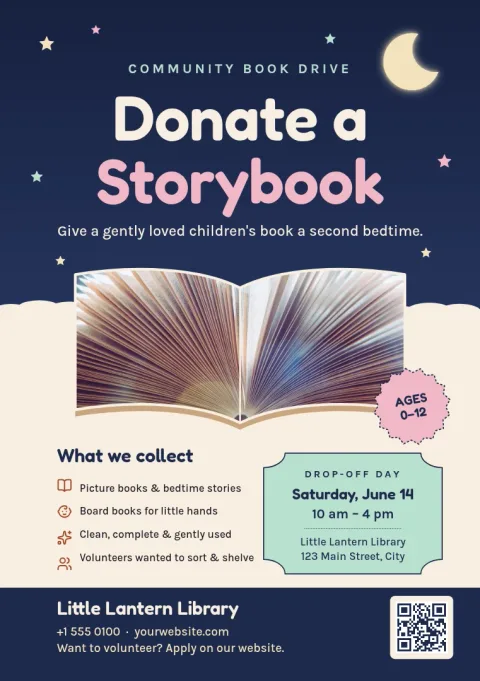
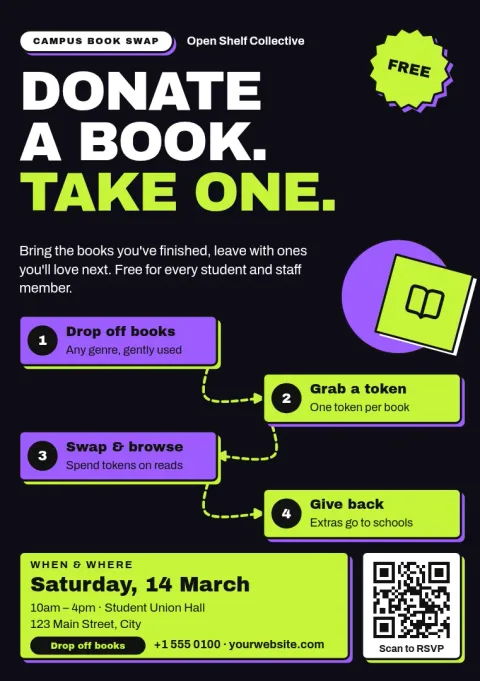
What to put on a book donation flyer
Keep it short. Say what you are collecting, such as children's books or paperbacks, and who the books will help. Add the drop-off place, the dates and a contact. If there are books you cannot accept, like old textbooks, add one line about it. A clear headline does most of the work.
Choose a design that fits your drive
A school library drive suits bright colours and big type. A community or church collection may suit something calmer. These templates cover playful, quiet, bold and photo-led looks, so pick the one that matches the people you want to reach, then change the wording to match.
Edit, save and share
Open a template in the Nimply Design editor in your browser. Change the text, fonts, colours, photos and layout. If you have a brand kit, it keeps your colours, fonts and logo consistent. Download as PNG, JPG, WebP, PDF or SVG, or send the design into a Nimply post for approval and scheduling.
Frequently asked questions
Can I change the wording on a template?
Yes. Every line of text can be edited, along with fonts, colours, photos and layout. Replace the sample drop-off place, dates and contact with your own, and add or remove sections as your drive needs.
Which file types can I download?
You can download your flyer as PNG, JPG, WebP, PDF (standard or vector) or SVG. PDF is a common choice if you plan to print it yourself or hand it to a print shop.
Which sizes are available?
The templates here come in US Letter, A4 and A5 flyer sizes. Pick the one that matches the paper you use or the space on your noticeboard.
Does downloading a template use AI credits?
No. Downloading a template does not use credits. Only the AI photo tools, such as the background remover and Magic Layers, use AI credits.
Can I post the flyer on social media?
Yes. Download it as an image, or send the design straight into a Nimply post, where it can go through approval and be scheduled.
Make it yours in minutes
Open any template in Nimply Design, add your brand in one click, and send it straight into a post for approval and scheduling.