

Book Club Poster Template Free to Edit and Download
Fill your next meeting with readers. Choose a book club poster template free in Nimply Design, swap in your book title, date and venue, adjust fonts and colours, then download it or send it into a post. Eight styles, from cosy library to bold modern.
What to put on a book club poster
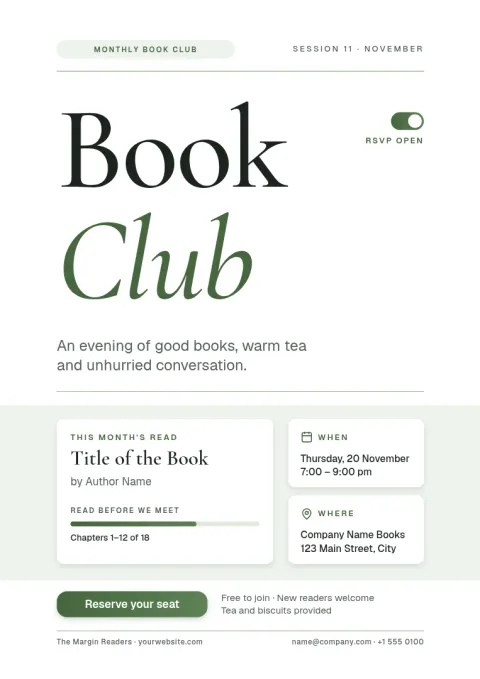
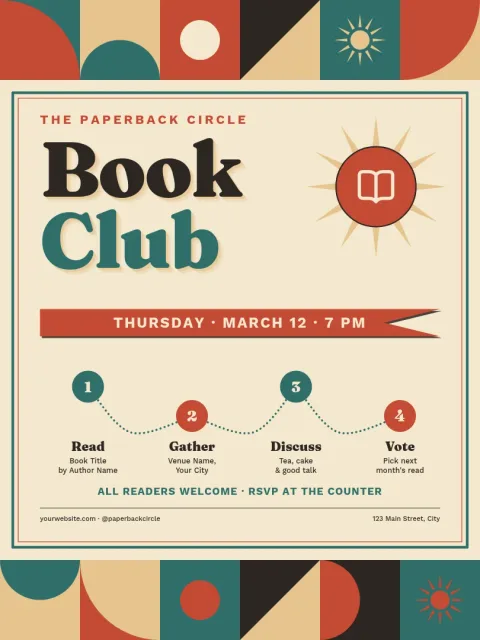
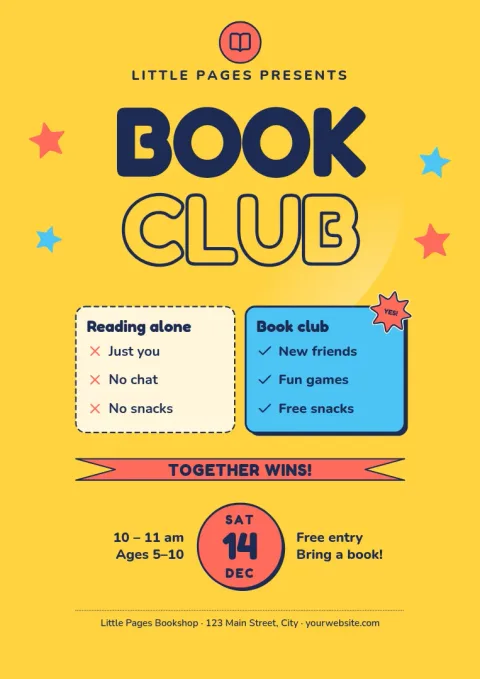
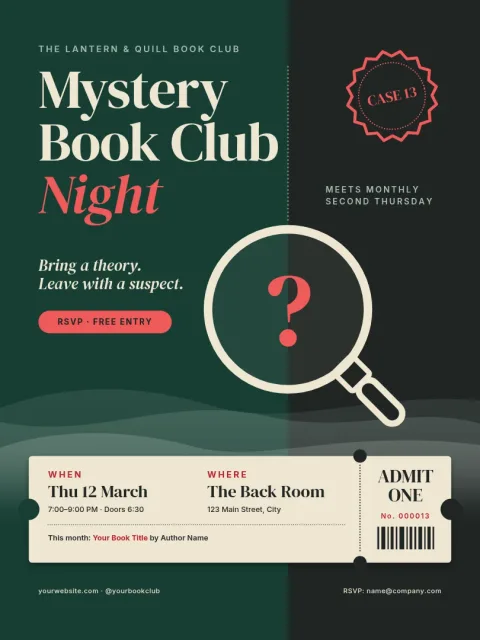
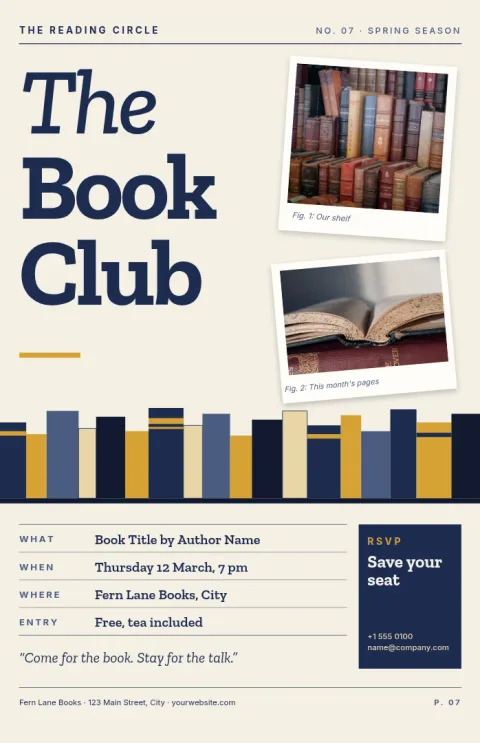
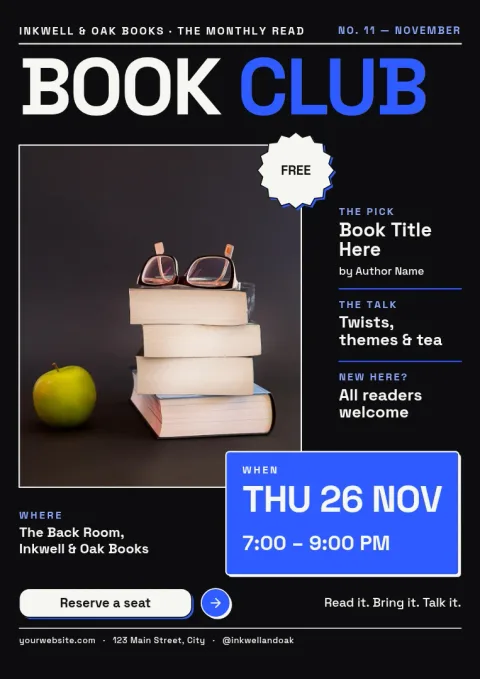
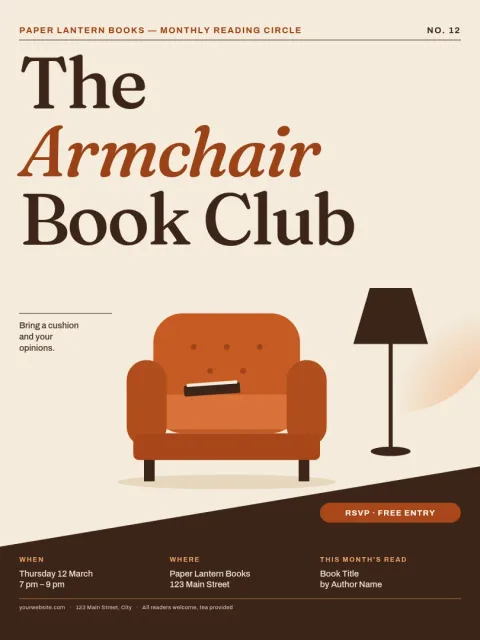
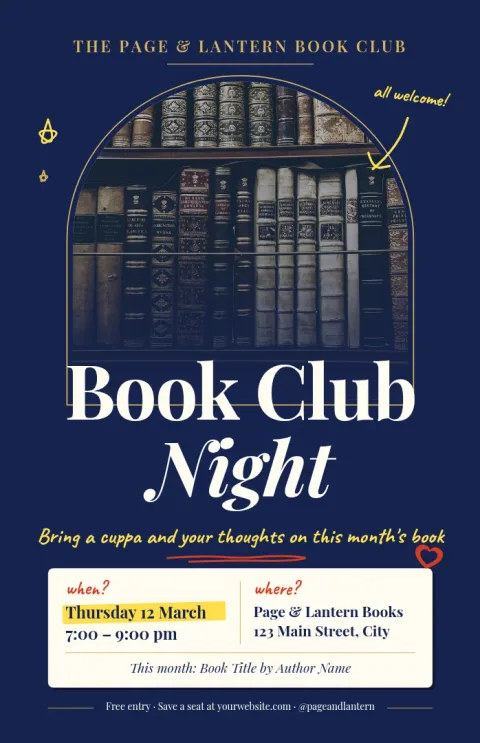
Keep it simple so people can act on it. Show the club name, the current book, the date and time, the place, and one way to join, such as an email or a sign-up link. A short line about who the club is for helps newcomers feel welcome. Every template here has room for these details.
Edit it in your browser
Open a template in Nimply Design and change the text, fonts, colours, photos and layout. If you run a library or bookshop club, a brand kit keeps your colours, fonts and logo consistent across every poster. You do not need to install anything.
Download or share
Download your poster as PNG, JPG, WebP, PDF (standard or vector) or SVG. You can also send the design straight into a Nimply post for approval and scheduling, so the same artwork can announce the meeting online. Downloading a template does not use AI credits.
Choose the right size
These templates come in common poster sizes: 11x17, A3 and 18x24. Pick a smaller size for a noticeboard or café window, and a larger one for a hall or shop display. Check the size before you export if you plan to print it yourself.
Frequently asked questions
Is there a free book club poster template I can edit?
Yes. Nimply Design is part of every Nimply plan, including Free. Open any template on this page, change the text, fonts, colours and photos, and download your poster.
What file types can I download?
You can download PNG, JPG, WebP, PDF (standard or vector) or SVG. PDF and SVG suit printing, while PNG and JPG suit sharing online.
Can I use my own photos and colours?
Yes. Replace the photo placeholders with your own images and change colours and fonts. A brand kit can store your colours, fonts and logo for reuse.
Can I share the poster on social media?
Yes. You can send the design straight into a Nimply post for approval and scheduling, or download it and post it yourself.
Does Nimply print the posters?
No. Nimply is where you design and download the file. You can print it at home or take the PDF to a print shop.
Make it yours in minutes
Open any template in Nimply Design, add your brand in one click, and send it straight into a post for approval and scheduling.