

Envelope window address templates you can edit online
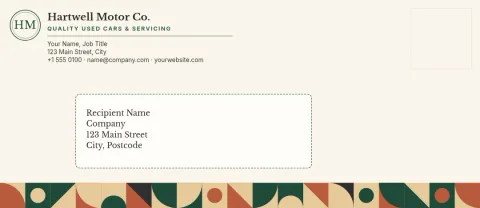
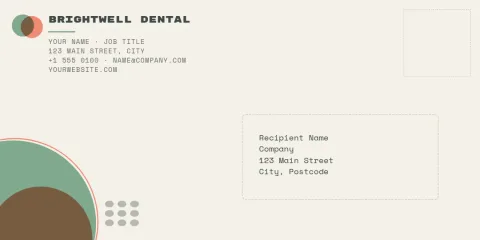
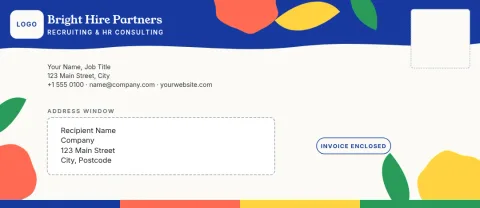
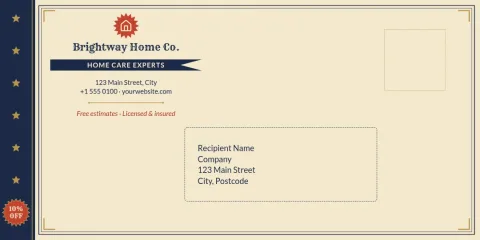
Start from a layout that already leaves a clear space for the address window. Add your return address and logo, change the colours and fonts to match your brand, and download the file when it looks right. Choose DL or #10 sizes.
What an envelope window address template does
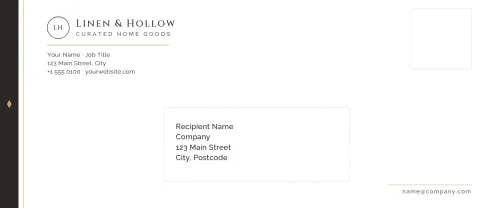
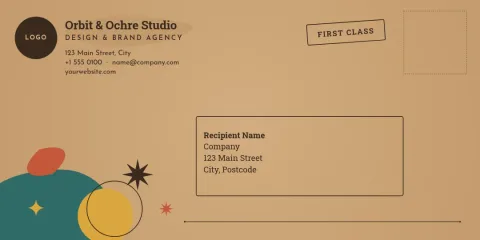
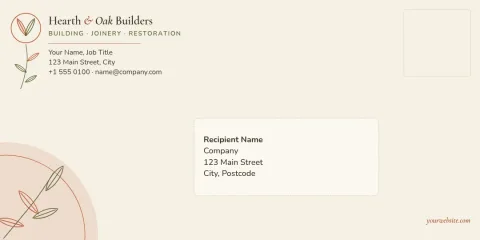
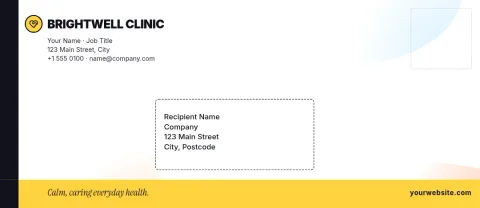
A window envelope shows the recipient's address through a cut-out, so the address is printed on the letter inside. These templates mark out where that window sits and keep your branding clear of it. You get a tidy front with your logo and return address, and nothing important hidden behind the window.
Check the window before you finish
Window size and position differ between envelope suppliers. Before you send anything to print, measure the window on your actual envelope and compare it with the guide area in the template. Move or resize your logo and text in the editor if they need more room. A quick test on plain paper helps.
Make it match your brand
Save your colours, fonts and logo in a brand kit, and they are ready each time you open a template. Change the text, swap colours, adjust the layout and try a few versions. Download as PDF (standard or vector), PNG, JPG, WebP or SVG. Downloading a template does not use AI credits.
Frequently asked questions
Which envelope sizes can I choose?
The templates here come in DL and #10 sizes, the two common formats for letters and invoices. Pick the one that matches the envelopes you buy, then adjust the layout in the editor if you need to.
Will the address line up with my envelope window?
Window positions vary by supplier, so measure your envelope and compare it with the guide area on the template. Move your elements in the editor if needed, and test with a plain paper print first.
What file formats can I download?
You can download PNG, JPG, WebP, PDF (standard or vector) or SVG. Vector PDF and SVG are useful when you want sharp logos and text at any size.
Can I add my own logo and colours?
Yes. Upload your logo, change colours and fonts, or save them in a brand kit so every template starts with your look. Templates are part of every Nimply plan, including Free.
Make it yours in minutes
Open any template in Nimply Design, add your brand in one click, and send it straight into a post for approval and scheduling.