

Secretary certificate template you can edit online
Pick a secretary certificate template, type in your company name, resolution wording, date and signature lines, and download a clean page. Each layout is a design starting point in the Nimply Design editor. Change text, fonts, colours and layout until it matches your records.
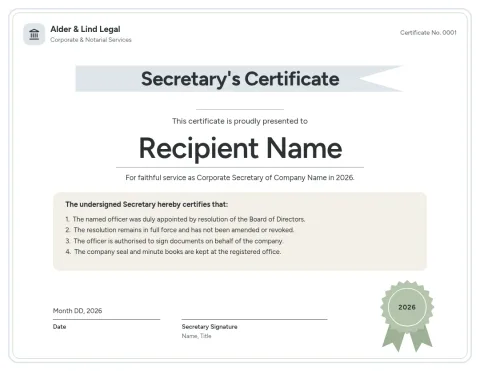 Minimal white officer's certificate
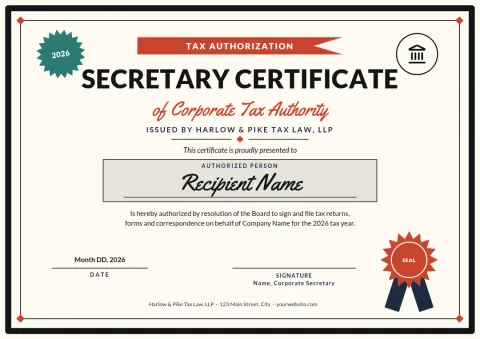 Bold black frame tax authorization certificate
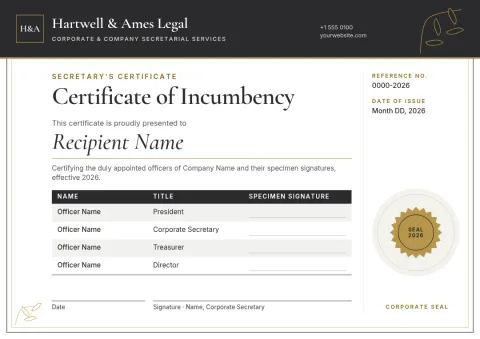 Charcoal and gold incumbency certificate
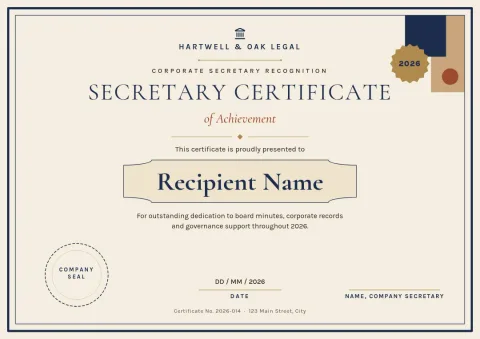 Classic navy corporate certificate
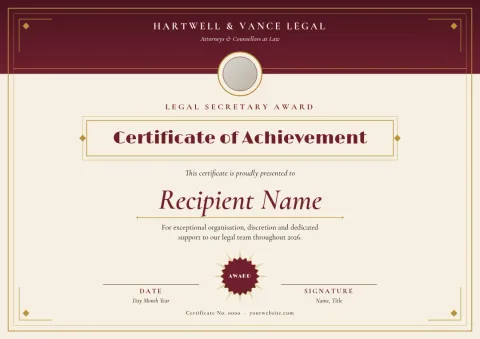 Law firm burgundy secretary certificate
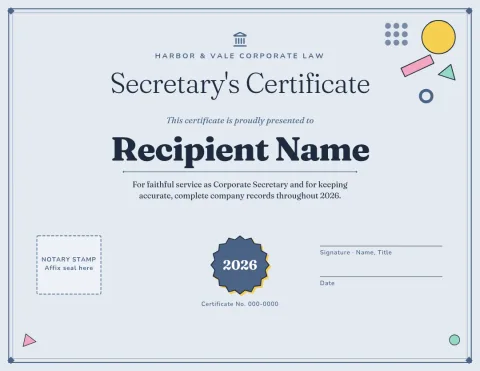 Heritage blue-grey notary-ready certificate
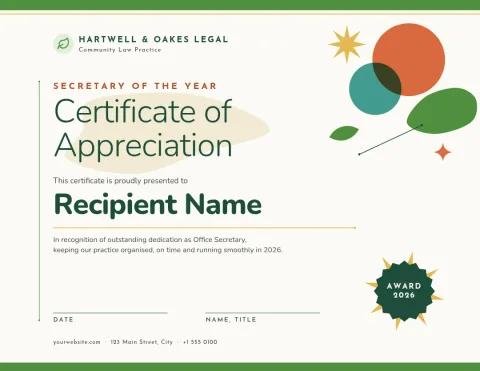 Green nonprofit secretary certificate
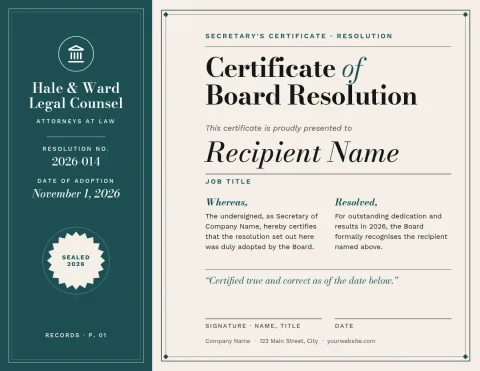 Modern teal board resolution certificate
What a secretary certificate template covers
A secretary's certificate is a short document where a company officer confirms facts, such as who the directors are, that a resolution was passed, or that bylaws are current. These templates give you the page layout: title, certifying statement, resolution area, signature block and an optional seal spot. You add the wording.
Make it match your company
Open any template and edit the text, fonts, colours, photos and layout. Add your logo and colours, or save them in a brand kit so every document looks consistent. Move the signature block, add a second signer line, or remove the seal area if you do not need it.
Download in the format you need
When the page is ready, download it as a PDF (standard or vector), PNG, JPG, WebP or SVG. Choose A4 or US Letter to suit where the document will be filed. Downloading a template does not use AI credits.
A note on legal wording
These templates are designs, not legal advice. The sample text is placeholder copy. Check the final wording against your bylaws, the requesting party's requirements and, where needed, a lawyer or your company's corporate counsel before anyone signs.
Frequently asked questions
Is the wording in these templates legally valid?
The templates are layouts with placeholder text, not legal advice. Replace the sample wording with language that fits your company and the party asking for the certificate, and have a lawyer review it if the stakes are high.
Can I change the page size?
Yes. Templates come in A4 or US Letter. You can pick whichever suits where the certificate will be filed or sent, and adjust the layout after that.
What file formats can I download?
You can download PDF (standard or vector), PNG, JPG, WebP or SVG. Downloading a template does not use AI credits.
Can I add my logo and brand colours?
Yes. Edit colours and fonts directly, drop in your logo, or use a brand kit so your colours, fonts and logo are ready every time you start a new document.
Make it yours in minutes
Open any template in Nimply Design, add your brand in one click, and send it straight into a post for approval and scheduling.