

Hair salon business card template designs you can edit
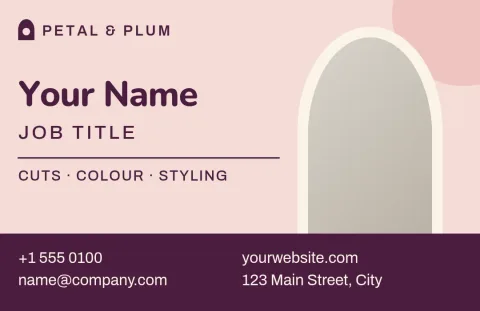
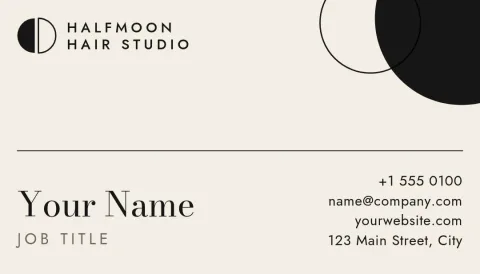
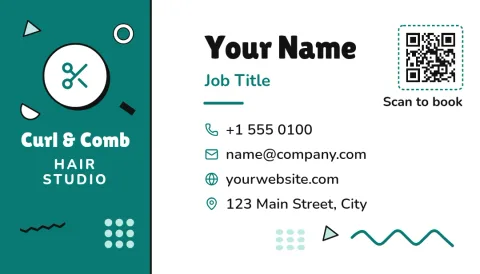
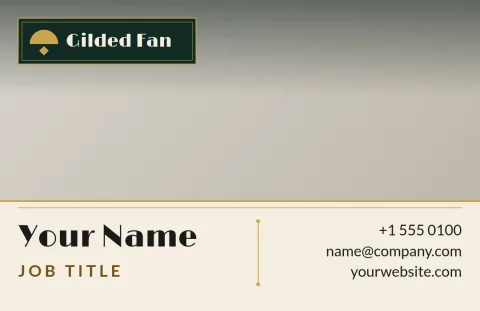
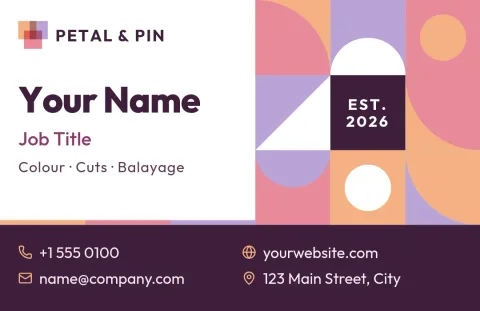
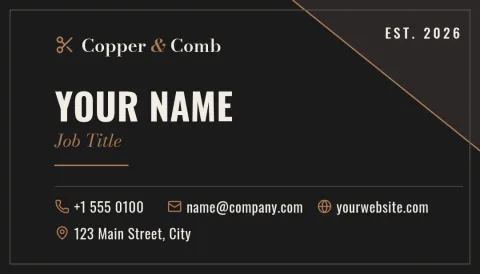
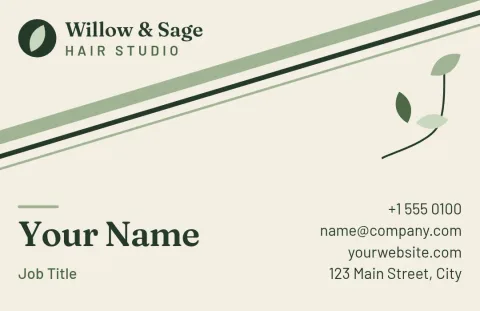
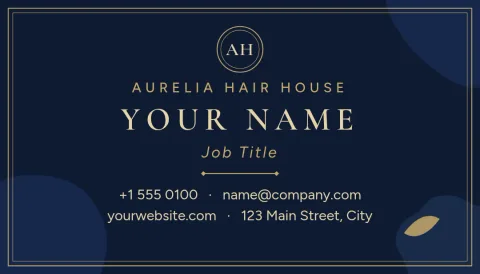
Start with a hair salon business card template and make it yours in the browser. Swap in your salon name, phone number and booking link, change the colours to match your brand, and download the finished card. Choose from eight layouts, from quiet and minimal to bold and colourful.
What to put on a hair salon card
Keep it short enough to read at a glance. Your name or salon name, what you do (cuts, colour, extensions), a phone number or booking link, and your Instagram handle cover most of what clients need. Leave some empty space so the card feels calm, and use the back for opening hours or a rebooking reminder.
Edit every part of the design
Each template opens in the Nimply Design editor in your browser. Change the text and fonts, adjust colours, replace the photo placeholder with your own work, and move elements around. If you save a brand kit, your colours, fonts and logo are ready to apply to the next card.
Sizes and downloads
Templates come in US and EU business card sizes, so pick the one that matches where you plan to use the card. When you are done, download a PNG, JPG, WebP, PDF (standard or vector) or SVG. Downloading a template does not use AI credits.
Choosing a style that fits your chair
A barber shop and a colour studio attract different clients, so the card should look like the room. Dark, high-contrast designs suit barbers. Soft pinks and greens suit blow-dry bars and beauty salons. Photo-led cards work well when your colour work speaks for itself.
Frequently asked questions
Can I change the colours and fonts?
Yes. Every element is editable: text, fonts, colours, photos and layout. If you have a brand kit saved in Nimply, you can apply your own colours, fonts and logo so the card matches your salon signage and social posts.
Which card sizes are available?
The templates here use US and EU business card sizes. Choose the one that matches your region or the format you plan to use. Each template notes its size, and you can start from the other size by picking a different template.
What file formats can I download?
You can download PNG, JPG, WebP, PDF (standard or vector) or SVG. Vector PDF and SVG are useful if you need sharp edges at any size. Downloading a template does not use AI credits.
Do I need design skills?
No. The layouts are already set up, so you mainly replace the text and photo placeholder. Change as much or as little as you like.
Can I use the same design for Instagram?
Yes. Nimply Design has templates for social posts and stories too, and you can send a finished design into a Nimply post for approval and scheduling.
Make it yours in minutes
Open any template in Nimply Design, add your brand in one click, and send it straight into a post for approval and scheduling.