

Salon Flyer Template Free to Edit and Download
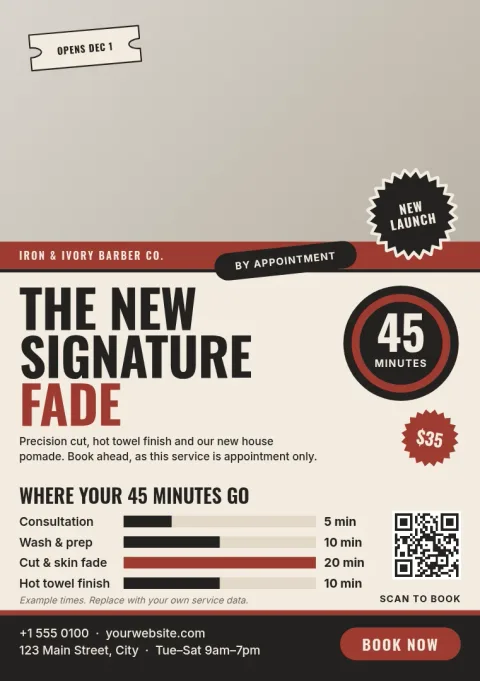
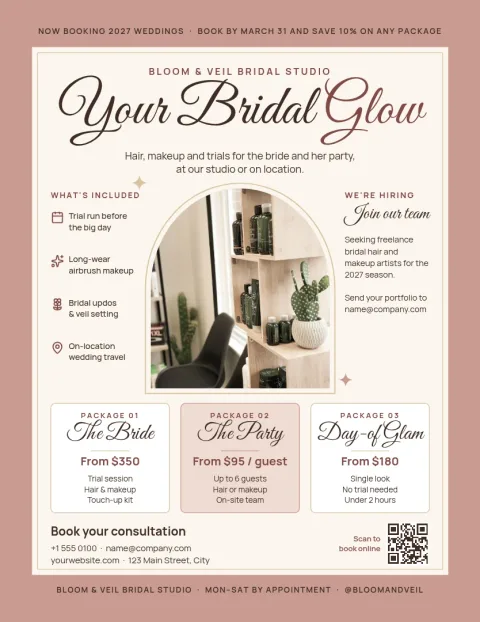
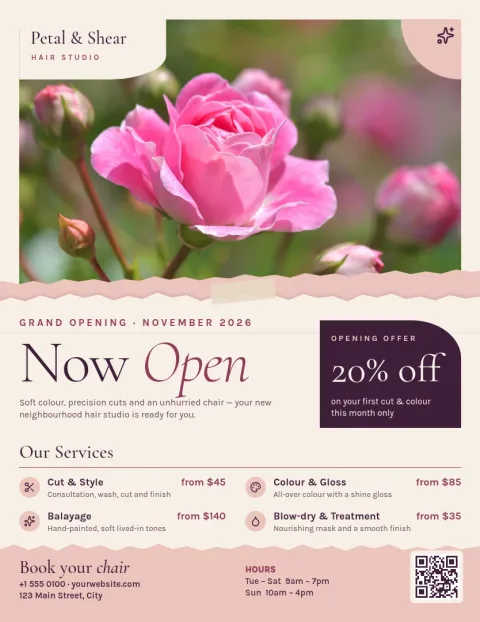
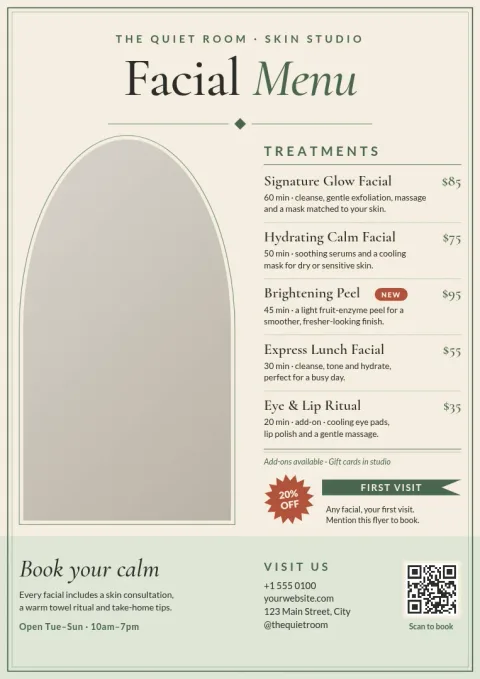
Choose a salon flyer template free to start with, then make it yours. Swap in your prices, services, colours and photos, and keep your logo and fonts consistent with a brand kit. Each design below suits a different kind of salon, from hair and nails to lashes and spa.
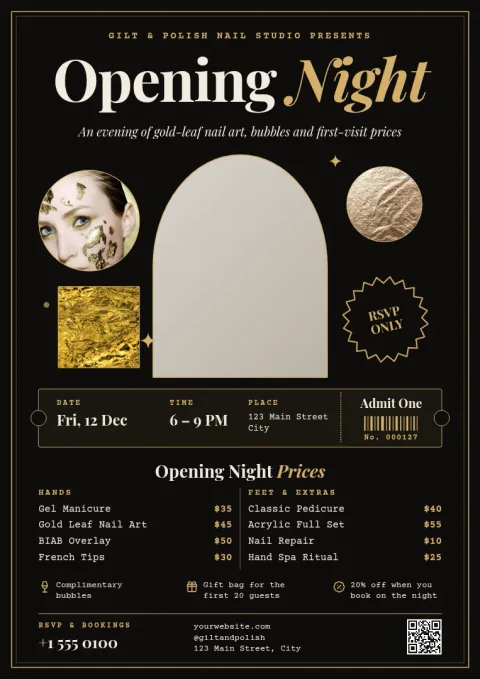
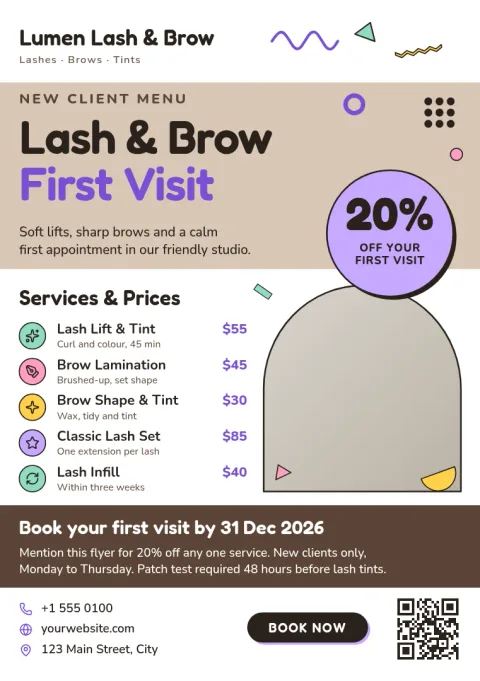
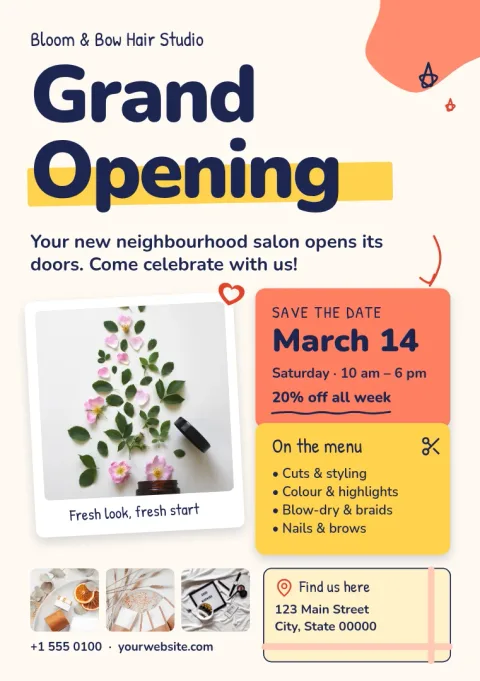
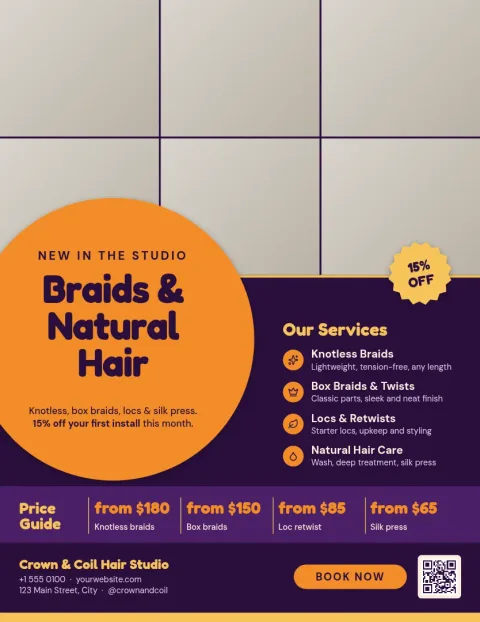
What you can change in each template
Every flyer opens in the Nimply Design editor in your browser. You can edit the text, fonts, colours, photos and layout. Replace the sample services with your own, add your phone number or booking link, and move things around until it fits. If you have a brand kit, it keeps your colours, fonts and logo ready to apply.
Choosing the right size
Templates come in US Letter, A4 and A5. Letter and A4 suit counter displays, window posters and notice boards. A5 is smaller and works well for handing out at the till or leaving at nearby shops. Pick the size that matches how you plan to share the flyer.
Download or share
When you are done, download the flyer as PNG, JPG, WebP, PDF or SVG. PDF is a good choice if you plan to take the file to a print shop. You can also send the design straight into a Nimply post for approval and scheduling, so the same flyer works on social media.
Frequently asked questions
Is the salon flyer template free to use?
Yes. Nimply Design is part of every Nimply plan, including Free. You can open a template, edit it and download it. Downloading a template does not use AI credits. Only AI photo tools, like the background remover, use credits.
Can I add my own photos and logo?
Yes. Replace the photo placeholders with your own pictures and add your logo. If you set up a brand kit, your colours, fonts and logo are saved so each new flyer matches your salon.
What file types can I download?
You can download PNG, JPG, WebP, PDF (standard or vector) or SVG. Choose PDF if you want to hand the file to a printer, or PNG and JPG for sharing online.
Can I use the flyer on Instagram too?
Yes. You can send the design straight into a Nimply post for approval and scheduling. For a better fit on social media, you can also start from a social post or story template in the editor.
Make it yours in minutes
Open any template in Nimply Design, add your brand in one click, and send it straight into a post for approval and scheduling.