

Price list poster template designs you can edit
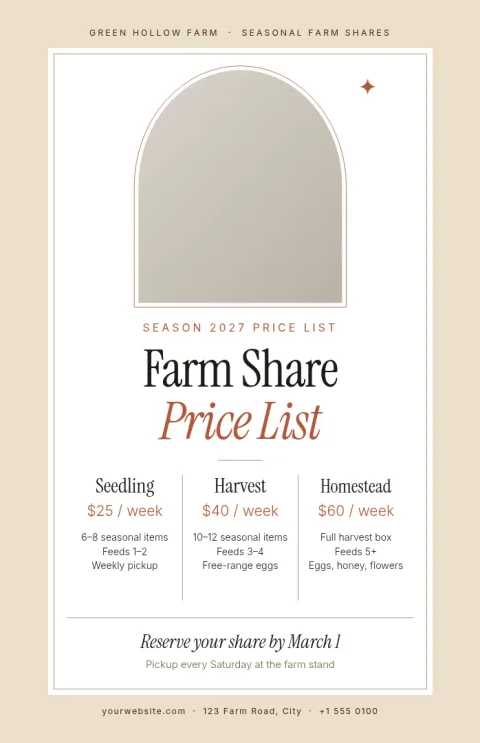
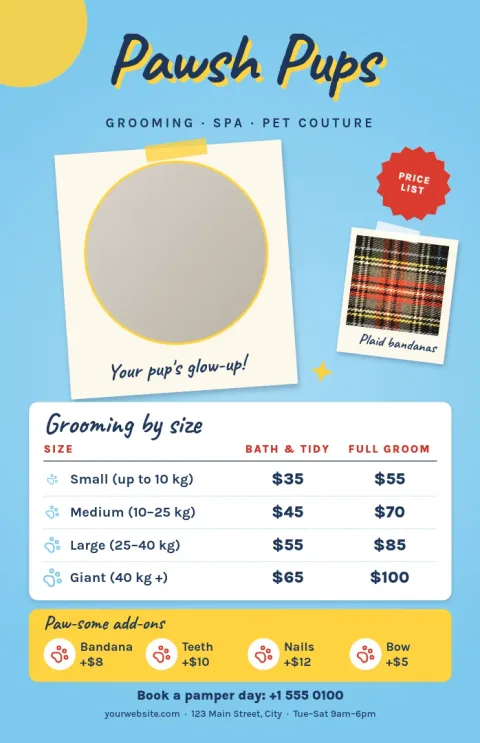
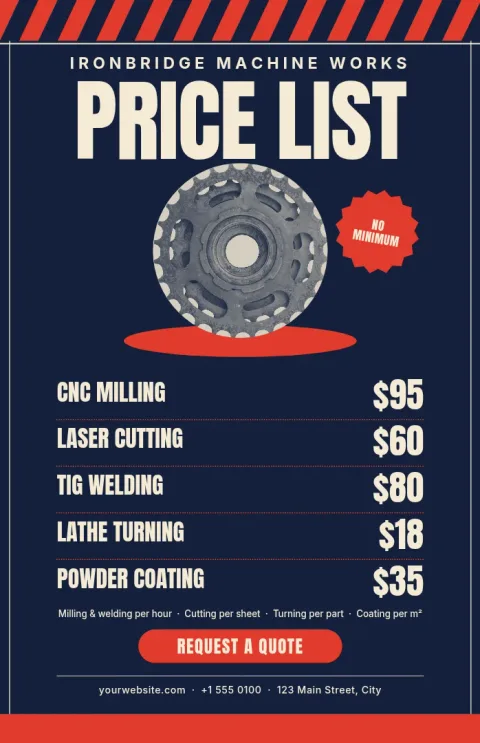
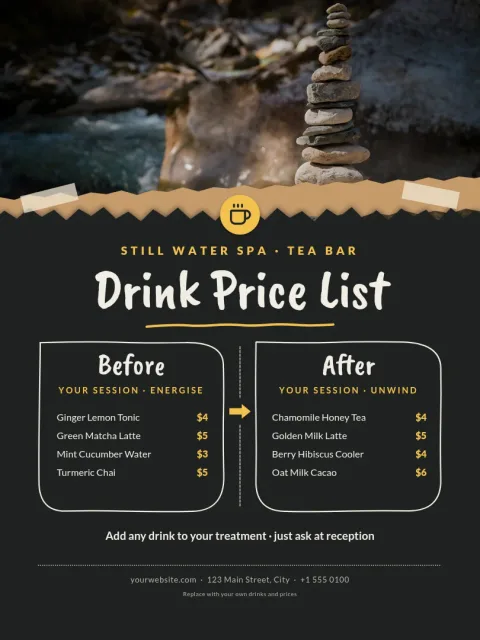
Show customers what things cost without answering the same question all day. Start from one of these eight layouts, swap in your services and prices, match your brand colours and download the finished poster. Each one suits a different kind of small business.
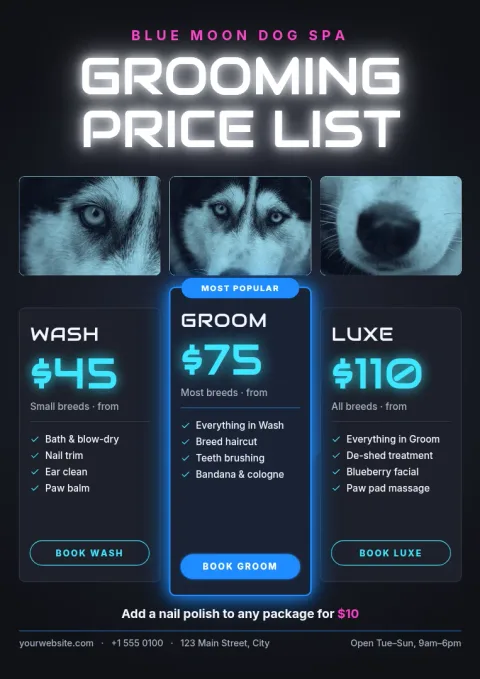
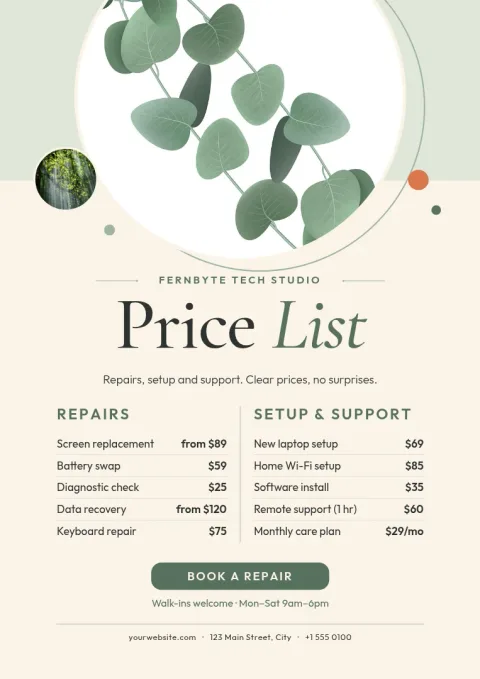
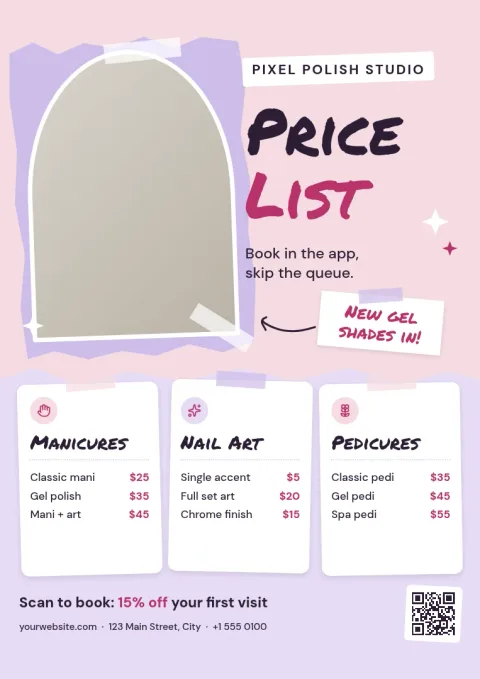
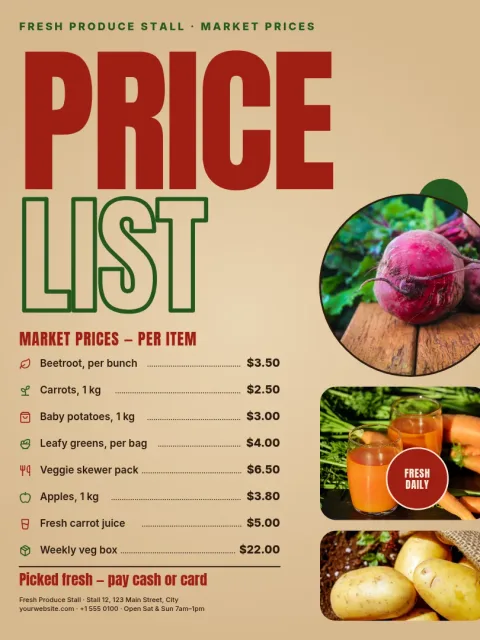
Make your prices easy to read
A good price list poster is read from a few steps away. These templates use large headings, clear spacing and a strong gap between item names and prices. Keep each line short, group items under a few headings and leave some empty space so nothing feels crowded.
Edit everything in your browser
Open a template in Nimply Design and change the text, fonts, colours, photos and layout. If you have a brand kit, it keeps your colours, fonts and logo ready so the poster matches your shop sign and social posts. Nothing needs installing.
Choose a size that fits your wall
Templates come in 18x24, A3 and 11x17 poster sizes. Pick the one that suits the space by your counter, window or stall. You can download as PDF (standard or vector), PNG, JPG, WebP or SVG. Downloading a template does not use AI credits.
Keep prices up to date
Prices change, and a saved design makes updating quick. Open the poster, edit the numbers, and download it again. You can also send the design into a Nimply post for approval and scheduling if you want to share your new prices online.
Frequently asked questions
Can I change the prices and items in these templates?
Yes. Every line of text is editable. Replace the sample items and prices with your own, add or remove rows, and adjust fonts, colours and layout until it fits your menu of services or products.
Which poster sizes are available?
The templates use 18x24, A3 and 11x17 poster sizes. Each template page shows which size it starts in, and you can pick the one that best fits where you plan to display it.
What file formats can I download?
You can download PNG, JPG, WebP, PDF (standard or vector) or SVG. PDF is a good choice for a clean, sharp poster, and PNG or JPG work well for sharing online.
Does downloading a template cost AI credits?
No. Downloading a template does not use AI credits. Credits are only used by AI photo tools such as the background remover and Magic Layers, and you can design without them.
Can I use my own logo and colours?
Yes. Upload your logo and set brand colours and fonts in a brand kit, then apply them to the poster so it looks like the rest of your business.
Make it yours in minutes
Open any template in Nimply Design, add your brand in one click, and send it straight into a post for approval and scheduling.