

Book launch poster template for your next release
Your book is almost out, and people need to know the date. Choose a book launch poster template below, add your cover, title, date and where to buy, and change the fonts and colours to match your genre. Edit it in your browser and download when it looks right.
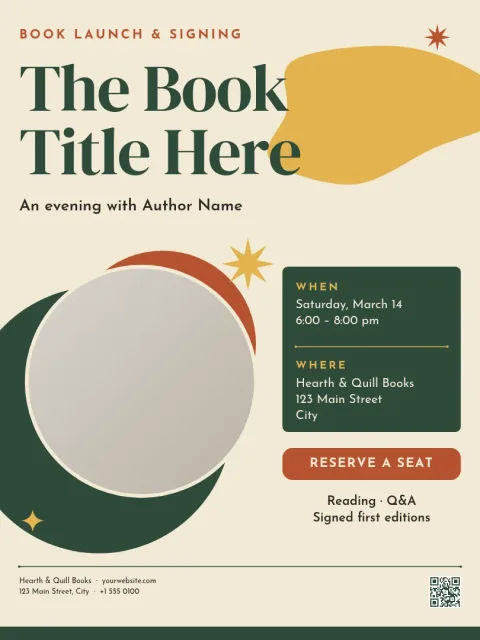
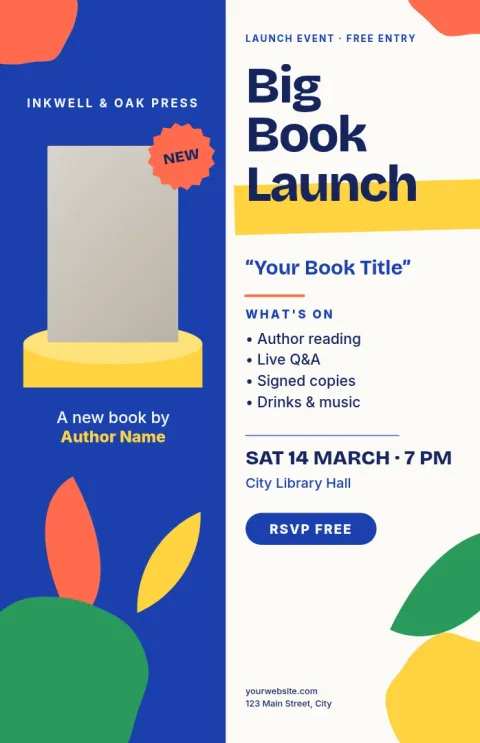
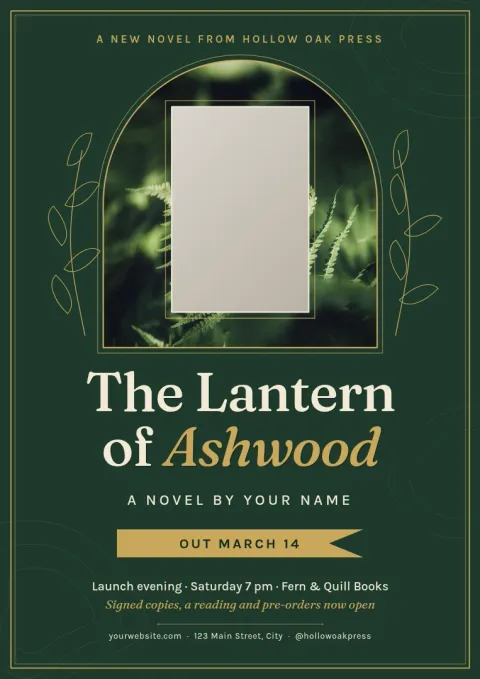
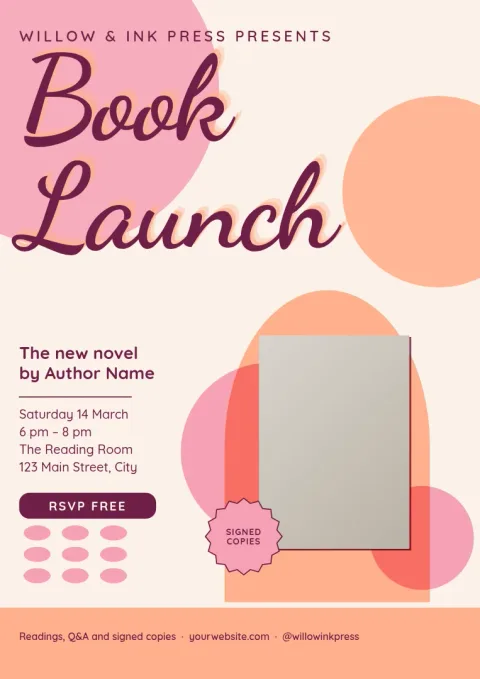
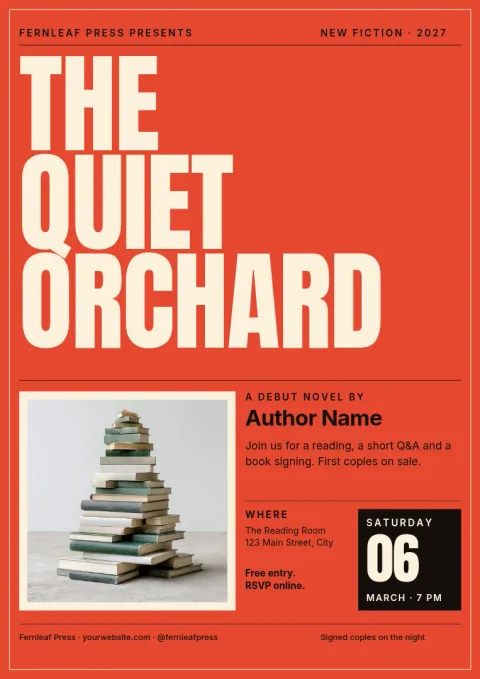
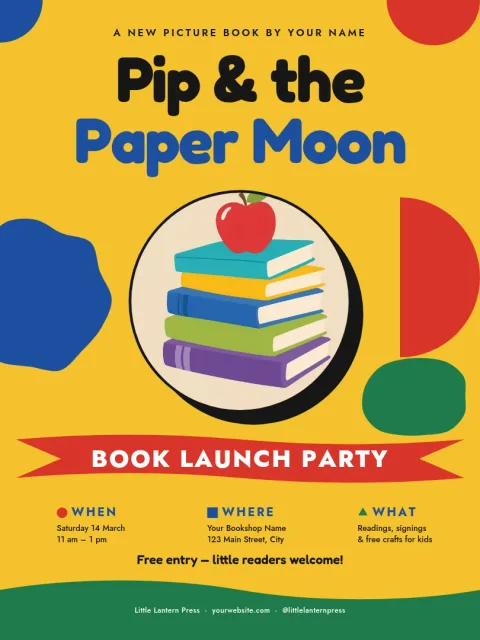
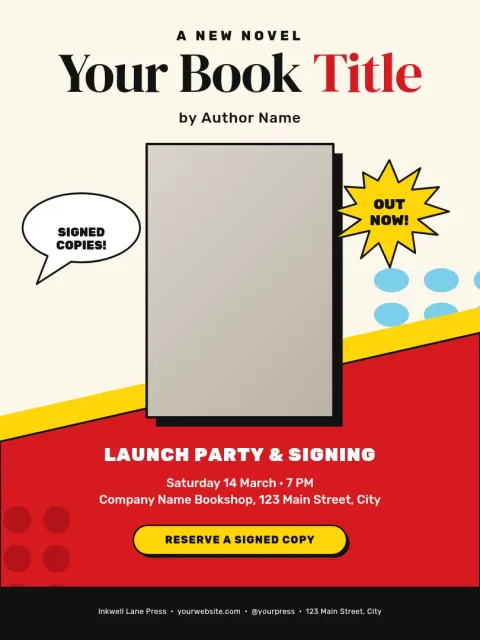
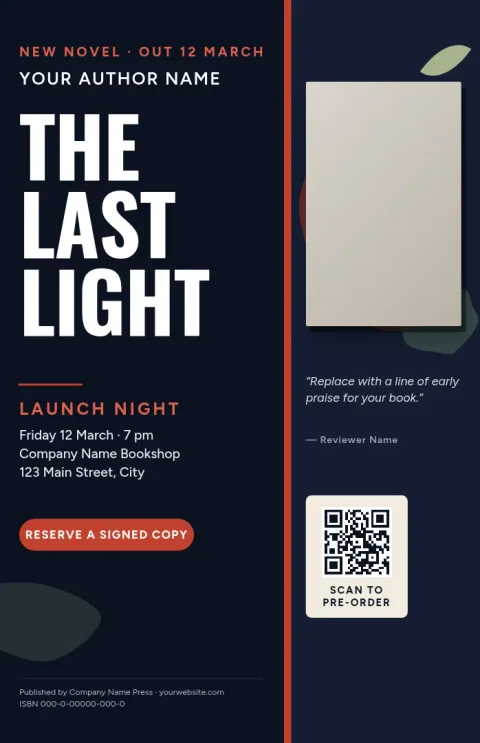
What to put on a book launch poster
Keep it to what a passer-by or scroller can take in at a glance: the title, your name, the launch date and one line that says what the book is about. Add the cover image and a single next step, such as a link, a QR code or a bookshop name. Everything else can wait for your website or newsletter.
Pick a style that fits your genre
A thriller reads best in dark tones with sharp type. A picture book wants bright shapes and rounded letters. Non-fiction often works with plain colour blocks and a strong headline. The eight templates here cover those moods, so start with the one closest to your cover and adjust from there.
Edit, download or send to a post
Every template is fully editable. Change the text, fonts, colours, photos and layout, and save your colours, fonts and logo in a brand kit if you launch more than one title. Download as PNG, JPG, WebP, PDF (standard or vector) or SVG, or send the design into a Nimply post for approval and scheduling.
Frequently asked questions
Is the book launch poster template free to use?
Nimply Design is part of every Nimply plan, including Free. You can open a template, edit it and download it without using AI credits. Credits are only used by AI photo tools such as the background remover and Magic Layers.
What size should a book launch poster be?
It depends on where it will be shown. These templates come in 18x24 in, A3 and 11x17 in. Choose 18x24 or A3 for a window or wall, and 11x17 for a noticeboard or a smaller space.
Can I use my own cover and author photo?
Yes. Replace the placeholder with your own cover image or author photo, then adjust the crop, position and colours around it. You are responsible for having the right to use any images you add.
Which file formats can I download?
You can download PNG, JPG, WebP, PDF (standard or vector) or SVG. You can also send the design straight into a Nimply post to get it approved and scheduled for your launch announcement.
Make it yours in minutes
Open any template in Nimply Design, add your brand in one click, and send it straight into a post for approval and scheduling.