

Book poster template for launches, signings and reading displays
Choose a book poster template, swap in your title, cover and details, and have something ready to share or print. Each design is fully editable in your browser. Change the words, fonts, colours, photos and layout until it fits your book, your shop or your classroom.
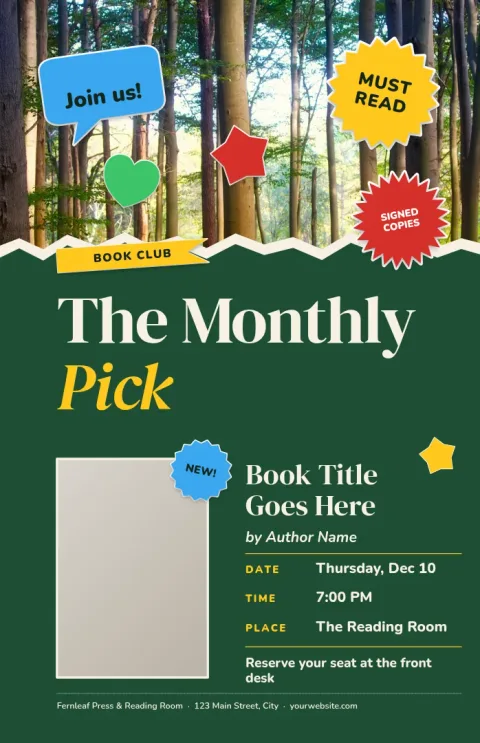

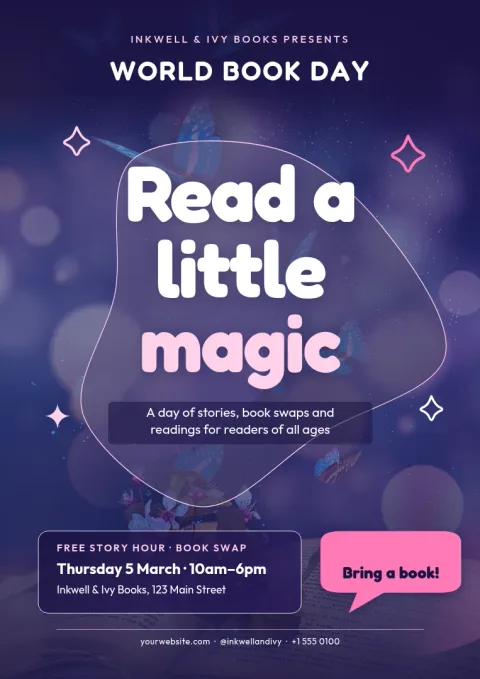
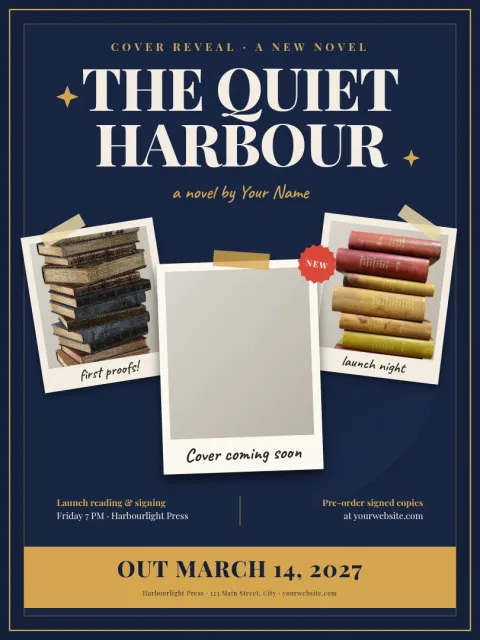
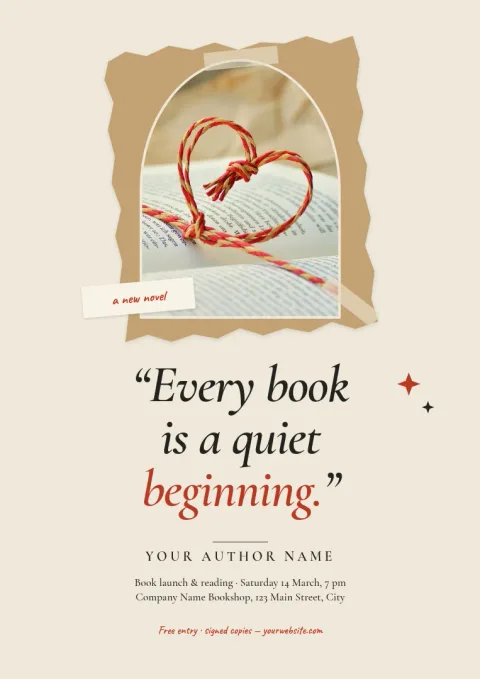
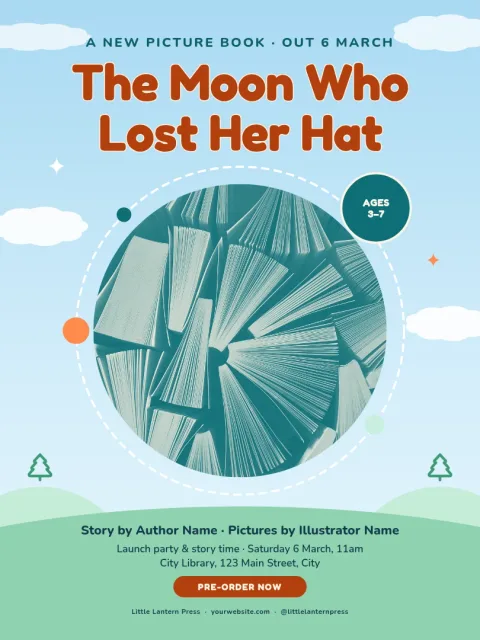
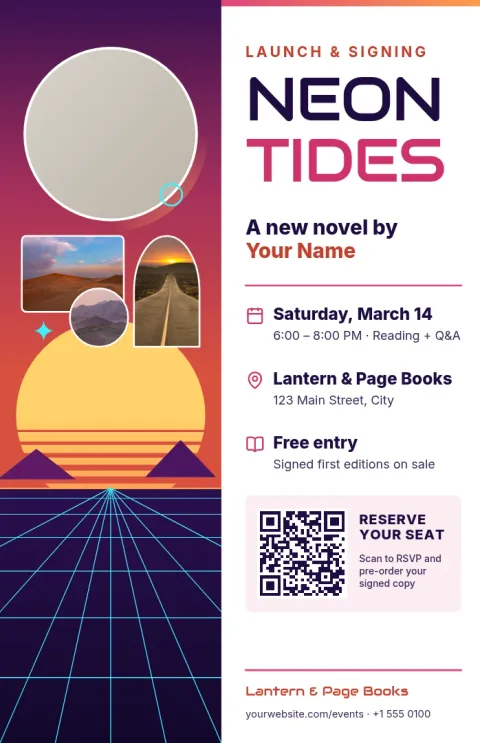
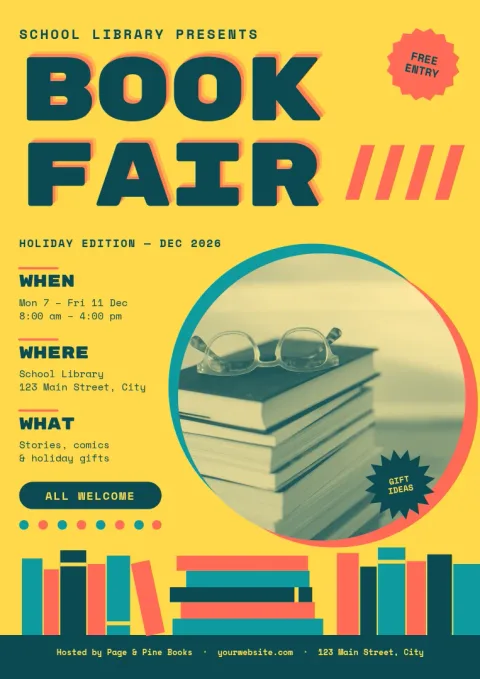
Pick a layout that fits the book
A novel launch needs a different look from a children's reading corner. The eight templates here cover bold cover reveals, quiet literary designs, signing events, book fairs and school displays. Start with the one closest to your mood, then change the details so the poster feels like your book.
Make it yours in the editor
Edit the title, author name, date and place directly on the poster. Change fonts and colours, replace the photo placeholder with your cover or author photo, and move things around. If you use a brand kit, your colours, fonts and logo stay consistent across every poster you make.
Download or share it
When you are happy, download the poster as a PNG, JPG, WebP, PDF or SVG. Choose a poster size such as 18x24, A3 or 11x17 before you start. You can also send the design straight into a Nimply post for approval and scheduling.
Frequently asked questions
Are these book poster templates free to use?
Nimply Design is part of every Nimply plan, including Free, so you can open a template and edit it in your browser. Downloading a template does not use AI credits. Only the AI photo tools, like the background remover, do.
What sizes can I choose?
The posters come in common sizes: 18x24, A3 and 11x17. Pick the one that suits where the poster will go, whether that is a shop window, a library wall or a social feed.
Which file formats can I download?
You can download PNG, JPG, WebP, PDF (standard or vector) or SVG. PDF and SVG are useful when you want sharp lines and text at larger sizes.
Can I use my own book cover?
Yes. Replace the photo placeholder with your cover image or an author photo, then adjust the layout, colours and text around it to match.
Can I reuse the same design for social media?
Yes. Edit the poster, then send it into a Nimply post for approval and scheduling, or download it and post it yourself.
Make it yours in minutes
Open any template in Nimply Design, add your brand in one click, and send it straight into a post for approval and scheduling.