

Art exhibition poster template designs you can edit online
Announce your show with a poster that looks considered. Choose an art exhibition poster template, swap in your artwork, dates and venue, and adjust fonts and colours to suit the work. Each design is built for a different kind of show, from quiet gallery openings to lively student exhibitions.
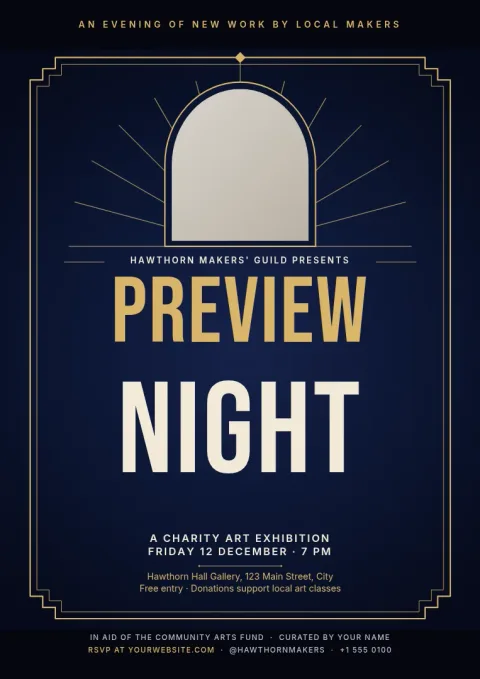
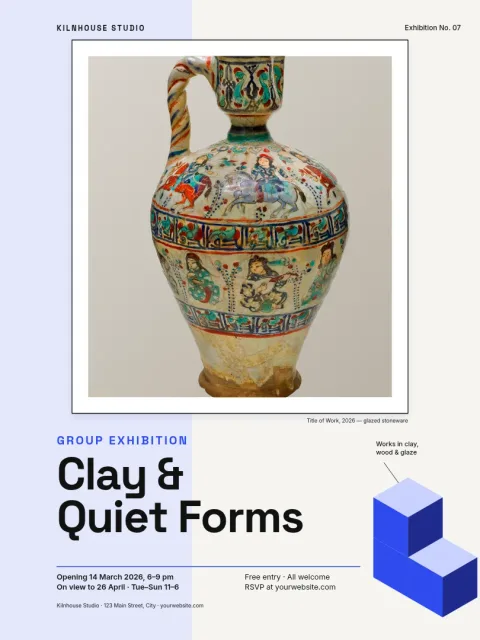
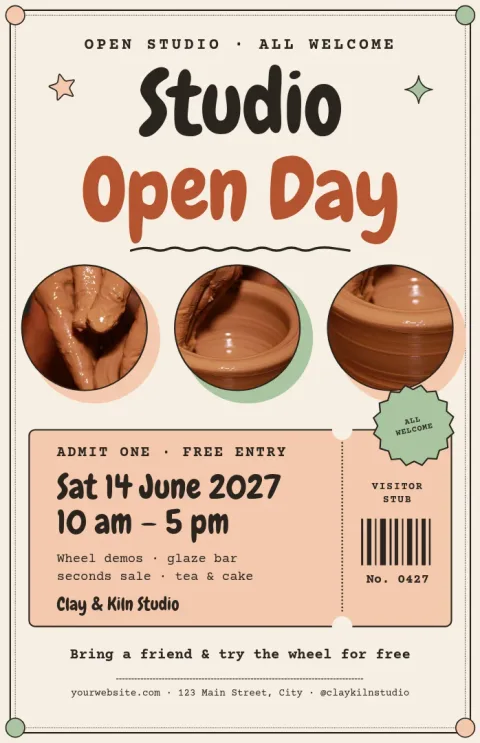
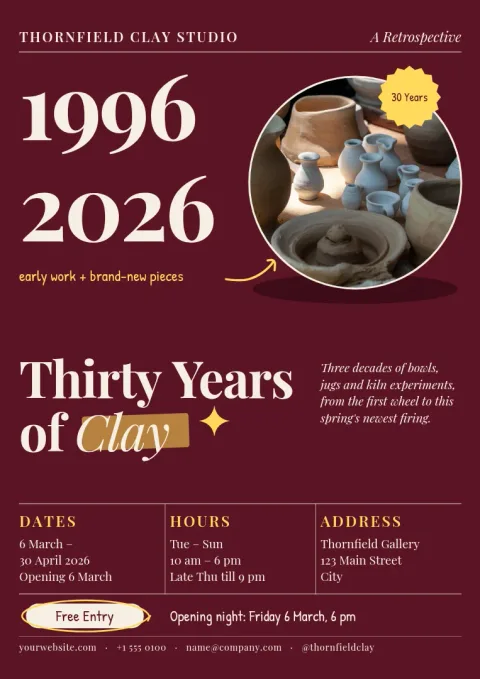
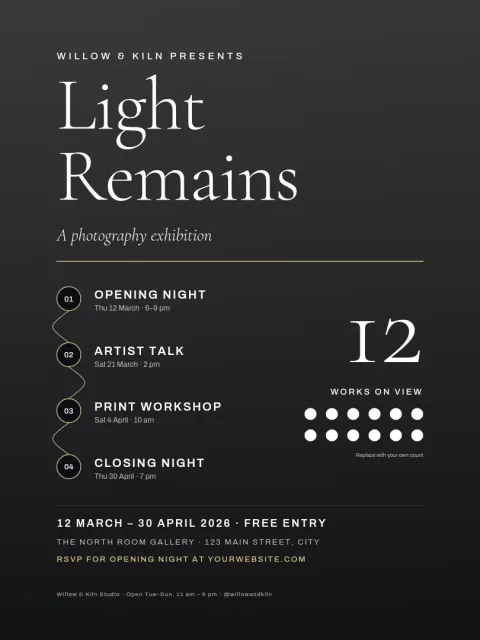
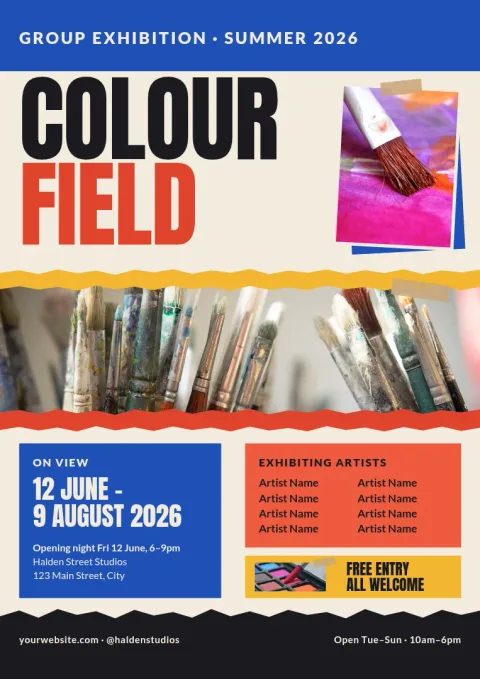
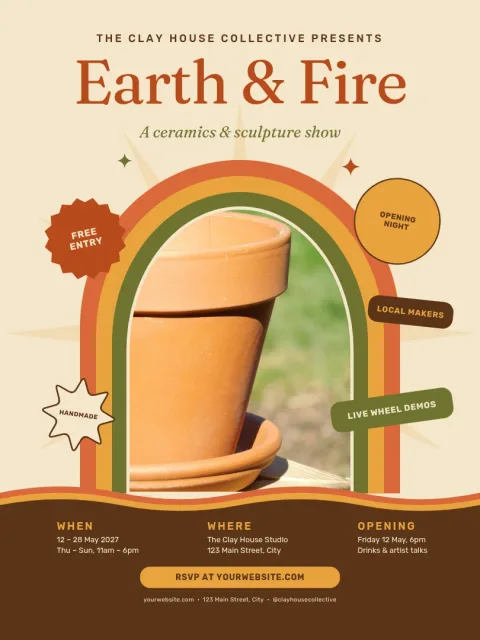
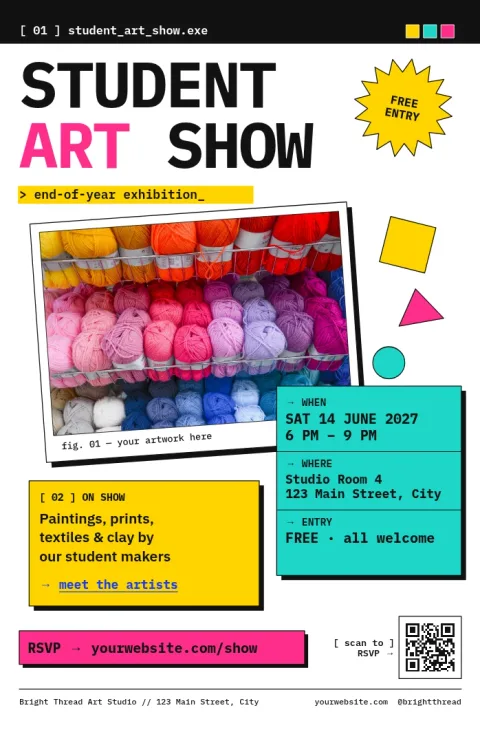
Pick a layout that suits the work
The poster should step back and let the art lead. Minimal layouts with plenty of white space suit paintings and prints. Dark, full-bleed designs suit photography. Warm, textured ones fit ceramics and handmade work. Start with the mood closest to your show, then change the details to match.
What to put on an exhibition poster
Keep the essentials easy to find: the show title, the artist or group name, opening date and times, and the venue address. Add one strong image rather than many small ones. If there is a private view or free entry, give it its own line so visitors spot it quickly.
Edit, save and share
Nimply Design runs in your browser and is part of every Nimply plan, including Free. Edit text, fonts, colours, photos and layout, and use a brand kit to keep your colours, fonts and logo consistent. Download as PNG, JPG, WebP, PDF or SVG, or send the design into a Nimply post for approval and scheduling.
Choose a size
The templates come in common poster sizes: 18x24, A3 and 11x17. Pick the one that matches where the poster will hang or how you plan to share it. Downloading a template does not use AI credits. Only the AI photo tools, such as the background remover, do.
Frequently asked questions
Can I change the colours and fonts?
Yes. Every text, colour, photo and layout element in these templates can be edited. If you have a brand kit, it keeps your colours, fonts and logo ready so the poster matches your other materials.
What file formats can I download?
You can download PNG, JPG, WebP, PDF (standard or vector) or SVG. Choose the format that suits where you will use the poster, whether that is a screen, a shared file or a document.
Do I need a paid plan to use these templates?
No. Nimply Design is part of every Nimply plan, including Free. Downloading a template does not use AI credits. AI photo tools, like the background remover, do use credits.
Can I share the poster on social media?
Yes. You can download the design, or send it straight into a Nimply post for approval and scheduling, so your exhibition announcement can go out alongside your other posts.
Which poster size should I choose?
Use 18x24 for a classic large poster, A3 for European sizing and 11x17 for a smaller tabloid format. Pick the size that matches where the poster will be displayed.
Make it yours in minutes
Open any template in Nimply Design, add your brand in one click, and send it straight into a post for approval and scheduling.