

Art show poster template designs you can edit online
Choose an art show poster template, add your dates, venue and a photo of your work, and have a poster ready the same day. Each design below is a starting point. Change the words, colours, fonts and layout in your browser, then download the file.
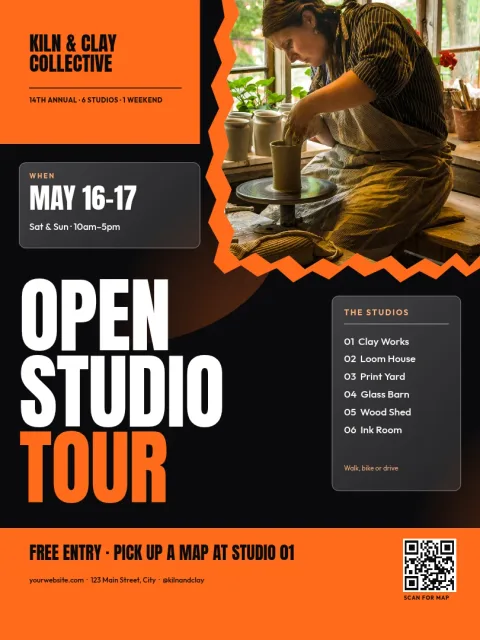
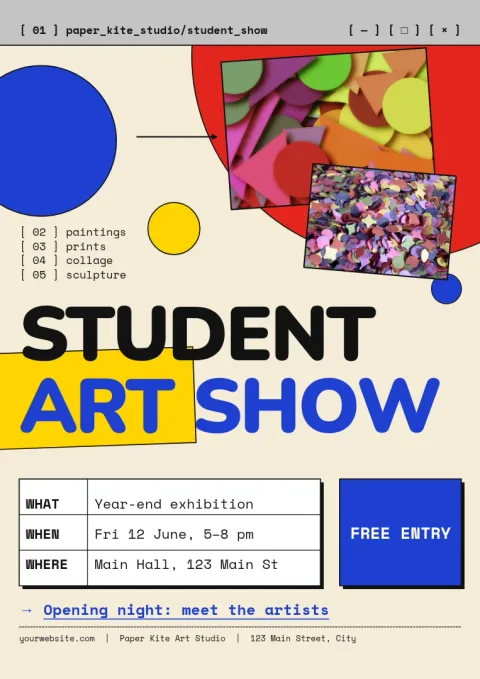
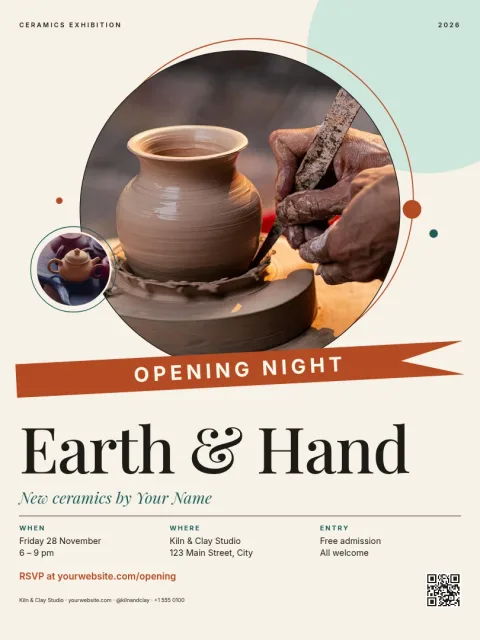
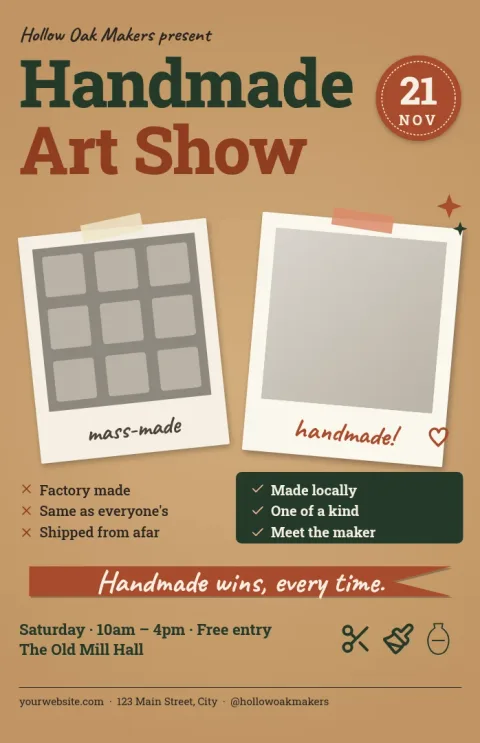
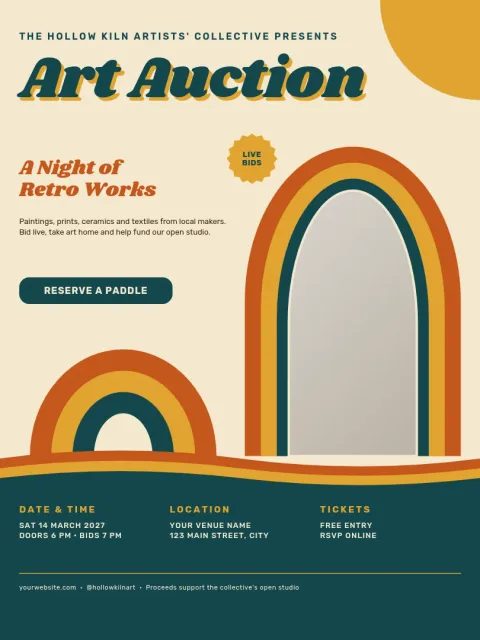
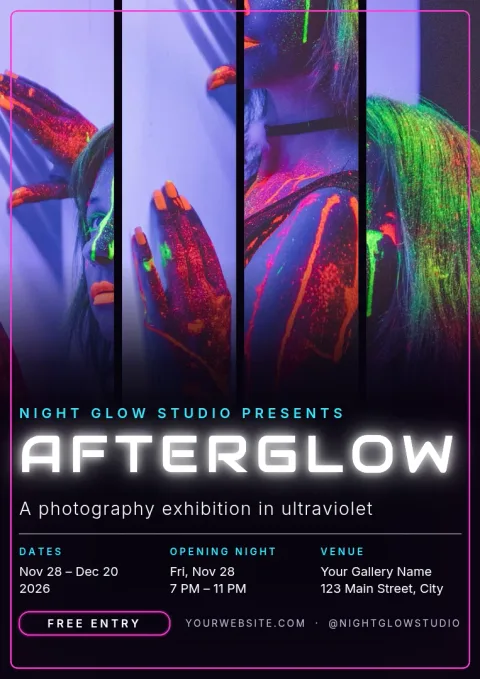
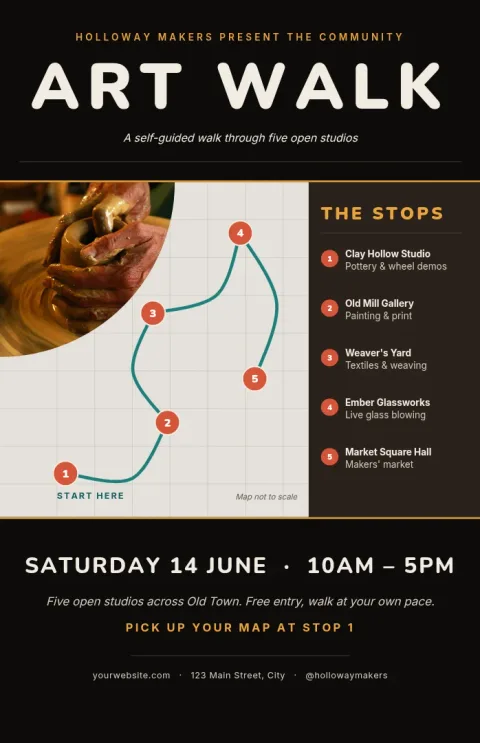
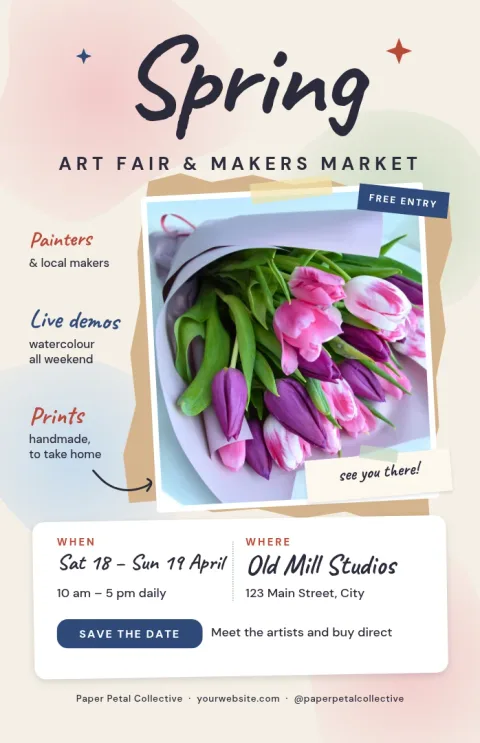
What to put on an art show poster
People decide in a few seconds whether to stop. Lead with the show name, then the date, time and address. Add one strong image of your work, and a line saying whether entry is free. If you need a website or social handle for details, keep it small at the bottom. Leave empty space so the art can breathe.
Pick a style that matches the work
A quiet layout with a serif title suits paintings and photography. Bright shapes suit a student or community show. Warm paper tones suit craft and maker events. Choose the template whose mood is closest to your art, then adjust the colours so the poster feels like it belongs to your show.
Edit and download in Nimply Design
Nimply Design runs in your browser and is included in every Nimply plan, including Free. Swap text, fonts, colours and photos, and save your colours, fonts and logo in a brand kit. Download as PNG, JPG, WebP, PDF or SVG, or send the design into a Nimply post for approval and scheduling.
Frequently asked questions
Can I change the colours and fonts?
Yes. Every template is fully editable. You can change the text, fonts, colours, photos and layout. If you use a brand kit, your saved colours, fonts and logo are ready to apply, so the poster matches your other material.
Which file formats can I download?
You can download PNG, JPG, WebP, PDF (standard or vector) or SVG. Downloading a template does not use AI credits. Check the size your print shop or venue asks for before you export.
Which poster size should I choose?
These templates come in 18x24, A3 and 11x17 sizes. Pick 18x24 for a large wall poster, A3 if you work in metric sizes, and 11x17 for noticeboards and shop windows.
Can I share the poster on social media too?
Yes. You can download the image and post it yourself, or send the design straight into a Nimply post for approval and scheduling. For social, you may want to resize the design first.
Do I need design experience?
No. Start from a template, replace the sample text and photo placeholder with your own details, and adjust until it looks right. Most people only need to change a few lines and one image.
Make it yours in minutes
Open any template in Nimply Design, add your brand in one click, and send it straight into a post for approval and scheduling.